- OLED burn-in is an irreversible degradation of pixels caused by static images and excessive brightness.
- Detection is performed using solid color and grayscale tests to locate ghost images.
- There are effective preventative measures such as pixel shifting and the use of dynamic content.
- Temporary image retention is reversible, unlike permanent damage to the organic structure.

If you've spent a good amount of money on an OLED screen, you're probably looking for that incredible image quality, with blacks that look like a black hole and vibrant colors. However, there's a fear that haunts all users: that the news channel's logo or the Windows taskbar will become permanently ingrained in the screen , ruining the viewing experience.
This phenomenon, technically known as burn-in, is the Achilles' heel of organic technology. Although manufacturers have made significant progress, the risk remains, especially if you're someone who leaves the TV on all day or uses the monitor for intensive office work. The important thing is knowing how to identify the early symptoms and what steps to take to prevent your device from failing prematurely.
What exactly is OLED burn-in and why does it happen?
To put it simply, the pixels on an OLED screen are organic and wear down over time. The problem arises when some pixels are working harder than others; for example, if you have a static, very bright element, those specific pixels degrade faster than the rest. This causes permanent discoloration or ghosting that becomes visible against uniform backgrounds.
This should not be confused with image retention. Retention is temporary, a kind of pixel "fatigue" that disappears when the image changes. Burn-in, on the other hand, is irreversible damage to the material , as the subpixels (green being the most sensitive in some technologies like QD-OLED) lose their ability to emit light correctly.
How to perform a professional burn test at home
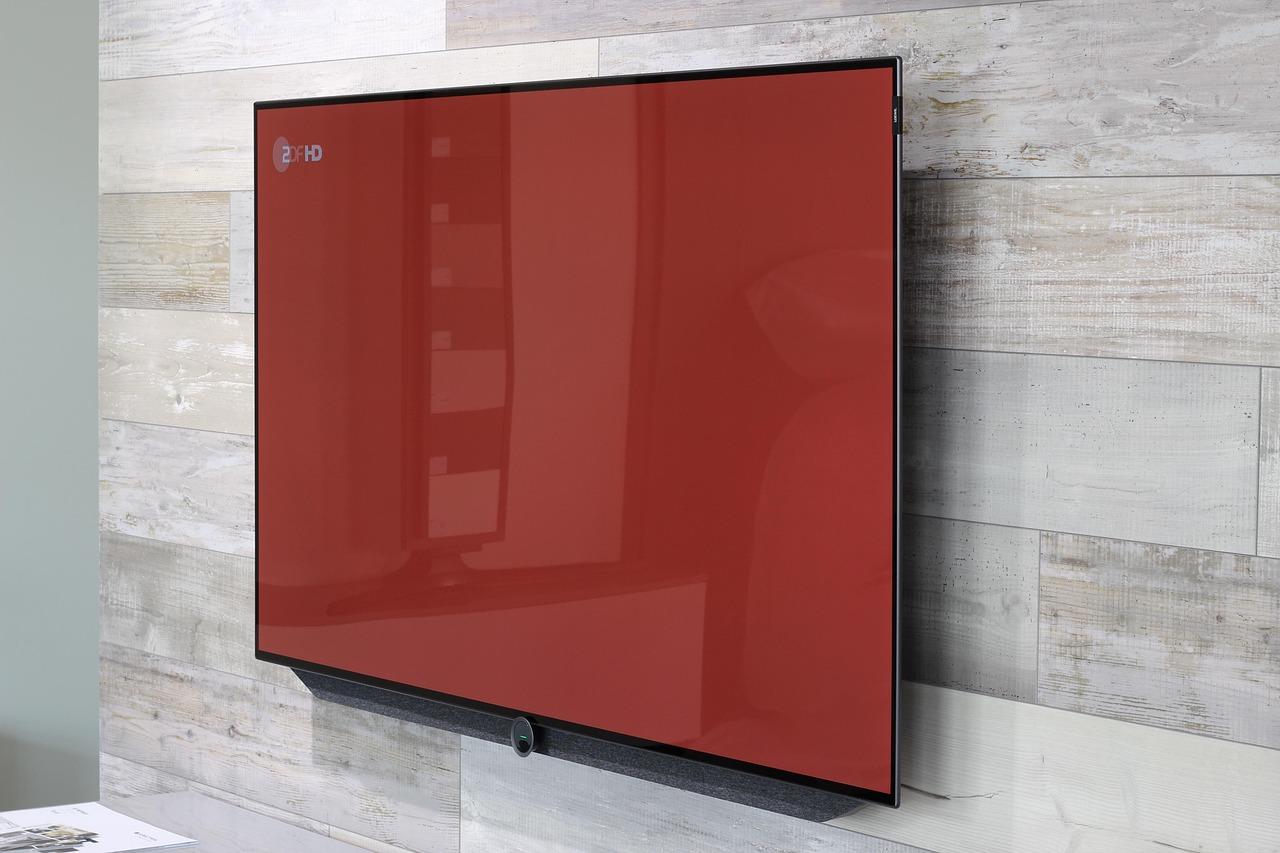
If you suspect your screen has marks, you don't need to be an engineer. The most effective way to check is by using solid color patterns and gray gradients in full-screen mode. By removing distractions from normal content, any irregularities will be immediately apparent.
- Black backgrounds: They are used to detect light leaks or faint logo outlines.
- Red, green and blue: They help to see if there is differential wear between the primary colors.
- Grayscale: This is where the burn is most noticeable. This is where the burns usually appear. navigation bar shadows or the mobile phone clock.
- Solid white: It allows you to identify uniformity spots or dead pixels.
For the test to be reliable, you should pay particular attention to critical areas: the top where the battery and time are located on smartphones, or the area with subtitles and logos on televisions. If you see a mark that repeats in several colors , unfortunately, you have a confirmed case of burn-in.
Wear analysis: How much can a panel really withstand?

There's a common misconception that OLED screens die quickly, but the reality is more nuanced. Intensive testing has shown that even subjecting a QD-OLED monitor to 60 hours of office work per week with minimal maintenance, the panel can last for more than three years before damage becomes noticeable . Interestingly, the most aggressive degradation occurs in the first six months.
Another reassuring fact is that the maximum brightness doesn't drop drastically. In tests of extensive use, the loss of luminance has been minimal, barely 2%, meaning that the human eye hardly notices the difference in light intensity, even though the marking is visible against gray backgrounds.
Tips and tricks to prevent your screen from burning out
The good news is that burn-in is a manageable risk if you're careful. There are several built-in features and habits that can make your panel last a lifetime. The most important thing is to avoid constant maximum brightness, as the heat and intensity accelerate the wear and tear of the organic materials.
At the software and configuration level, you can apply the following:
- Pixel displacement: A function that subtly shifts the image so that the wear is spread across the entire screen.
- Refresh cycles (Pixel Refresh): It is vital to run the pixel cleanings recommended by the manufacturer, as they help to homogenize the wear of the panel.
- Dynamic backgrounds: Change your wallpaper often and use screen savers that activate quickly.
- Hide static elements: In Windows, you can set the taskbar to automatic mode so it's not always there bothering you.
In professional environments, some companies use panels with stricter durability standards and automatic brightness limiting algorithms that detect static content and automatically dim it to protect the equipment's lifespan.
Caring for an OLED screen is basically a matter of common sense and preventative maintenance. If you alternate the content you view, avoid excessive brightness, and use the cleaning cycles, the risk of permanent marks is extremely low, allowing you to enjoy the best visual quality on the market for many years without having to worry about ghosting.
