- Advantages of using advanced configurators to customize each component and optimize performance.
- Importance of having specialized technical support and extended warranties in professional assembly.
- Analysis of estimated costs and expected lifespan of a mid-range gaming computer.

If you've caught the bug for a machine that can run any current game smoothly, you'll know that designing a custom computer is the smartest approach. It's not just about buying random parts, but about creating an ecosystem where each component enhances the one before it, avoiding bottlenecks and ensuring your investment is worth every penny.
Fortunately, these days you don't need to be a NASA engineer to achieve this. Tools and services exist that allow you to customize every detail of your PC tower, from the graphics card's power to the airflow, so that you end up with a system on your desk that's exactly what you envisioned.
The advantage of using professional configurators
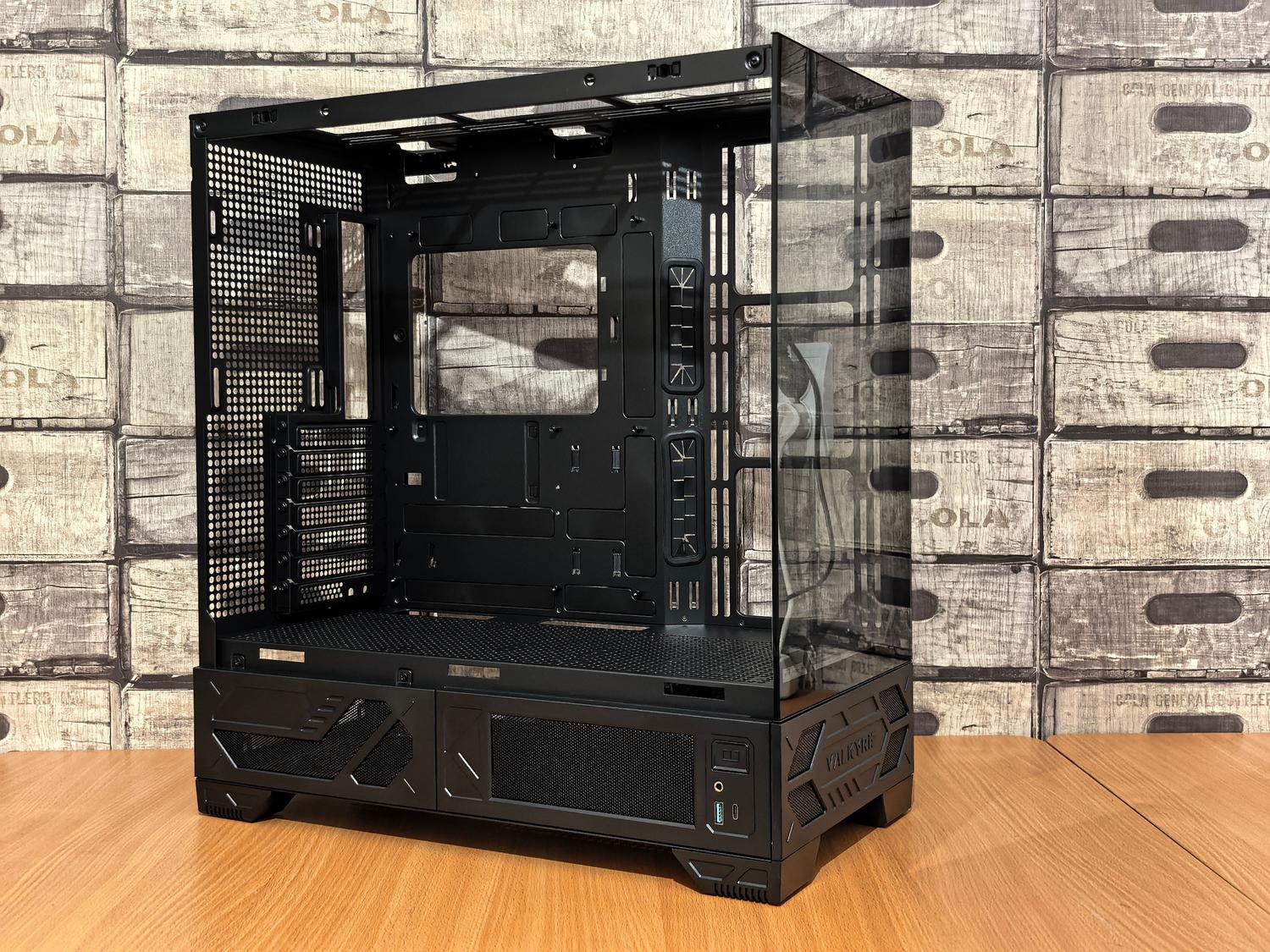
For those who want to keep things simple, using a PC configurator is the best option. These platforms not only allow you to choose your hardware, but they often offer exclusive deals for bundling components , resulting in considerable savings compared to buying individual parts. Furthermore, you avoid the stress of checking compatibility, as the system only lets you choose parts that fit together perfectly.
Expert assembly versus pre-assembled equipment
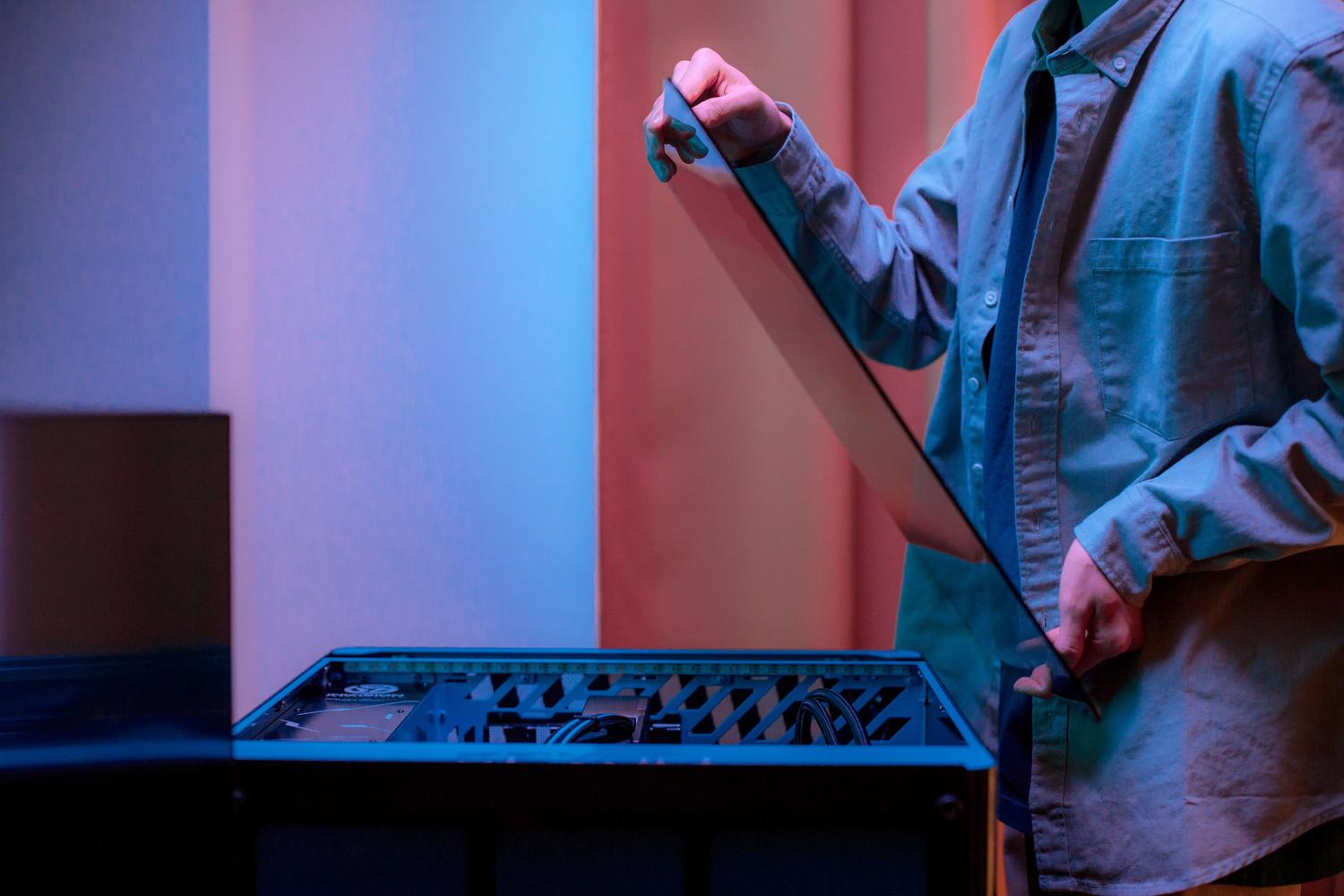
There's a world of difference between a mass-produced PC and one built by professionals. Many commercial systems suffer from disastrous cable management and generic components that don't perform as they should. In contrast, a professional build guarantees impeccable cabling, which isn't just about aesthetics; it also improves ventilation and the long-term health of the components.
Having specialized technicians on hand ensures that every part is installed with care, using components from recognized brands and testing the system before it arrives at your door. It's the peace of mind of knowing your equipment won't give you any problems as soon as you turn it on.
Guarantees and lifetime technical support
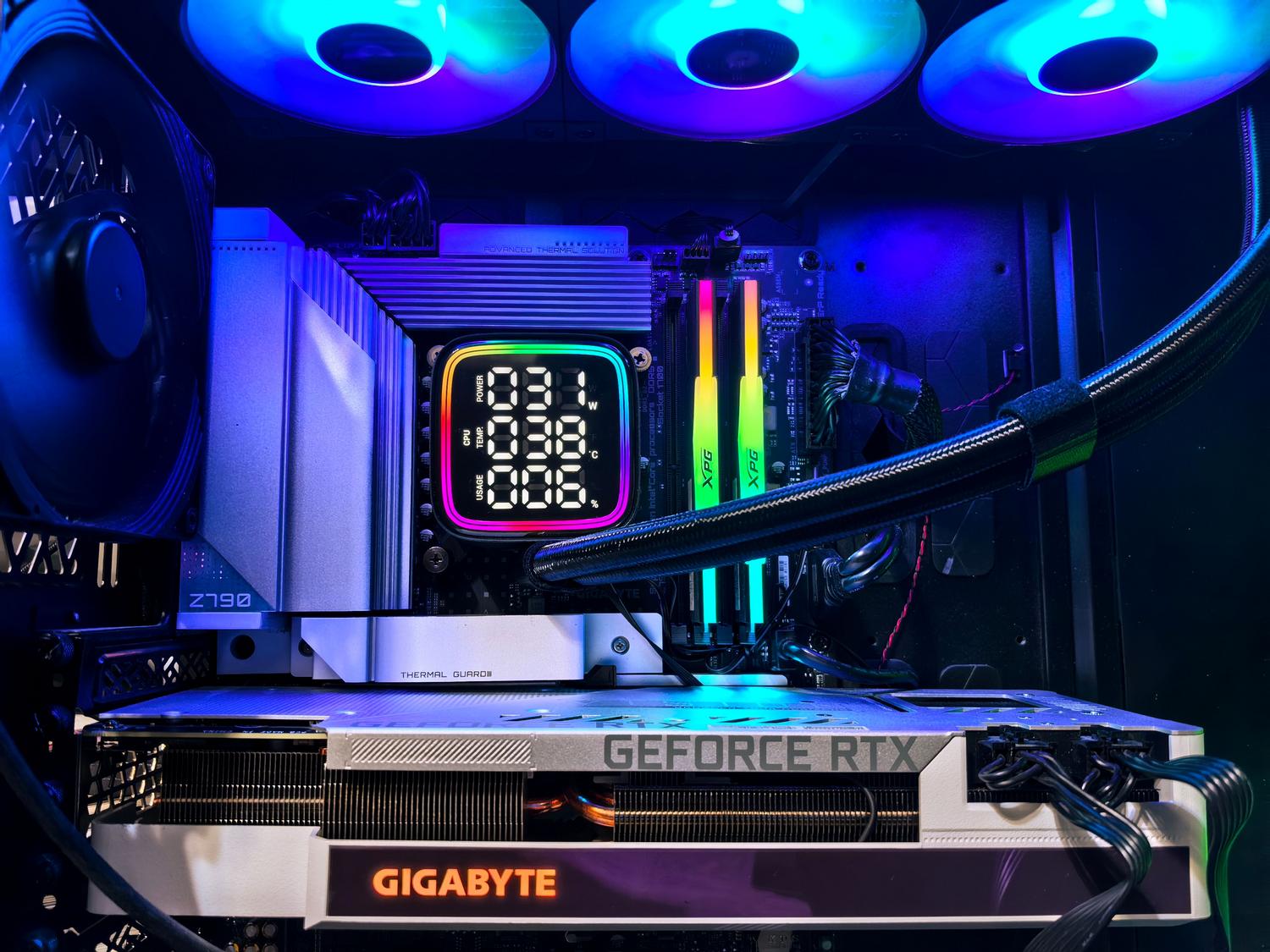
Investing in a gaming PC is a big decision, so after-sales support is essential. Ideally, look for services that offer a standard warranty of at least three years , covering both labor and defective parts. Having the technical service handle the diagnosis and repair takes a huge weight off your shoulders.
Even more valuable is lifetime technical support . Having an expert to consult when something goes wrong or when you want to upgrade a component is an added benefit that makes all the difference between a bad experience and a great purchase.
Budget and equipment longevity
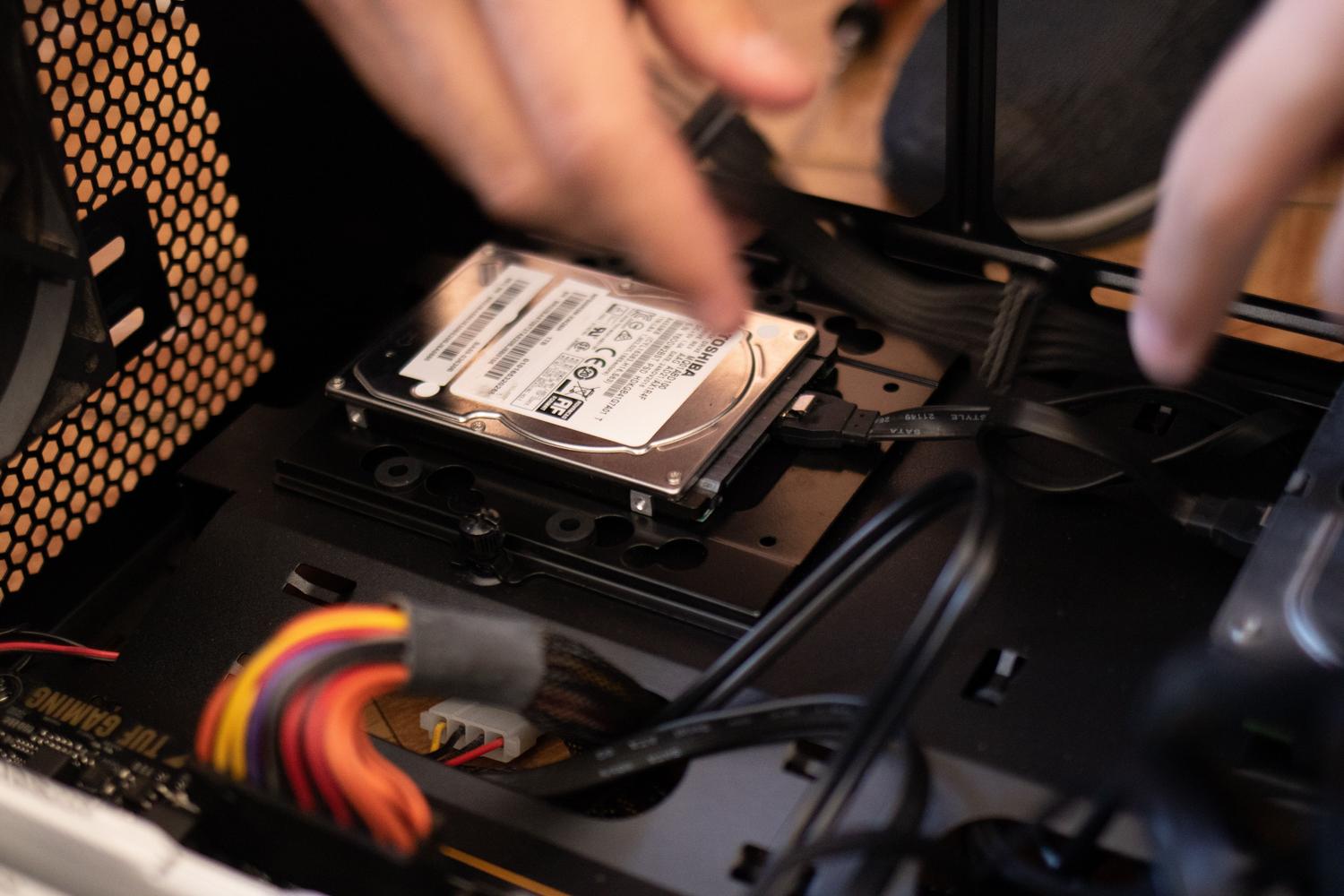
Many people wonder how much they need to spend to get something decent. For a mid-range PC that performs well in most games, the budget usually ranges between $1200 and $1800 . This investment is quite worthwhile considering that a well-configured PC has a lifespan of between 5 and 7 years before needing a major upgrade.
It's true that over time the hardware may start to fall short when facing the most demanding games, but if you've chosen quality components, the system will continue to function properly for years, allowing you to make gradual upgrades instead of replacing the entire system.
Having a custom gaming PC means optimizing power according to your real needs, taking advantage of the savings from component bundles and ensuring durability through professional assembly and solid warranties that protect your investment in the long term.
