- The PUK code is the master key to unlock the SIM after failing the PIN three times.
- You can obtain the PUK on the original plastic support, in the web customer area, or by contacting the operator.
- There are direct methods using call codes to reset the PIN using the PUK.
- If the PUK code is entered incorrectly ten times, the SIM card will be permanently unusable.

I'm sure it's happened to you before: you turn on your phone after a restart and suddenly you're stuck on the PIN code. It's a major headache because, basically, you're cut off and can't access your calls or messages, leaving the device as an expensive paperweight until you fix it.
The SIM card is essentially the digital passport that connects you to your mobile network. This small chip stores your subscriber identity, and to prevent anyone who steals your SIM from making calls in your name, there's a PIN—a first line of security that protects your personal information and contacts.
How to get out of trouble if you've forgotten your PIN
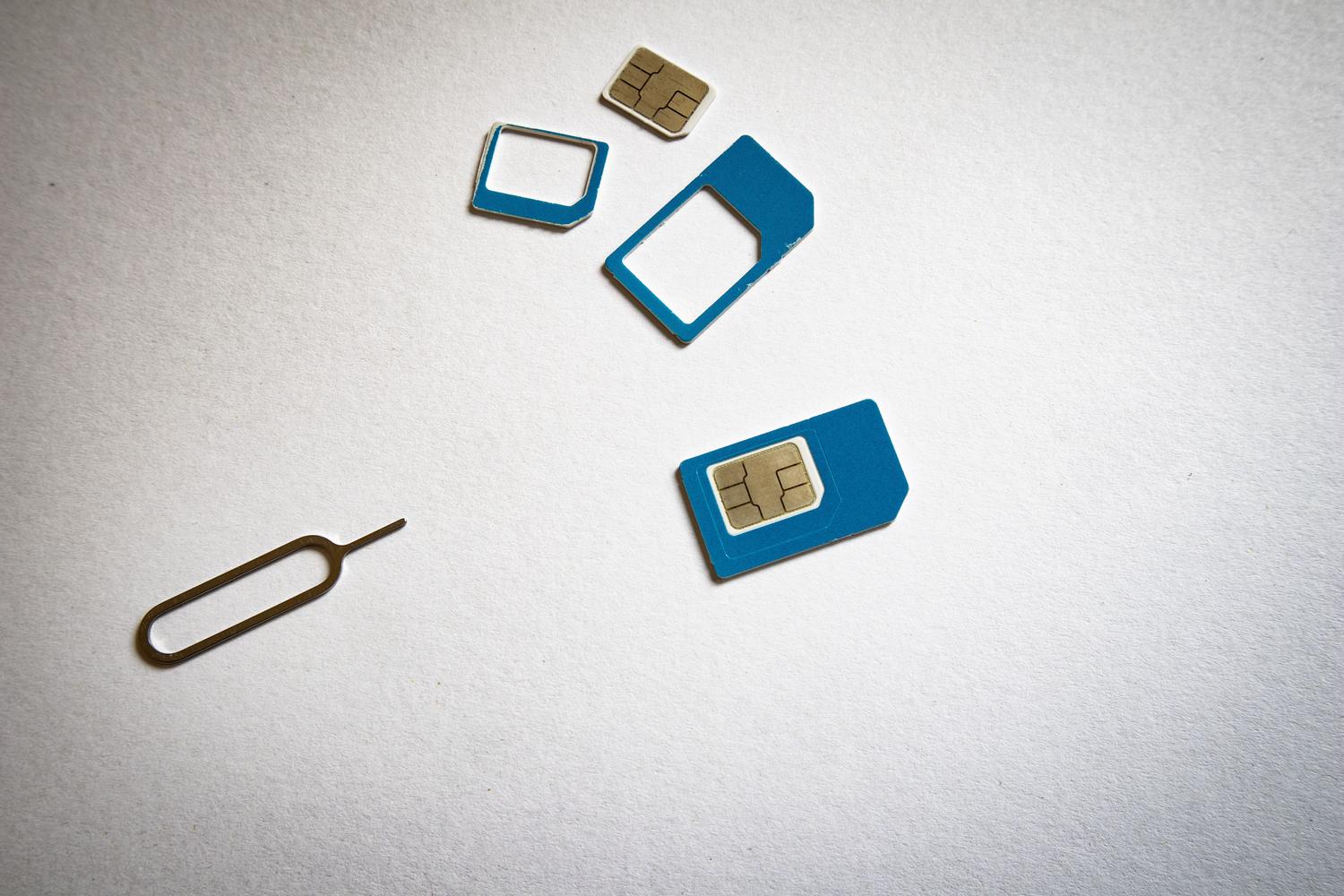
If you enter the wrong PIN three times in a row, the system will automatically block the card for security reasons. To fix this, we need to use the PUK (Personal Unblocking Key). This is a kind of eight-digit master key that allows you to reactivate the SIM and, most importantly, lets you set a new PIN from scratch without being asked for the old one.
To unlock your phone, you have two options. The quickest is to use the dialer and enter the following sequence: **05*PUK*NewPIN*NewPIN# and press call. For example, if your PUK is 01234567 and you want your new PIN to be 4321, you would dial **05*01234567*4321*4321#. If you prefer not to deal with codes, simply enter the wrong PIN three times ; the phone will then ask for the PUK and, once entered, will guide you through entering your new PIN twice.
Where to find the PUK code
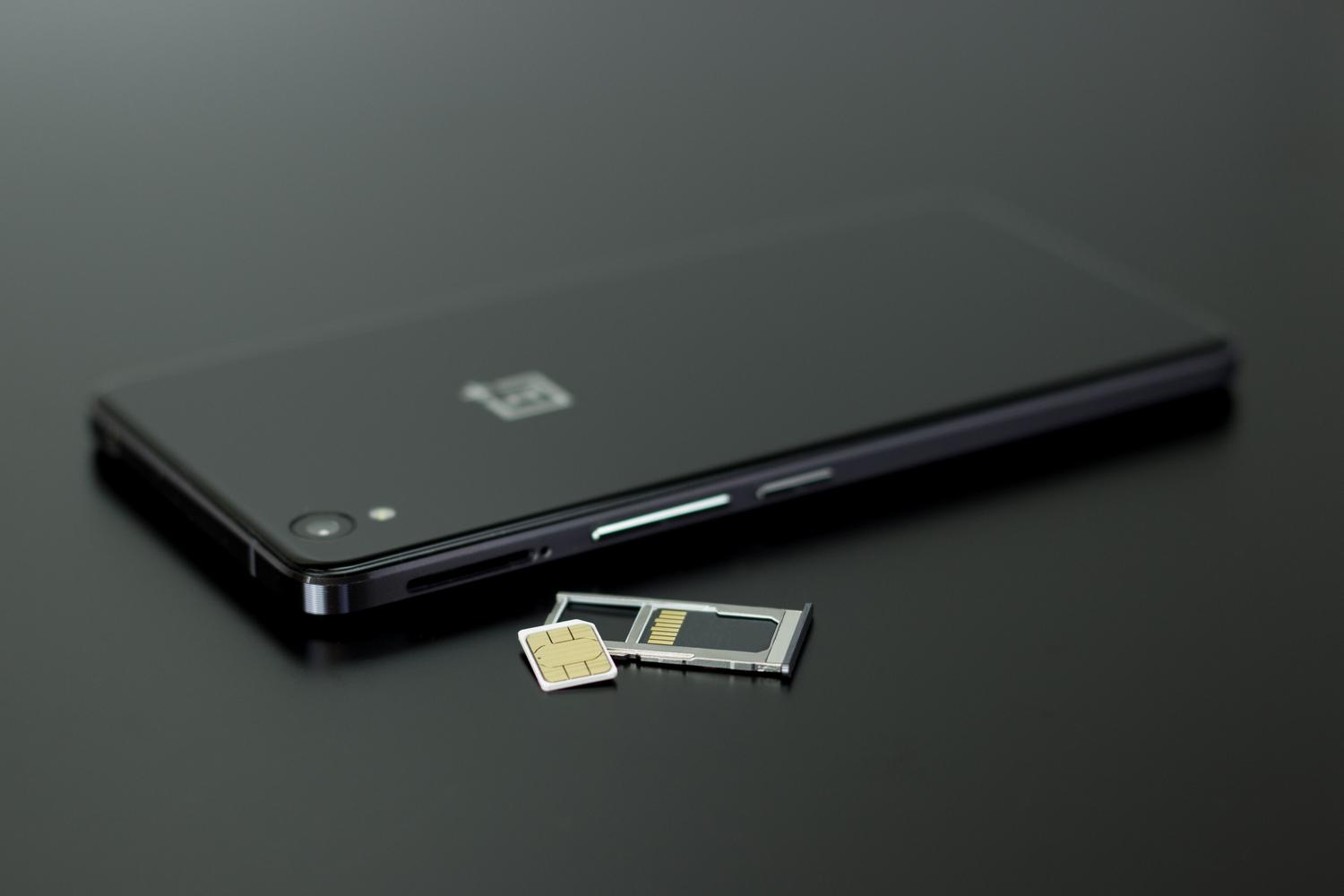
The PUK code is not usually printed on the chip itself for security reasons, but there are several ways to obtain it. The most obvious is to look for the original plastic sleeve the SIM card came in; it's usually printed on that credit card-sized card or on an attached leaflet.
If you've thrown away the card or lost it, don't panic, you have other options to recover the code through your operator:
- Web customer area: By logging into your personal account on your company's official website, there is usually a "My lines" section where the PUK code appears.
- Official App: Many operators allow you to view this data directly from their mobile application, although it is less common than on the web.
- Telephone service: Calling customer service. They will ask you verify your identity with personal data to prevent fraud and they will give you the code.
- Physical store: If you prefer face-to-face service, you can go to an official store with your ID and they will help you. unlock line.
SIM lock management and deactivation
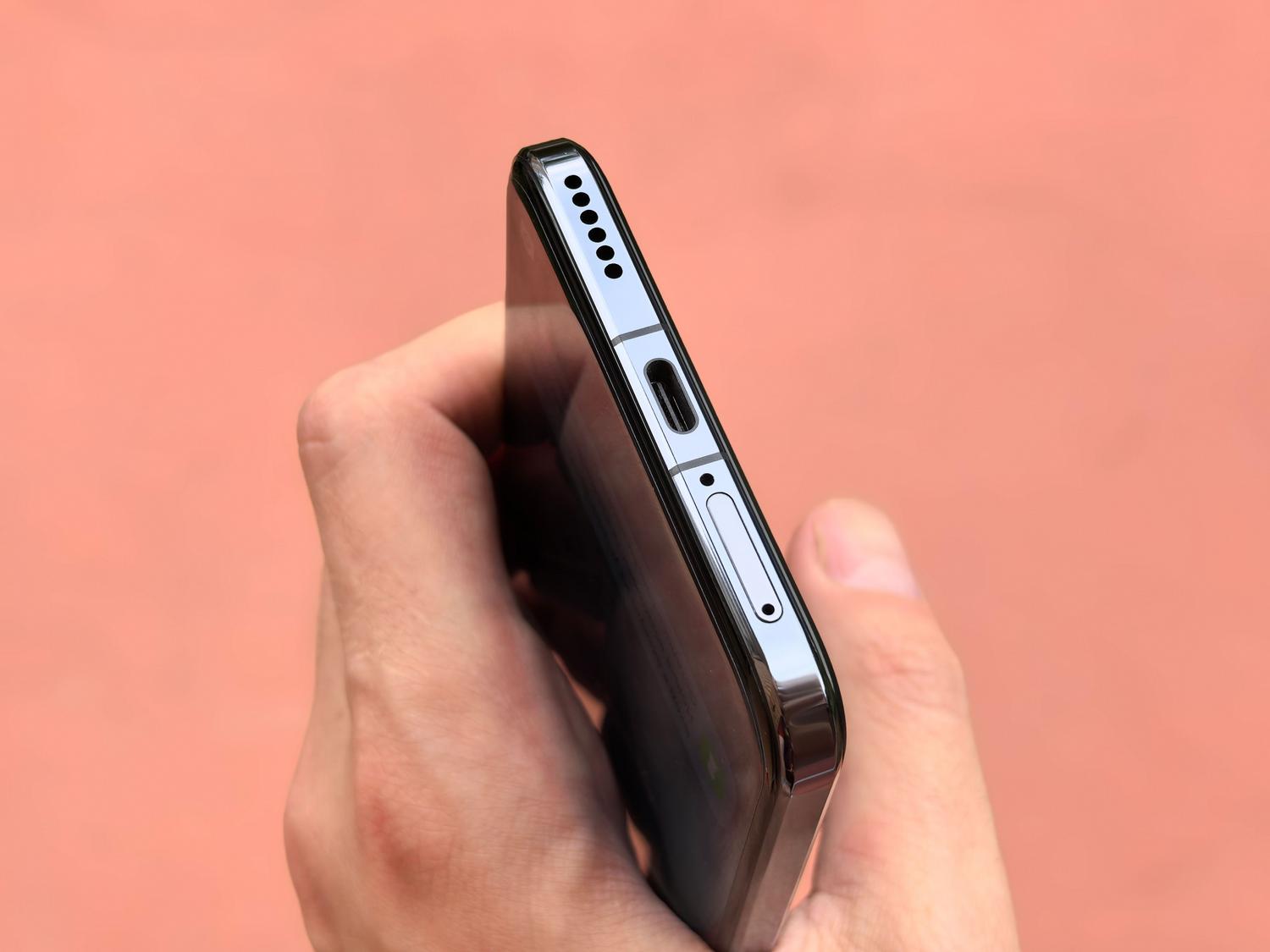
Some people find it a nuisance to have to enter their PIN every time they restart their device. While it's possible to disable the PIN lock , be aware that this leaves your SIM card vulnerable; if you lose your phone, anyone could use your SIM in another device. If you still decide to disable it, the steps vary depending on your system.
On Android devices , you must enter the Settings menu, find the Security section and select the "Set up SIM card lock" option to uncheck the lock box.
If you're using an iPhone , the process is similar: go to Settings, then Cellular, find the SIM PIN option, and turn off the switch . In both cases, the system will ask for your current PIN one last time to confirm that you are the one making the change.
Tips to avoid digital scares
To avoid being caught off guard again, it's best to write down your PUK code in a safe place or store the original SIM card tray in a drawer. Don't share these codes with anyone, and if you feel the PIN is too obvious, change it periodically to protect your privacy.
Be very careful with unlock attempts: while the PIN allows three attempts, the PUK is more critical. If you enter the PUK incorrectly ten times , the SIM card will be permanently unusable, and no trick will work; you'll have to request a replacement from your carrier.
Keeping control of your security keys is the only way to prevent a simple oversight from leaving you locked out. Whether you use physical media, your mobile carrier's app, or technical support, there's always a way to regain access to your digital identity and reconnect with the world.