- Smooth Motion RTX 40 enables doubling of FPS on GeForce RTX 40 cards through software frame generation.
- The feature is available in preview with driver 590.26, although it still requires manual activation.
- Performance is significantly improved, but there may be minor artifacts or slight increases in latency.
- Works on most DirectX 11/12 games, even where DLSS Frame Generation is not supported.
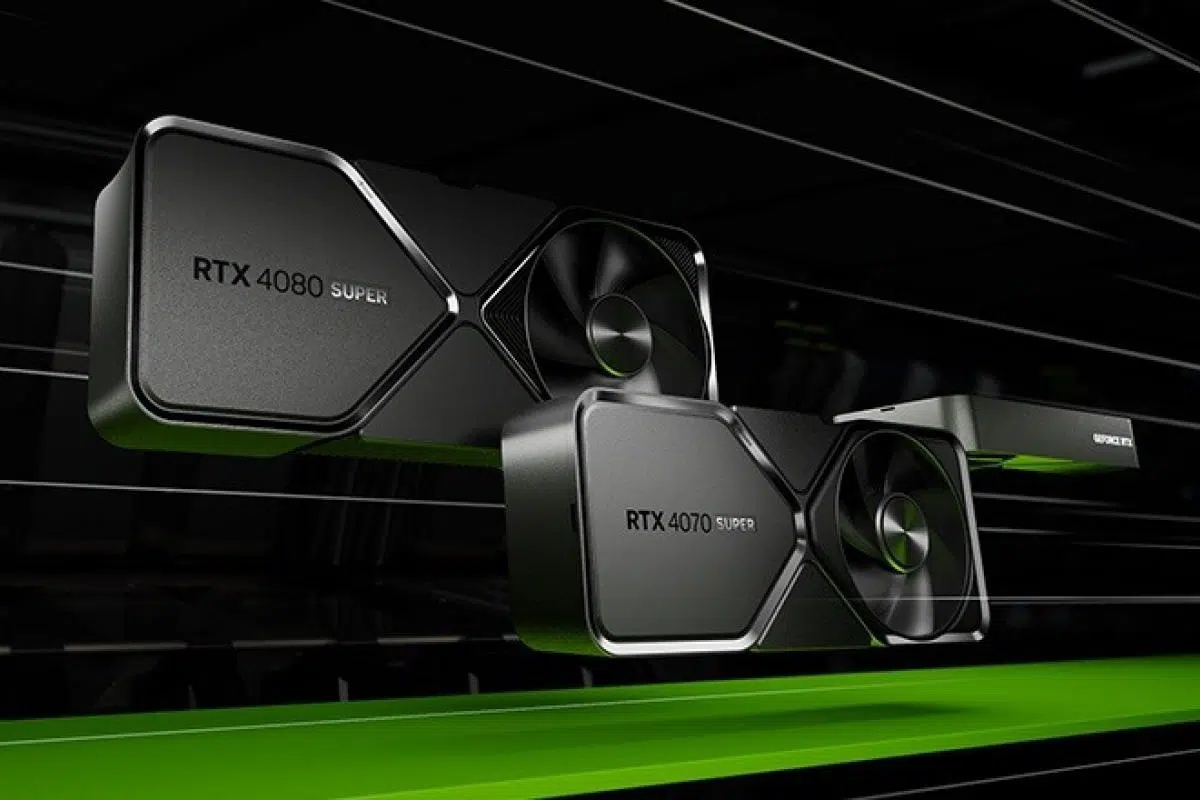
For weeks, NVIDIA is grabbing headlines for expanding technology smooth motion at GeForce RTX 40 graphics cards. This is an advancement that seeks to improve the gaming experience by frame generation directly from the controller, a technique that was already available for the RTX 50, but is now being extended experimentally to the previous generation, which is in high demand among gamers.
This function, provisionally included in the driver 590.26, is based on a simple but powerful idea: create an additional frame between those generated by the game natively. Thus, we obtain a much greater fluency, especially in titles where the FPS rate is limited or where there is no support for technologies such as DLSS Frame Generation.
Smooth Motion: What is it and how do I use it?
The main feature of smooth motion es que works directly at the driver level, without the game developer having to adapt anything. This makes it a versatile tool, since any game compatible with DirectX 11 or 12 can benefit from it regardless of its age or support for other frame generation technologies.
At the moment, activating Smooth Motion requires Manually install driver 590.26 from the NVIDIA developer portal, which any user can do after registering. Once installed, the option appears in the interface only in some cases, so it is usually necessary to use utilities like NVIDIA Profile Inspector to enable it on a game-by-game basis. As of today, it's not yet integrated into the official app aimed at the general public, although integration is expected to arrive with future controllers.
The similarity of Smooth Motion with AMD Fluid Motion Frames It's obvious. Both generate interpolated images to increase the FPS count, especially where technologies like DLSS or FSR aren't present. Early tests have shown that titles like World of Warcraft o Company of Heroes 3 They can go from average rates such as 82 FPS to 164 FPS, or of 60 to 120 FPS, respectively, just by activating this function.
Advantages and disadvantages: performance and visual quality
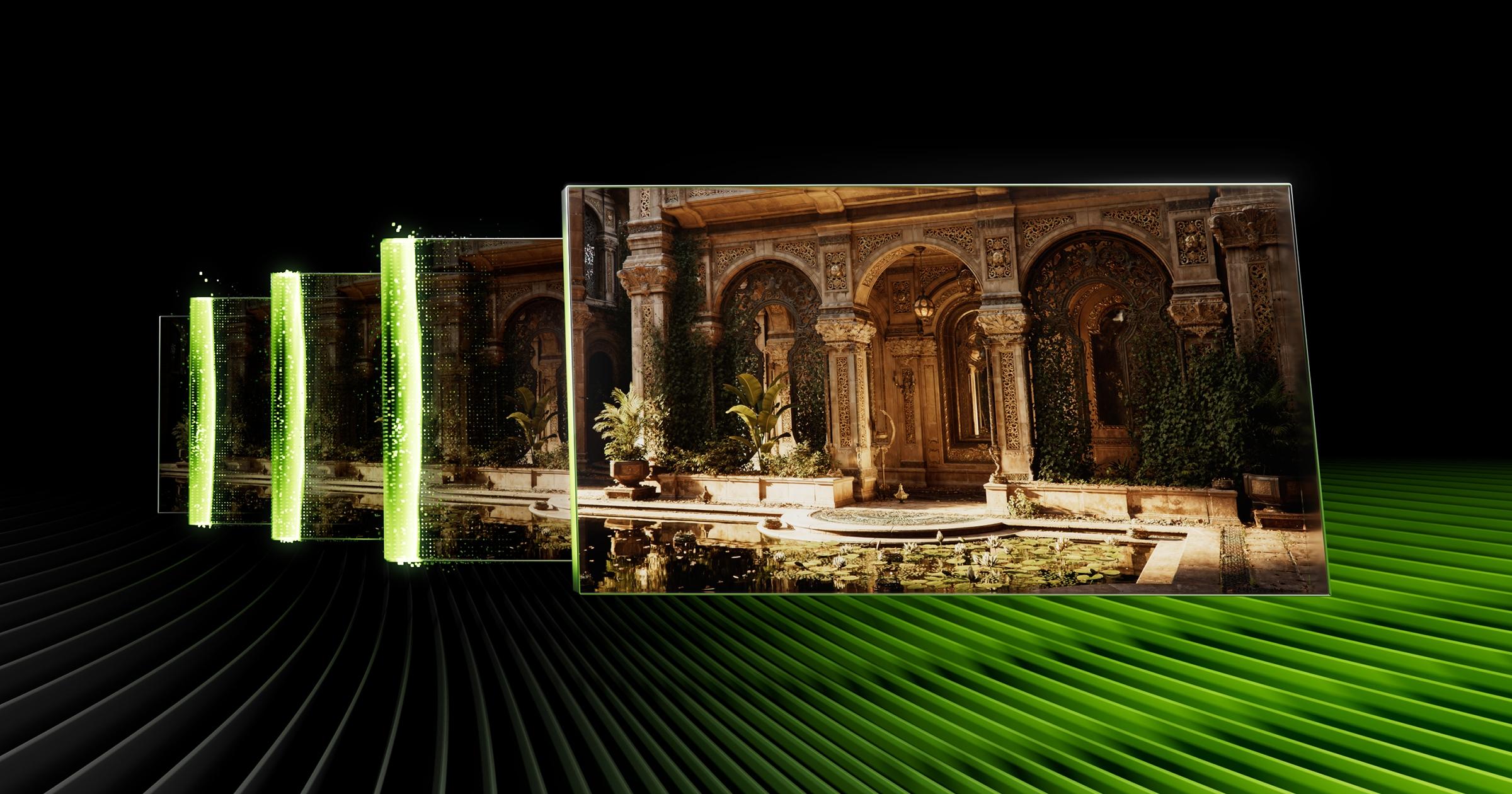
The main attraction of Smooth Motion is its usability —once configured— and in the fact that doubles the performance in many games where fluidity was previously impossible to improve, extending the lifespan of RTX 40 cards. This is especially useful for those who play older titles, or suffer from CPU bottlenecks and cannot easily change hardware.
Of course, like any interpolation that does not access the internal data of the graphics engine, Image quality does not match solutions like DLSS 3. Minor visual artifacts or increased latency may appear (tests have shown an additional 10 to 15 ms), although initial feedback suggests that these issues aren't considered serious by most players. The final decision is up to the user: activate an option that provides more fluidity, but with a potential minor visual sacrifice.
In terms of compatibility, Smooth Motion doesn't cover the entire catalog. Some games may experience issues or not fully support interpolation, and some forums have reported occasional bugs with this driver in its early stages. For now, the feature is intended for those willing to experiment, pending a future stable and integrated release for all users.
