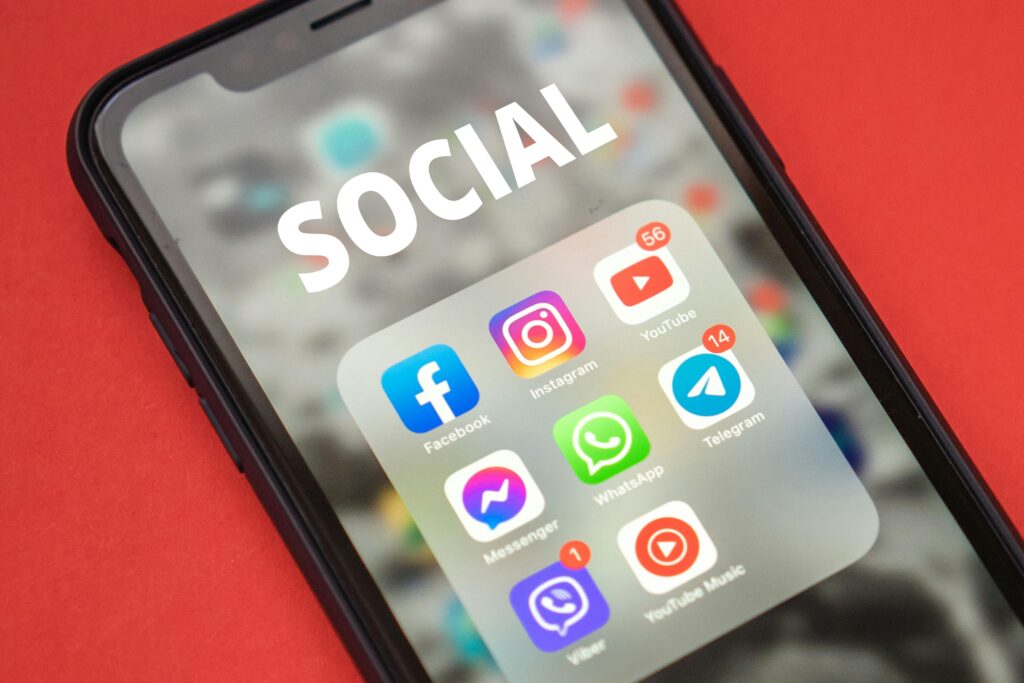
YouTube Music playlists are a personal treasure for many users. They contain our favorite songs, accompany us through special moments, and reflect our musical tastes. But what happens when one of these precious playlists disappears without a trace? Don't panic, there's hope for recovering your lost YouTube Music playlist . In this article, I'll guide you step-by-step through the recovery process, sharing effective tips and methods so you can enjoy your music again in no time.
Why are playlists disappearing?
Before diving into solutions, it's important to understand why playlists might disappear on YouTube Music. The causes are varied and not always obvious . Some common reasons include:
• Synchronization problems between devices
• Changes to privacy settings
• Temporary YouTube Music server errors
• Accidental deletion by the user
Knowing the cause can help you prevent future incidents, but the most important thing now is to recover your music.
Methods to recover your playlist
Check your YouTube history
A simple but effective first step is to check your YouTube history. Often, the songs you've recently listened to are still there , even if the playlist has disappeared. To access your history:
1. Go to youtube.com/feed/history
2. Find the songs that were on your lost list
3. Create a new list with these songs
This method can be especially useful if you've lost a recent playlist or one you listened to frequently.
Use YouTube Music's recovery feature
YouTube Music has a built-in recovery feature that many users aren't aware of. To use it:
1. Open YouTube Music and go to “Library”
2. Select “Playlists”
3. Look for the "Recently Deleted Lists" option
4. If you find your list, select it and choose "Restore"
This trick can save lists deleted in the last 30 days , so hurry if you think this is your case!
If the methods above don't work, don't despair. The YouTube Music support team can be your lifeline . To contact them:
1. Go to the YouTube Music support page
2. Select “Contact Support”
3. Describe your problem with all possible details
4. Wait for their response and follow their instructions
Remember to be patient and provide as much information as you can about your lost playlist, such as the name, the songs you remember, and when you last saw it.
Prevention: your best ally
While you wait to recover your list, it's a good time to think about how to prevent future mishaps. Prevention is key to keeping your lists safe . Here are some proactive measures:
• Make regular backups : Export your playlists periodically. You can use third-party tools or simply write down the songs in a document.
• Keep your account secure : Use strong passwords and enable two-factor authentication to prevent unauthorized access.
• Check your privacy settings : Make sure your lists are set to "private" if you don't want to share them publicly.
• Update the application regularly : New versions usually include bug fixes that can prevent data loss.
Alternatives while you recover your list
The wait can be frustrating, but don't let that stop you from enjoying the music. Use this time to explore new options.
• Create a new playlist from scratch : This can be an opportunity to rediscover old favorites or find new music.
• Try AI-generated playlists : YouTube Music offers personalized playlists based on your tastes.
• Explore other users' popular lists : You might find musical gems you didn't know existed.
Remember, the music is always there for you , even when a specific playlist is temporarily unavailable.
Third-party tools: a viable option?
There are third-party tools that promise to recover lost playlists. However, use them with caution . Some important considerations:
• Safety first : Investigate thoroughly before granting access to your account to any application.
• Read the reviews : Look for opinions from other users to evaluate the effectiveness and reliability of the tool.
• Terms of service : Make sure that using these tools does not violate the YouTube Music terms.
If you decide to try a third-party tool, do so at your own risk and with caution . The security of your account and personal data should always be your top priority.
Losing a playlist can be disheartening, but with patience and the right methods, the chances of recovering it are high . Remember that music is a continuous journey, and sometimes these setbacks lead us to discover new melodies and artists. Stay calm, follow the steps I've provided, and you'll soon be enjoying your favorite songs again.