- Use of precision screwdrivers and tweezers for accurate assembly in confined spaces.
- Implementation of antistatic wrist straps and mats to prevent irreversible damage to hardware.
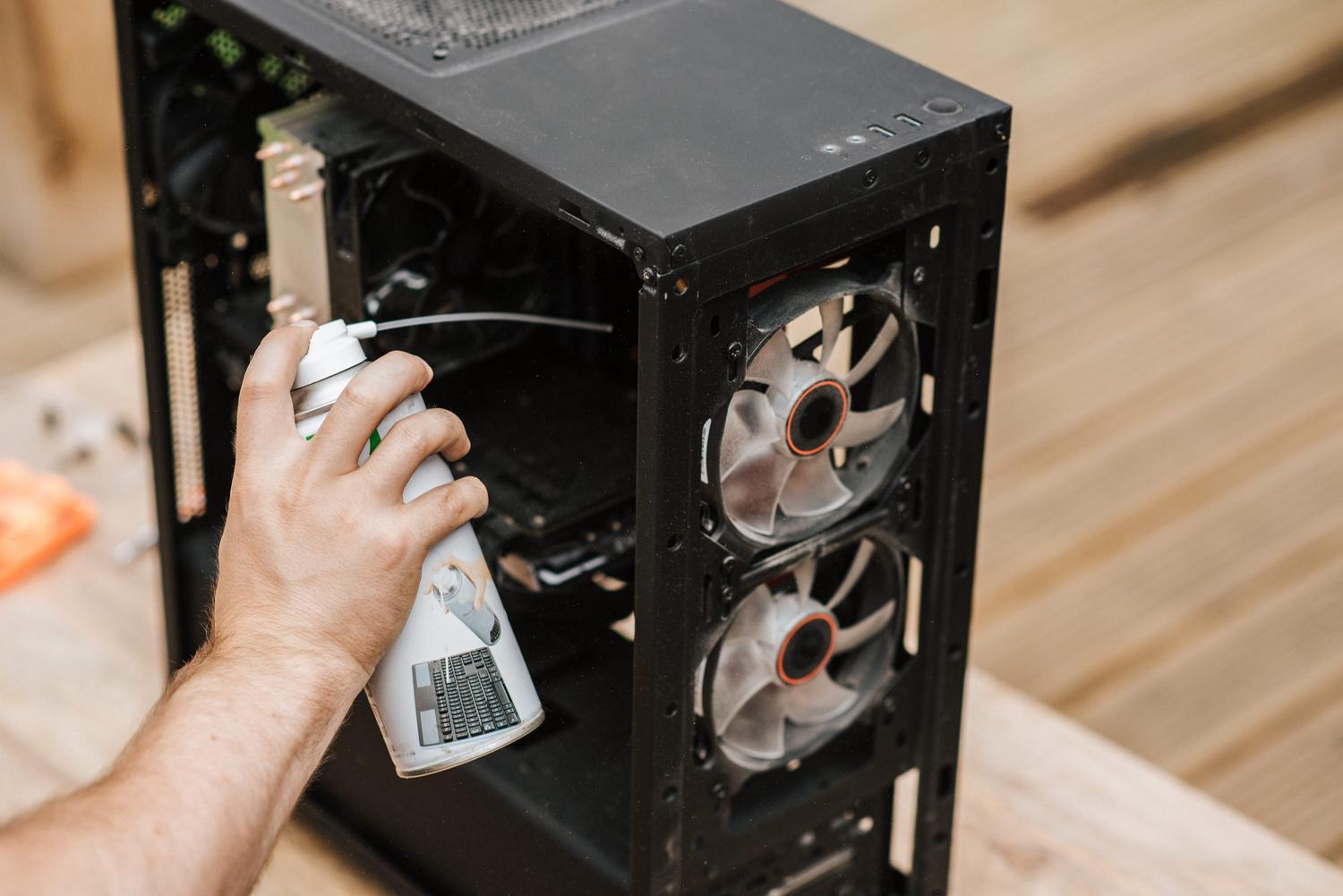
- Importance of thermal paste and compressed air to ensure system cooling and cleanliness.
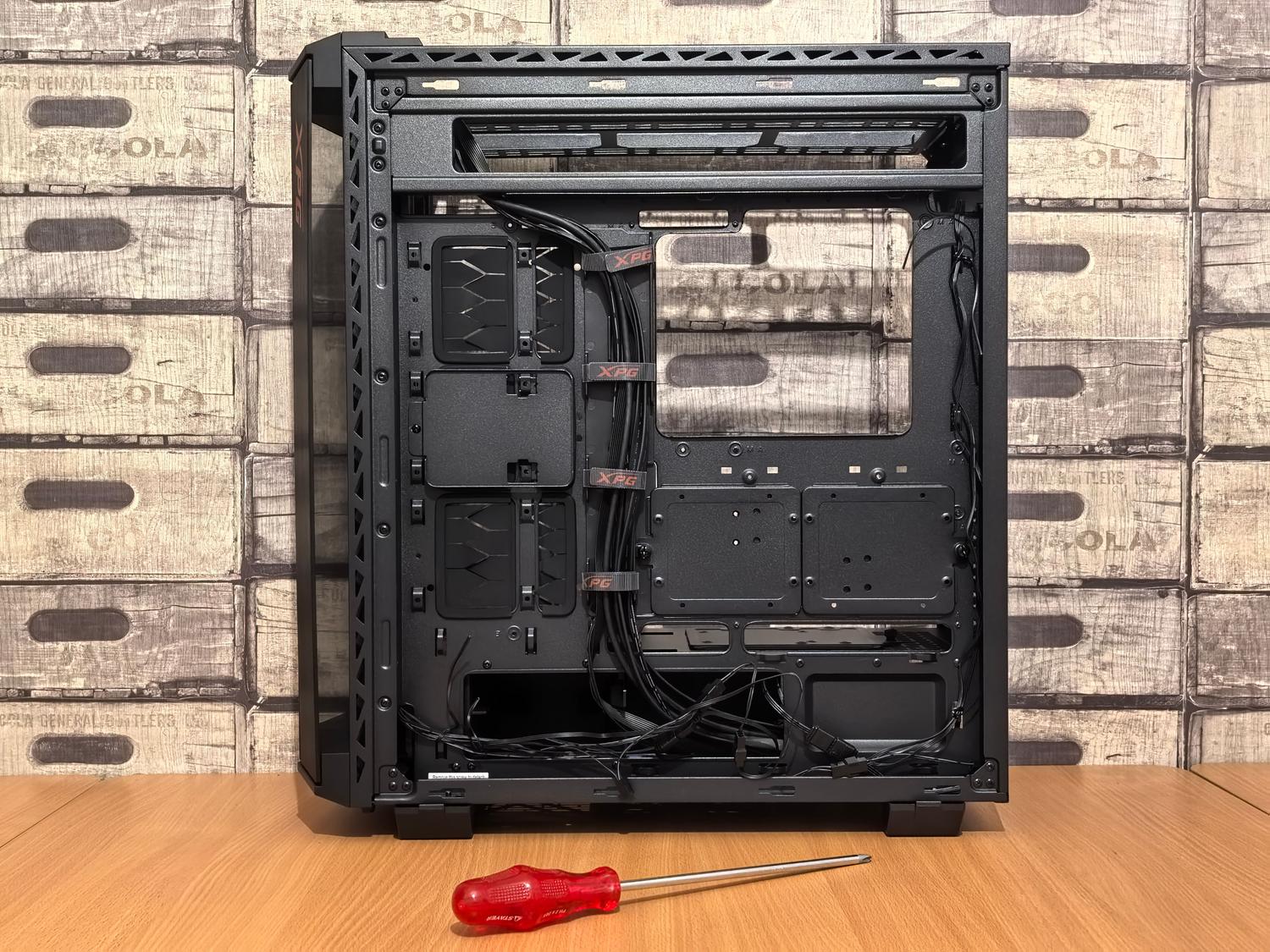
Building your own computer from scratch is one of the most rewarding experiences for any tech enthusiast. It's not just about choosing the most powerful components, but about enjoying the assembly process. However, to ensure everything runs smoothly and you don't encounter any unpleasant surprises along the way, having the right tools is essential , as working with such delicate components requires precision and care.
We often make the mistake of thinking that any old screwdriver we have lying around the house will do, but the reality is that there are specific tools designed for tight spaces and to protect hardware from invisible threats. In the following lines, we'll tell you everything you need to know to make your installation professional, fast, and, above all, safe.
Basic adjustment and handling tools
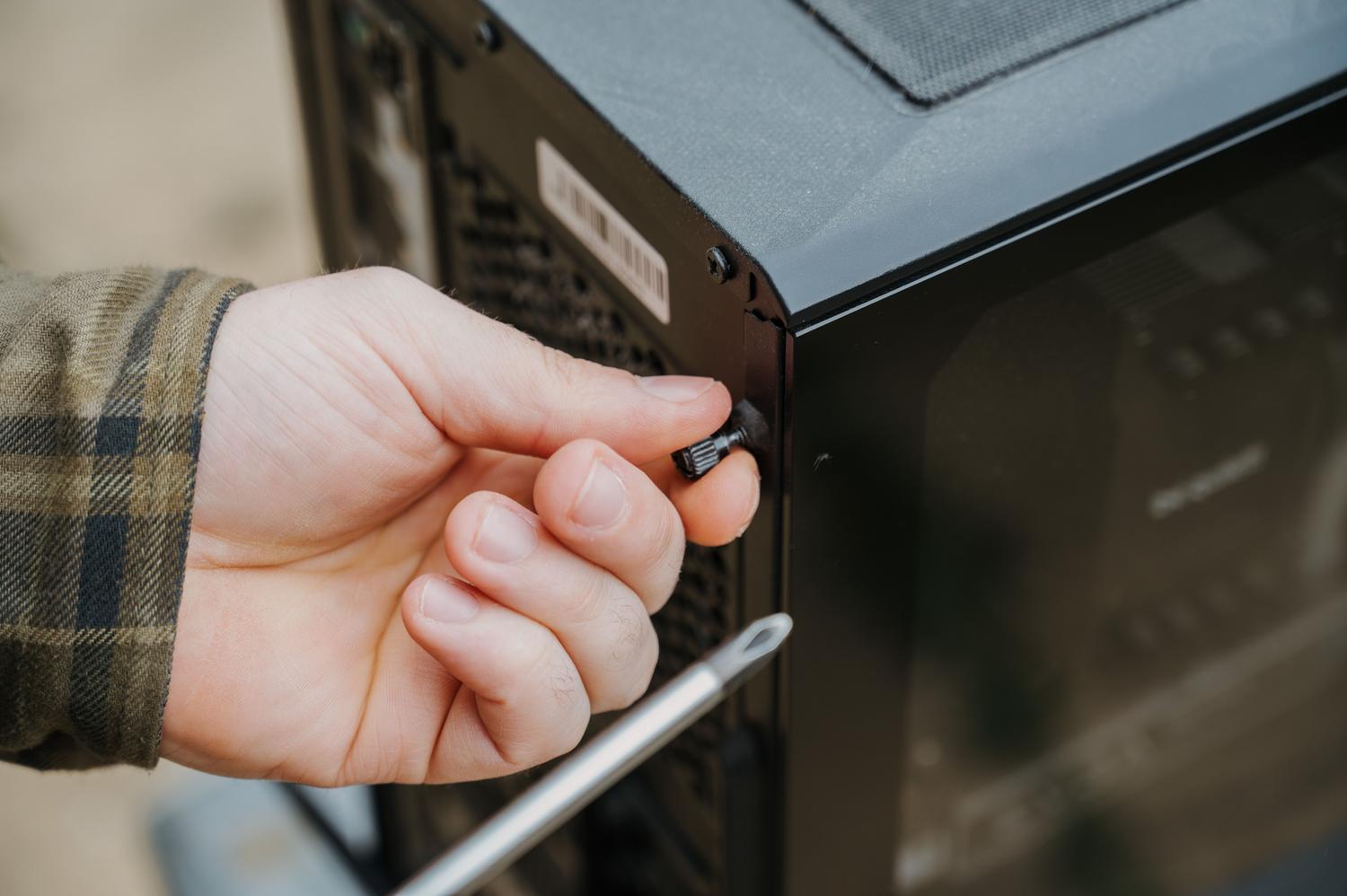
To begin, the heart of your toolbox should be a set of precision screwdrivers . One won't do; you'll need Phillips and flathead screwdrivers of various sizes to tighten everything from the largest chassis screws to the tiniest ones on motherboards or fans. Using the exact size prevents stripping screws, a common and annoying problem.
On the other hand, having a pair of fine-tipped tweezers will be a lifesaver on more than one occasion, especially when you need to move cables in tight spaces where your fingers can't reach or put small parts in place. Similarly, wire cutters are essential for cable management, allowing you to trim the bulky plastic ties or cable ties that come pre-installed, leaving the inside of your PC clean and tidy.
Protection against static electricity
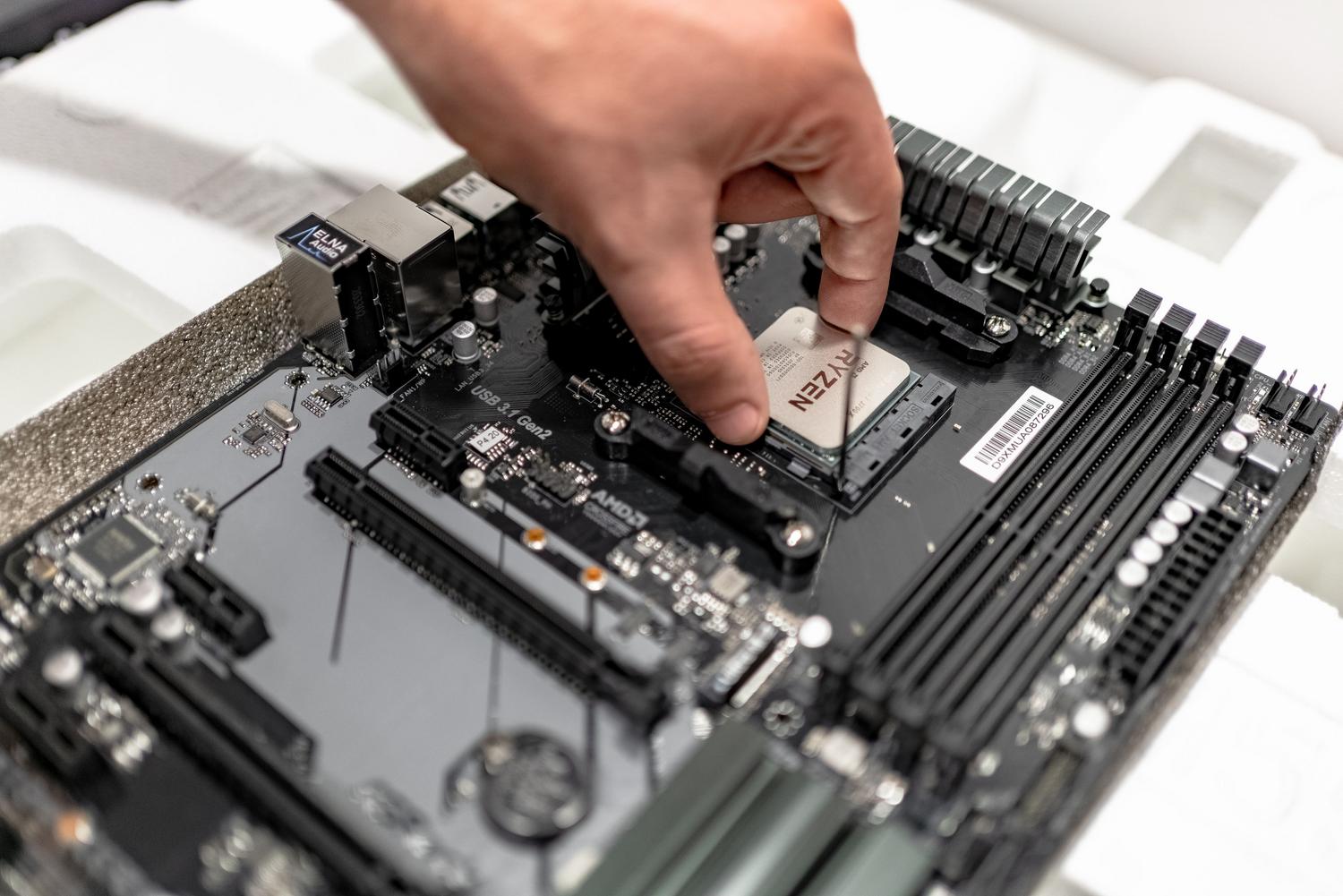
One of the most real dangers when building a PC is static electricity. A tiny spark, almost imperceptible to us, can fry sensitive electronic components. To avoid this disaster, the ideal solution is to use an anti-static wrist strap , which should be connected to a metal part of the chassis to discharge any static electricity accumulated in your body before touching the RAM or processor.
If you want to go a step further, you can work on an antistatic mat . These conductive surfaces create a safe environment where static electricity is neutralized, preventing accidents. Additionally, there are antistatic gloves made from special materials that dissipate electrical charge, providing an extra layer of safety while handling hardware.
Maintenance, cleaning and thermal optimization
It's not all about screwing things together; cleanliness is key to ensuring your equipment doesn't suffer from day one. A compressed air blower is the best tool for removing dust and any residue that might be left on the components before installation. For the final touches, a lint-free cloth is perfect for wiping away smudges or fingerprints without leaving fibers that could dirty the assembly.
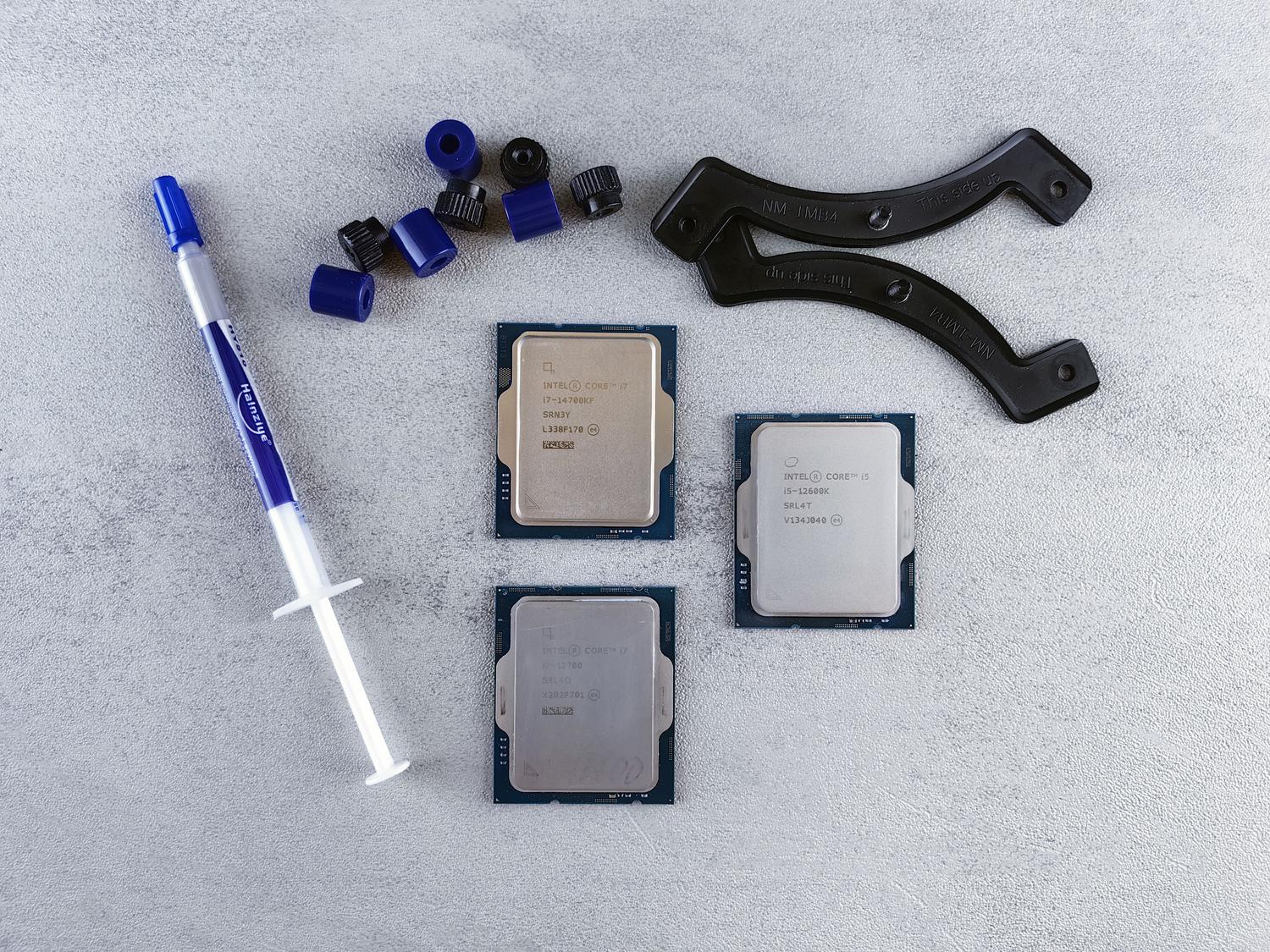
In terms of performance, there's one essential element: thermal paste . This compound is applied between the processor and the heatsink to optimize heat transfer, preventing the PC from overheating and losing performance. Also, if you want to keep your equipment in pristine condition in the long run, dust covers for HDMI, USB, or DisplayPort ports are a brilliant solution for protecting the inputs when you're not using them.
Diagnostic and quality tools
For those seeking a professional finish, there are port testers that allow you to verify that USB connections and other inputs are working correctly before closing the case. There are also noise level meters to check that the fans aren't making excessive noise. When choosing these tools, it's vital to look for a balanced price-performance ratio , opting for sturdy and durable materials that won't fail you mid-process.
Having this entire arsenal at hand, from the simplest screwdriver to the most advanced anti-static protection, makes all the difference between a hastily assembled computer and one executed with mastery. Using a clear work surface and perhaps sketching out where each cable will go will allow you to assemble your computer efficiently, ensuring that every component shines with optimal performance and durability.