- The importance of modifying factory credentials and keeping firmware updated to close security gaps.
- Network segmentation strategies and disabling cloud features to limit external access.
- Legal and technical methods to detect and block unwanted surveillance, whether at home or by third parties.
- Digital hygiene measures applied to mobile and portable devices to prevent spying through malware.
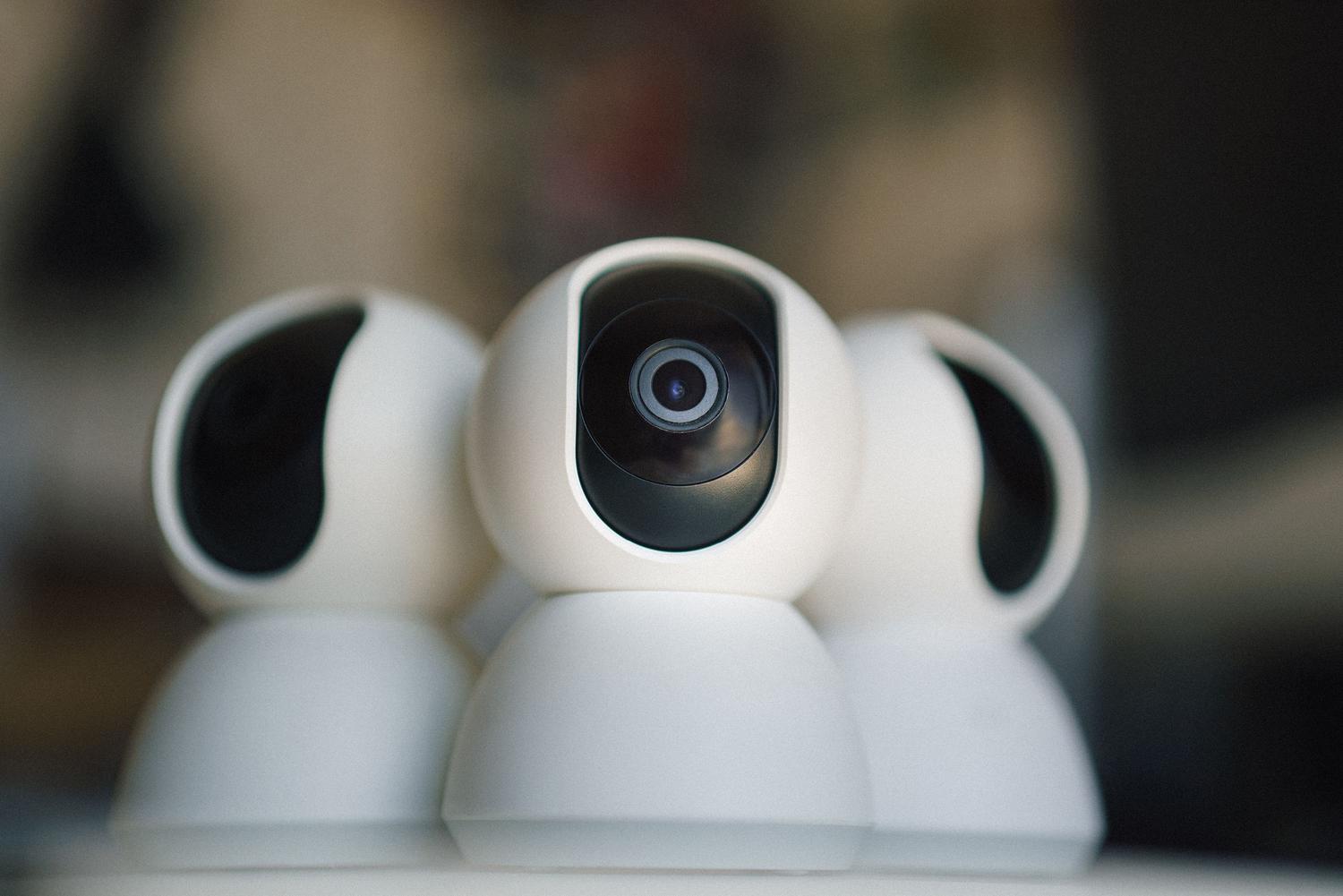
It seems there's nowhere to hide these days. From video doorbells to robot vacuums roaming the living room, not to mention baby monitors and smart TVs, our homes are full of electronic eyes . Although we buy them to feel safer or make our lives easier, the reality is that many of these gadgets can end up being the gateway for hackers, blackmailers, or some malicious snoop who wants to invade our privacy.
This isn't paranoia; it's a technical reality. There have been alarming cases where thousands of devices have been compromised simultaneously to sell intimate images on the dark web. Therefore, it's crucial to understand that any device with a camera and Wi-Fi connection is a potential attack vector . In this article, we'll thoroughly analyze how to close these vulnerabilities so your home remains your sanctuary and not a recording studio for strangers.
The real dangers: from voyeurism to harassment
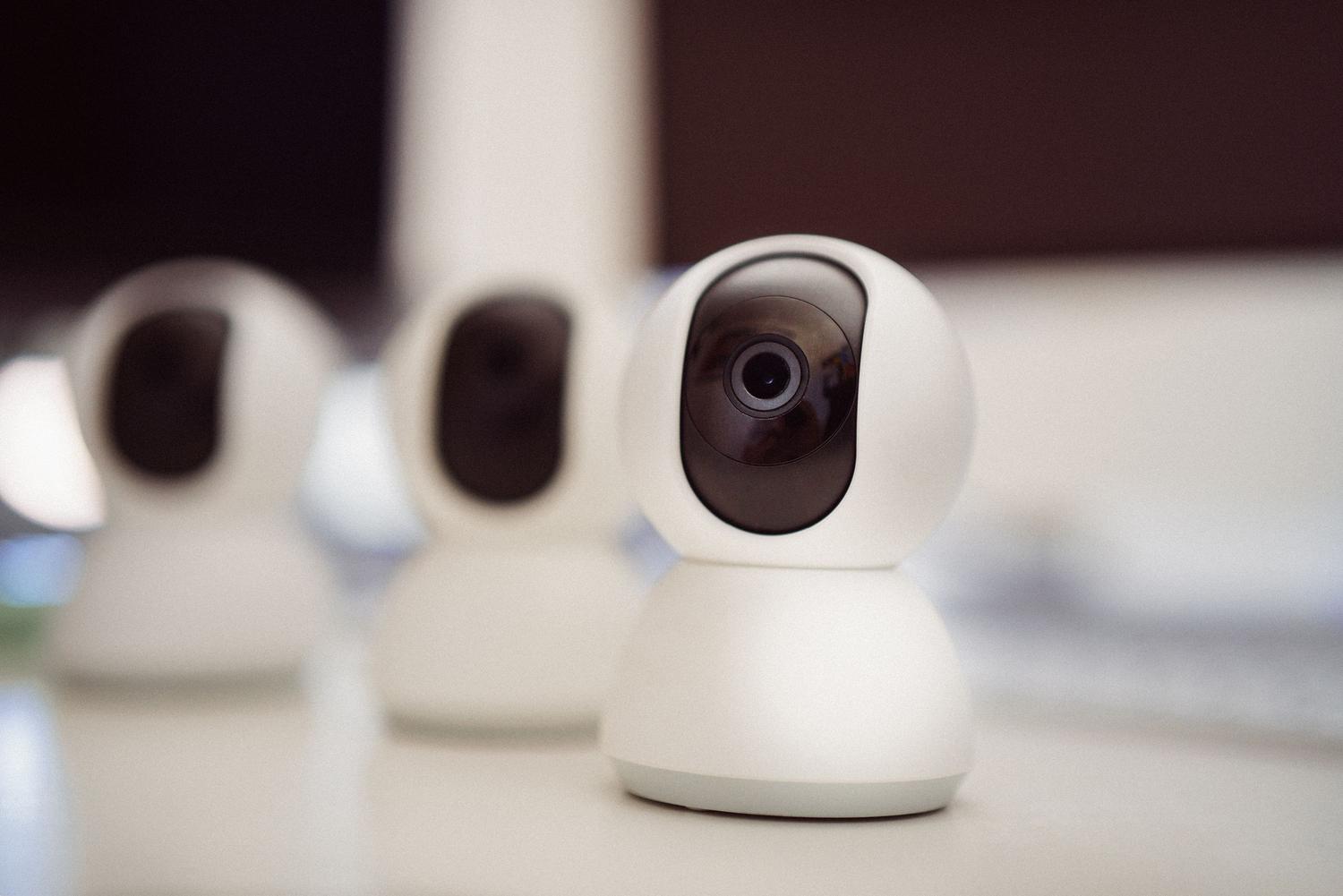
There are various ways in which surveillance becomes dangerous. A very common example is so-called hotel pornography , where tiny cameras disguised as chargers or smoke detectors are installed in tourist accommodations to transmit live images. But the risk isn't only outside the home; internet-connected dashcams are prime targets because they reveal frequent routes, license plates, and private conversations, facilitating vehicle theft or blackmail.
Nor can we forget personal harassment. There are people who, taking advantage of their basic computer skills, hack into the cameras of acquaintances, ex-partners, or coworkers. In some cases, the attacker doesn't even try to hide their actions, sending screenshots to the victim to create a state of vulnerability and constant fear.
Why is it so easy to hack an IP camera?

The main reason is usually user negligence. Many people install the device and forget to change the default password . Combinations like "admin/admin" are widely known, and programs exist that can test these passwords in seconds. Added to this is the irresponsibility of some manufacturers who, despite promising local storage, send data to their servers using identical, fixed passwords for all users, making it easy for anyone who can read the source code to access the images.
Furthermore, there are search engines specializing in vulnerable devices, such as Shodan, which index open ports rather than websites. If your camera lacks robust security, it could end up appearing on a public list of accessible devices , leaving it exposed to anyone with an internet connection.
Golden rules for securing your home
To drastically reduce the chances of being spied on, it's advisable to follow a series of technical and behavioral steps. The first is to thoroughly research the brand before buying. Don't rely solely on advertising; check if the manufacturer has had recent security breaches and if they regularly update the firmware. If a brand hasn't released patches in the last six months, it's likely an outdated product riddled with vulnerabilities.
When it comes to setup, less is more. Disable any features you don't use, such as AI-based facial recognition or cloud storage if you have a local alternative. It's crucial to disable UPnP (Universal Plug and Play) and P2P access, as these features often open vulnerabilities in your router, allowing the camera to be visible from the outside without your control.

- Change the keys: Replace the default username and password with long, complex phrases. Use a password manager to avoid reusing the same password on multiple sites.
- Update everything: Both the camera firmware and the app software on your mobile device must be up to date to correct the security bugs most recent.
- Segment your Wi-Fi: Create a guest network or an isolated subnet exclusively for your IoT devices. This way, if your camera is hacked, the attacker won't be able to access your personal computer where you store your data. bank statements or photos.
- Strong authentication: Always enable two-step verification (2FA) whenever the manufacturer allows it.
How to tell if you're being watched
If you suspect someone has taken control of your computer, look for physical changes . An LED that lights up for no reason or a PTZ camera that moves on its own are clear signs of intrusion. Likewise, if you notice that you can no longer log in with your password or that there are logins from unusual locations in your history, it's very likely your system has been compromised.
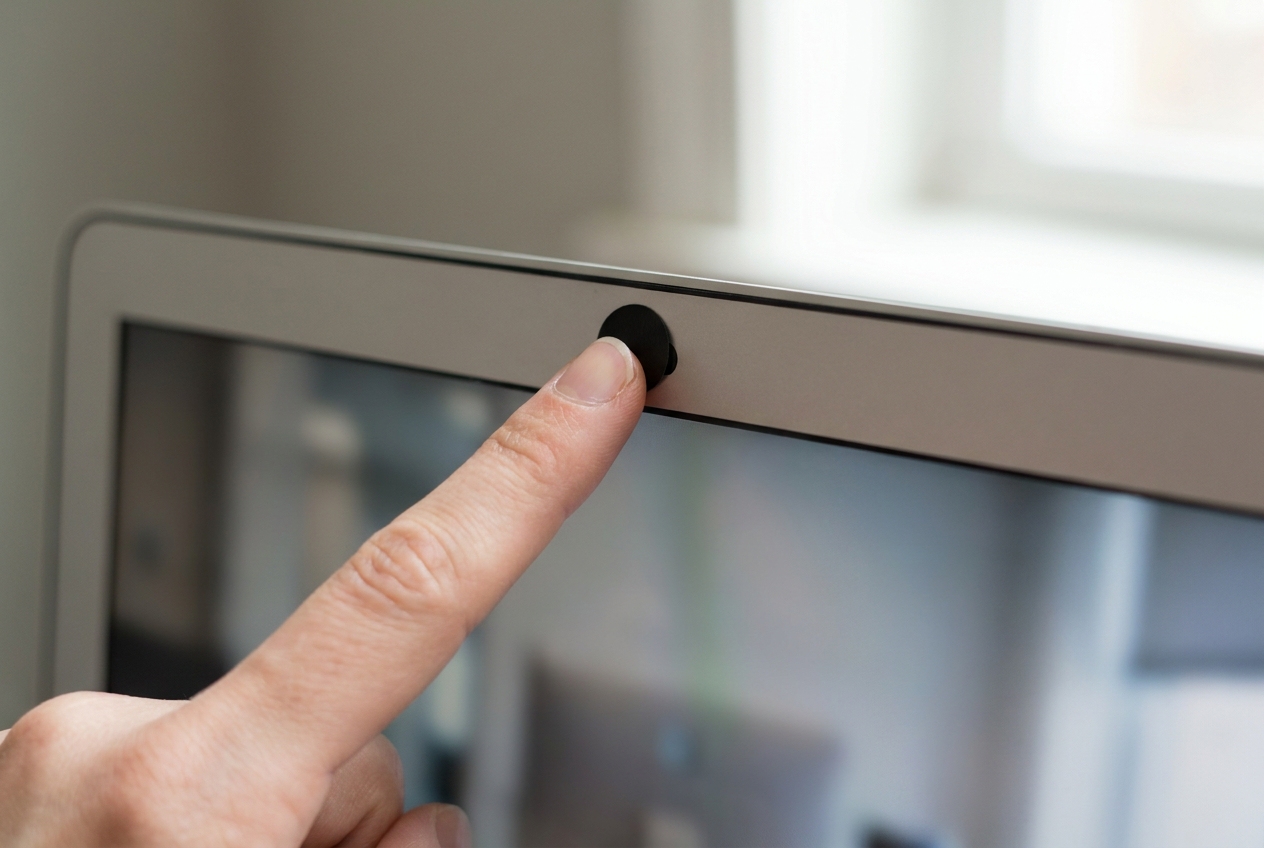
For mobile and laptop devices, the risk is malware or spyware. The simplest and most effective trick here is to cover the lens with an opaque sticker or a sliding cover when not in use. This isn't paranoia; it's the only way to guarantee that even if a hacker gains control of the hardware, they won't see anything. It's also advisable to review app permissions , similar to how you would prevent your phone from listening to you ; there's no point in a flashlight app having access to the microphone or camera.
The conflict with neighbors and outdoor privacy
Sometimes spying isn't digital, but physical, through a neighbor's security camera pointed directly at your yard or window. In these cases, it's crucial to act within the law. Never damage someone else's equipment , as you could be charged with vandalism. The wisest course of action is to attempt a polite dialogue, or, if that fails, contact community mediators or the police if there's a clear violation of privacy.
There are legal ways to block the view. You can install awnings, exterior curtains , plant dense hedges like cypress, or erect fences according to local regulations. A more technical option is to use strategic lighting, such as motion-sensor spotlights, which can saturate the image of a neighboring camera without breaking it. If you decide to install your own system, opt for cameras that allow you to create masking zones to avoid intruding on other people's property and prevent legal issues.
Protection in public settings and travel
When staying in a hotel or rental apartment, be vigilant. Inspect suspicious areas such as air vents or alarm clocks. You can use your phone's flashlight to look for lens reflections or the front-facing camera to try to detect infrared lights invisible to the human eye, which cameras use for night vision.
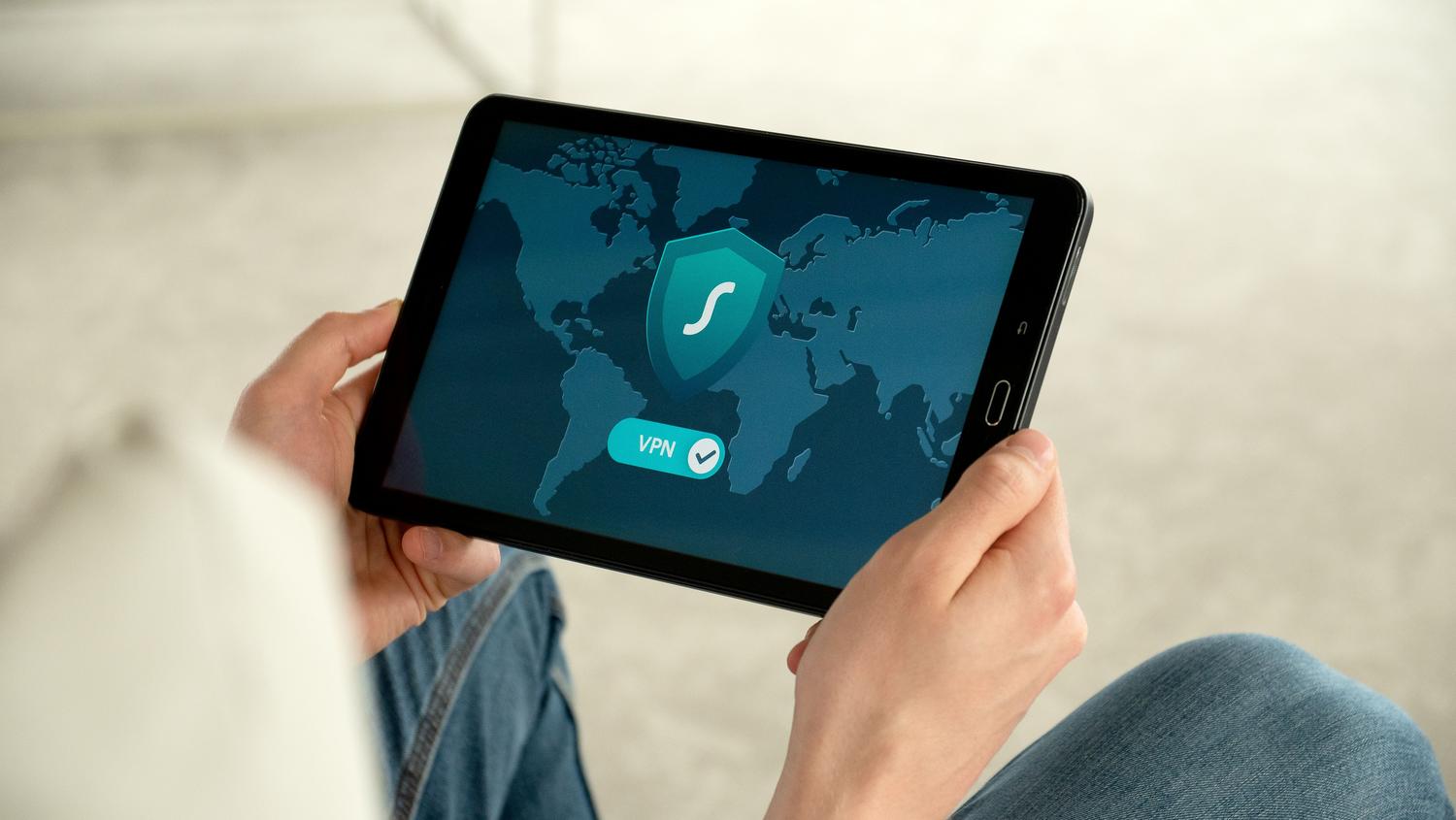
When browsing, avoid connecting to unsecured public Wi-Fi networks. These environments are ideal for data interception attacks. If you absolutely must use a coffee shop's Wi-Fi, always use a VPN (Virtual Private Network) to encrypt your traffic and prevent anyone from capturing the images you transmit or receive.
Having a smart home doesn't have to mean sacrificing privacy. The key lies in combining the choice of hardware from reliable brands with a rigorous setup that includes changing passwords, constantly updating systems, and creating isolated networks. In addition, maintaining vigilance regarding unauthorized devices and implementing simple physical measures, such as covering webcams, allows you to enjoy technology without being exposed to the gaze of intruders or nosy neighbors.