- Updates KB5063878 and KB5062660 trigger issues with Phison-based SSDs under write-intensive loads.
- Symptoms include drive disappearance, errors after reboot, and risk of data corruption.
- Phison recognizes the problem, is investigating with its partners, and will channel potential solutions through manufacturers.
- It is recommended to avoid mass writes, maintain backups, and uninstall patches if necessary.
Sometimes an update intended to improve the system ends up showing its flaws. In recent days, several users have noticed that Windows 11 may cause failures on certain SSDs with Phison controllers. when subjected to intensive writes. Confidence in the update process is shaken when the cure threatens to be worse than the disease.
The complaints point to a clear pattern: after installing recent patches, Drives disappear from the system during very large transfers And in some cases, they remain inaccessible after a reboot, with the obvious risk of data loss. These aren't sporadic cases, but rather repeated behavior across different devices and regions.
What's happening with KB5063878 and KB5062660
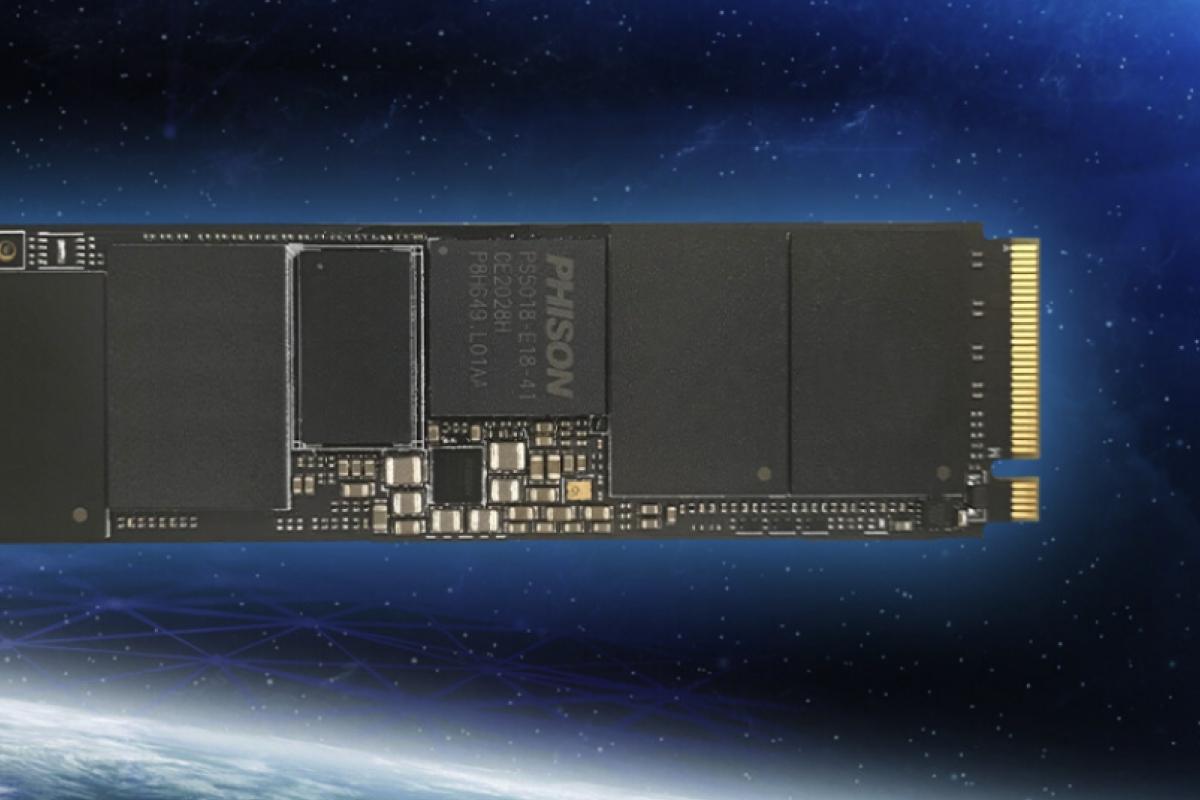
The reports relate the problem to the cumulative update KB5063878 Windows 11 (version 24H2, build 26100.4946) and, to a lesser extent, with KB5062660The fault appears especially when write more than 50 GB at a time and when the SSD has more than 60% of its capacity occupiedIn this scenario, the drive may no longer be detected by the system and, in some cases, may not recover after a reboot.
Although there is still no definitive technical diagnosis, experts and enthusiasts consider a conflict in the interaction between Controller firmware and Host Memory Buffer (HMB) management under sustained loads. This combination could trigger controller lockups and subsequent logical shutdown of the unit.
The alarm started from reproducible tests carried out by the community —including user @Necoru_cat on X— and spread to specialized media outlets that have replicated the behavior. The consistency of the symptoms suggests a common root rather than isolated cases.
Models and controllers under the microscope
The common denominator in most incidents is the presence of Phison controllers in the affected units. Among the devices cited by users are models with the driver Phison PS5012-E12 and close variants.
- Corsair Force MP600 (Phison PS5012-E12)
- SanDisk Extreme Pro (NVMe M.2 family)
- Kioxia Exceria Plus G4
- Fikwot FN955
It is worth emphasizing that Not all SSDs with Phison are necessarily affectedFactors such as disk occupancy percentage, lack of DRAM memory (HMB dependence), and the volume of data written in a single operation appear to increase the probability of failure.
What Phison and Microsoft have said
Phison has publicly acknowledged that Updates KB5063878 and KB5062660 may have affected some units that make up its controlling companies. The company indicates that is reviewing the drivers potentially involved and working with industry partners to identify scope and deploy solutions.
The firm has also clarified that Fixes and firmware will be channeled through SSD manufacturers, so it will not provide direct support to the end user. Meanwhile, at the time of writing this article, Microsoft has not posted a specific notice on its health dashboard., although the company typically collects data before issuing releases or corrective patches.
What to do if you have an SSD with a Phison controller
If your computer uses a Phison-controlled drive, the prudent option is Defer the installation of KB5063878/KB5062660 Until a fix is officially confirmed. If you've already installed them, avoid the conditions that trigger the problem: Do not perform bulk writes, limit transfers greater than 50 GB and keep your backups safe.
How to check if your SSD uses a Phison controller: identify it with the right tools.
- Check the model specifications on the manufacturer's website.
- Open Device Manager (Disk Drives) to see your SSD's ID.
- Use the manufacturer's own utilities when available (e.g. SSD management suites).
- Third-party tools like CrystalDiskInfo or HWiNFO64 can display controller and firmware.
If you are already running Windows 11 24H2 and are experiencing issues, you can Reduce the risk by avoiding installing/playing very heavy games, making copies in small batches (pieces less than 50 GB) and ensuring that the unit does not exceed 50-60% occupancy while the failure is investigated.
How to uninstall patches if they affect you: carefully return to the previous state.
- Go to Settings > Windows Update > Update history > Uninstall updates and select KB5063878 or KB5062660.
- Or, open the console as administrator and run: wusa / uninstall / kb: 5063878 I wusa / uninstall / kb: 5062660.
In addition to the above, stay tuned for statements from your SSD manufacturer and Phison, as any firmware fixes or mitigation guides will arrive first through its channelsUntil then, prioritize the integrity of your data above all else.
Everything points to an unfortunate interaction between software and hardware that emerges under very specific load scenarios; with caution, good backups and avoiding massive writes, it is possible to reduce the risk while Phison and its partners work on a definitive solution.