- The optional update KB5101684 is now available for Windows 11 24H2 and 25H2, raising the builds to 26100.8973 and 26200.8973.
- File Explorer displays sizes with the correct unit (KB, MB or GB) and allows you to open folders in new tabs with the middle mouse button.
- Windows Hello extends its security to external fingerprint readers, and Voice Access incorporates voice isolation to filter out background noise.
- Improvements include search, taskbar, precision touchpad, and lock screen, with no known issues reported.
Microsoft has released the optional cumulative update KB5101684 for Windows 11, both version 24H2 and 25H2. This is a preview patch, meaning it won't install automatically: you'll need to check for it manually in Settings > Windows Update > Advanced options > Optional updates . Those who download it will see their computers updated to builds 26100.8973 (24H2) and 26200.8973 (25H2).
This release comes after testing within the Insider program, and now any user on the stable channels can try it before its general rollout later this month . Microsoft hasn't reported any known issues with this version, making it a good idea to upgrade if you want to enjoy the new features as soon as possible.
Changes to File Explorer and Search
One of the most noticeable improvements affects File Explorer . In the details view, file sizes are no longer always displayed in kilobytes, but instead use the appropriate unit (KB, MB, or GB) based on the actual file size. This is something users have been requesting for years and now simplifies reading at a glance. Furthermore, middle-clicking on a folder in the address bar or on the home page now opens it directly in a new tab , without replacing the current view. An annoying gray flicker that appeared when loading the home page has also been fixed, as well as an unexpected upward scrolling issue in certain cases. Thumbnails of recommended files are now clearer.
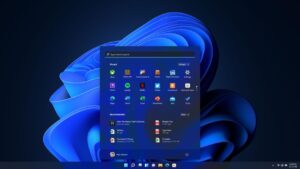
Windows Search also gets a facelift: it's more forgiving of typos and partial app names, and prioritizes Settings results when the query matches a system setting. The Start menu, meanwhile, more reliably remembers the user's chosen view, without resetting after restarts or updates, similar to how Windows 11 brings back classic customization in other areas. Notification badges in the taskbar are no longer always red and adopt the system's accent color , unifying their appearance with the rest of the interface.
Windows Hello, Voice Access, and touchpad

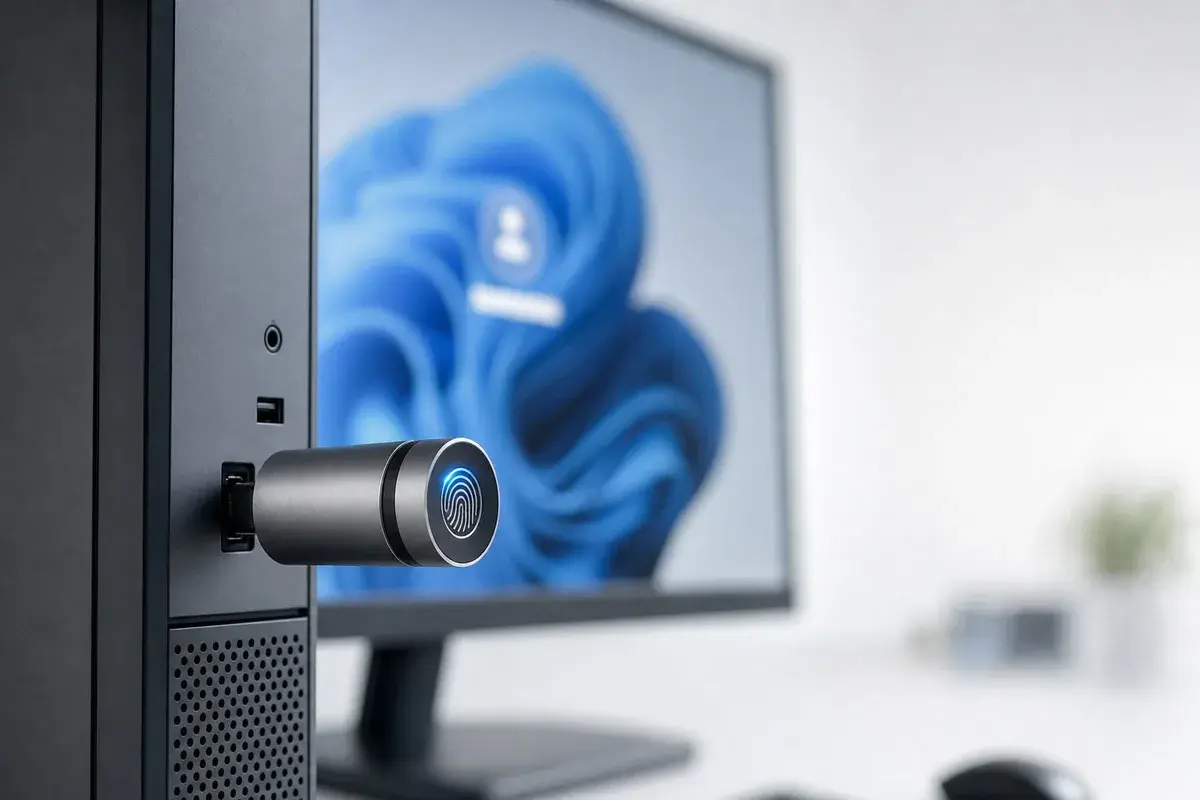
The most notable new feature is the expansion of Windows Hello Enhanced Sign-in Security to external fingerprint readers . Until now, secure fingerprint login relied on sensors built into the computer. With this change, desktops and other Windows 11 PCs, including Copilot+ PCs , can use a connected USB reader for enhanced authentication. Microsoft had already announced this feature in January 2026, and now, with KB5101684, confirms that it is beginning its rollout for download on Windows 11.
The Voice Access voice control feature includes voice isolation , which filters out background noise and other voices to improve recognition. From the voice recognition settings, you can choose between three modes: voice isolation (requires initial setup), background noise removal only (no additional setup), or no filtering. Korean language support has also been added.
In the precision touchpad section , the Bluetooth and devices menu adds new controls: adjustable scroll speed, adjustable zoom, and optional accelerated scrolling. The lock screen simplifies its widget panel, showing only the weather widget by default for new users. Windows Magnifier also changes its touch behavior, disabling by default the scroll bars that used to obscure the magnified view.

Along with the main patch, Microsoft includes a servicing stack update (KB5101711) , and as mentioned, no known issues are reported in this release. These are small, cumulative tweaks, designed to smooth out everyday friction rather than add major features, though they do help improve the system's stability and overall performance.
This optional update is now available for all Windows 11 24H2 and 25H2 users who want to try it before it rolls out to all computers with the next monthly patch. With a cleaner File Explorer, more forgiving search, extended Windows Hello security for external readers, and improved voice isolation in Voice Access, KB5101684 is a solid patch worth downloading manually from Windows Update.