- WhatsApp is testing stickers with sound up to 10 seconds long in its beta version for Android.
- The audio is added from the chat editor using a voice recording or a file from the phone.
- The stickers don't play sound automatically: they display a volume icon and play when you tap them.
- The feature is still in testing, respects silent mode, and has no general release date.

WhatsApp is testing a feature that will allow users to add sound to stickers shared in chats. The tool, known as sound stickers, supports voice recordings or audio files of up to ten seconds associated with a still or animated image, according to tests in the Android beta version. There is no confirmed date yet for its general release.
The goal is for these stickers to no longer be silent but capable of playing a video clip when tapped. In testing, the creation is done directly within WhatsApp's editor , without relying on external applications, and the content is protected by the app's standard end-to-end encryption.
What are WhatsApp sound stickers and how do they work?

A sticker with sound is an image, static or animated, to which a recording is added. When sent, it appears in the conversation like any other sticker, but includes a volume icon indicating that it has associated audio. The recipient must tap the image to hear it.
The sound does not play automatically when the chat is opened. This decision aims to prevent interruptions in group chats and long conversations, and allows the audio to respect the phone's silent mode . If the user taps the sticker, the clip can repeat up to three times while the animation plays.

How do you create stickers with audio from the chat?
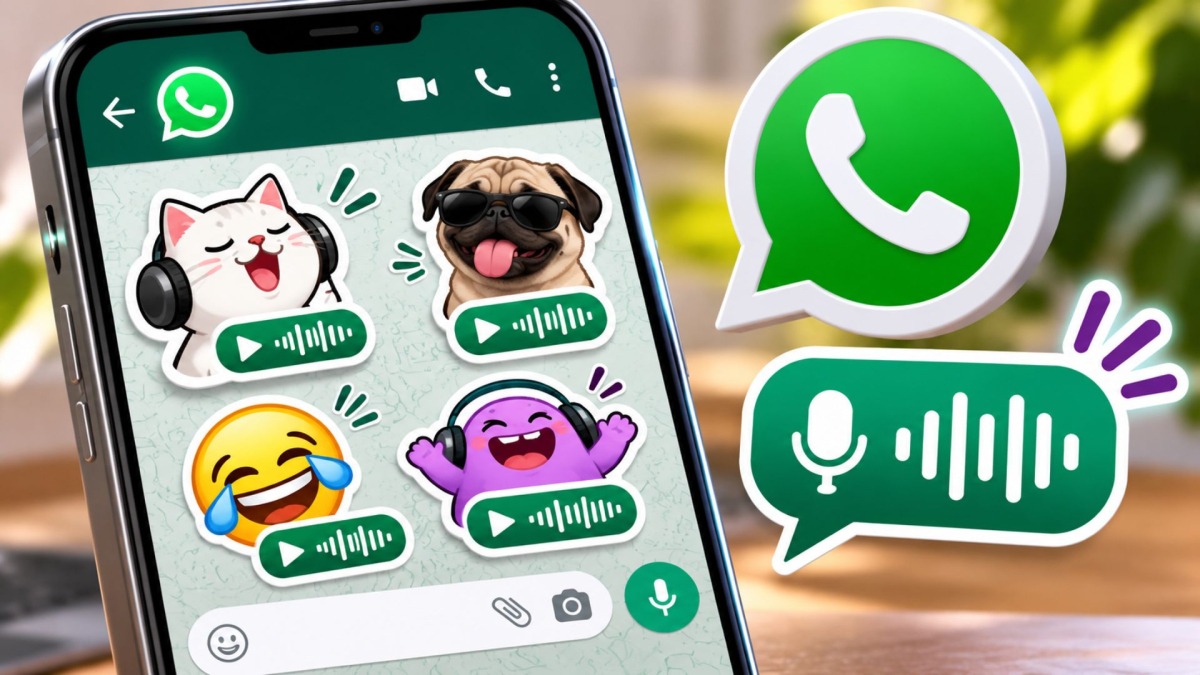
The creation process is integrated into the usual sticker workflow. First, open a conversation and go to the sticker section ; then choose the option to create a new sticker and select a photo or video from your gallery. A sound wave or audio icon will appear in the editor to add the audio track.
From this menu, you can record a voice note on the spot or choose a file already saved on your phone. If the audio is longer than ten seconds, the tool lets you trim the portion that will accompany the sticker before saving and sharing it.
- Open a chat and go to the keyboard or sticker section.
- Choose the option to create a sticker and select a photo or video.
- Tap the sound icon and record a voice or choose an audio file.
- Adjust or trim the clip if it lasts longer than ten seconds.
- Save the sticker and send it to the conversation.
How do animated stickers work, and what are the limitations of audio?
In the case of animated stickers created from a video, the test automatically preserves five seconds of the original audio . The user can then keep that track or replace it with their own recording or another file stored on the device. This allows a visual gesture to be combined with a different phrase.
The feature maintains end-to-end encryption and doesn't affect other messages. Playback is triggered by tapping the sticker, and the volume icon indicates that audio is playing. In tests, the clip could loop up to three times in sync with the animation.

When will it be available to everyone and what are its limitations?

For now, stickers with sound have been tested in the beta version of WhatsApp for Android . Their activation is gradual and experimental: not all test users see them, even if they have the latest version of the app. WhatsApp has not announced a date for the stable release nor confirmed that it will be available on all devices.
The main limitation is duration: clips cannot exceed ten seconds , except for the initial five-second segment, which is preserved in stickers created from the video. If the chosen audio is longer, it must be trimmed before being associated with the image.
What should a user do if they want to try it?
To have a chance of accessing the test, it's advisable to keep WhatsApp updated from the official app store. Even so, installing the latest version doesn't guarantee the feature will appear, as it's rolled out gradually to beta users . Availability may vary even within the beta program.
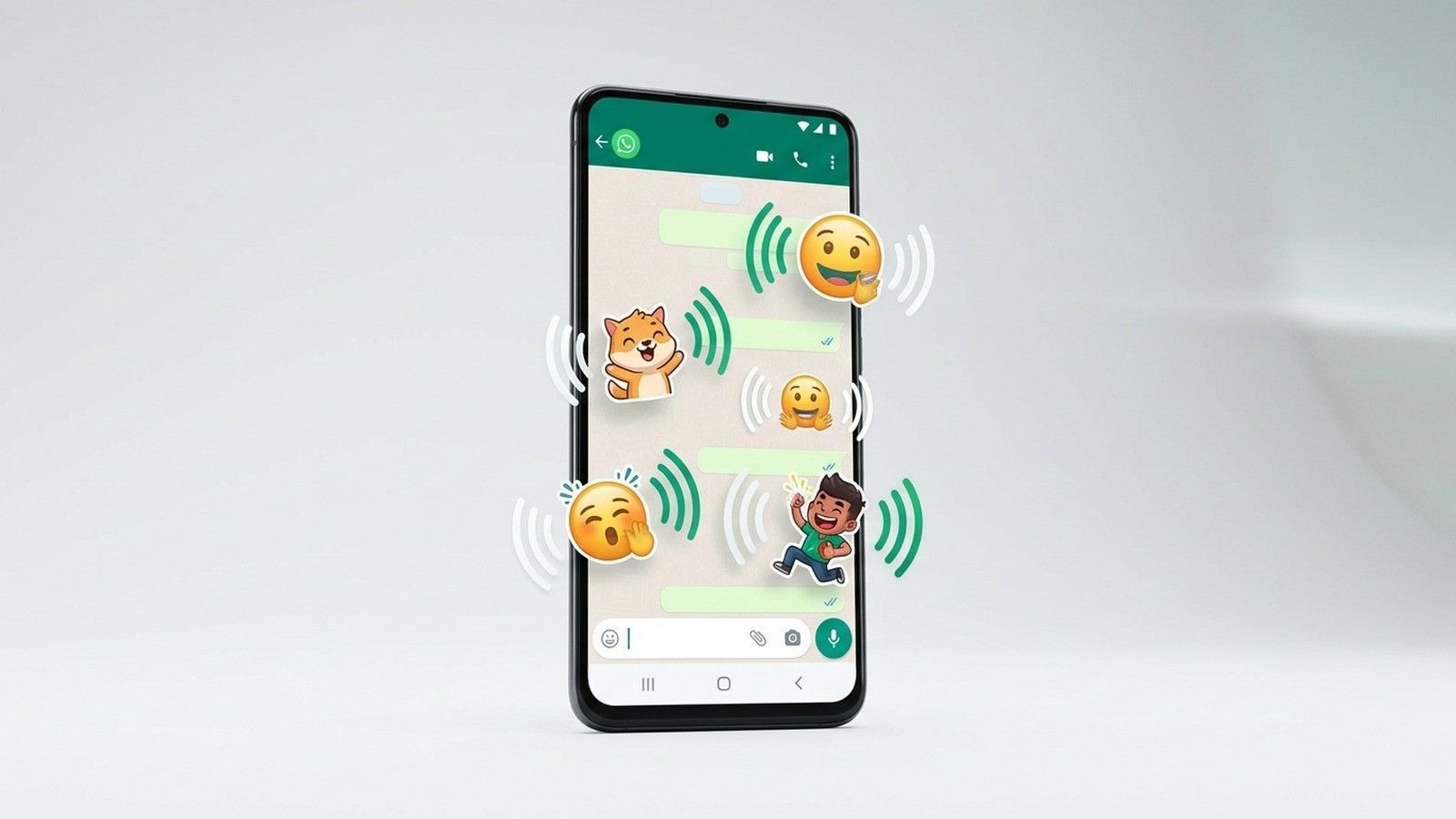
When a sticker with sound arrives in the chat, it's identified by the volume icon . Simply tap it to play the audio; if your phone is on silent, it won't play automatically. The clip remains associated with the sticker and can be listened to again as long as it's available in the conversation.
Table of Contents
