- WhatsApp Web adds voice and video calls to individual chats, initially for beta users.
- Communications are protected with end-to-end encryption and are integrated with screen sharing.
- Meta prepares group calls for up to 32 participants, links, and scheduled calls from the browser.
- The feature is being rolled out gradually to browsers such as Chrome, Firefox, Edge, and Safari in Europe and the rest of the world.

WhatsApp Web is no longer just a tool for sending messages from your computer; it's now catching up with one of the most requested features: voice and video calls directly from your browser . After years of rumors, internal testing, and partial rollouts on other platforms, the web version of the popular messaging service is finally starting to offer calls without the need to install any additional software.
This new feature comes at a time when much of personal and professional communication takes place via computer. With this change, WhatsApp Web users in Spain and the rest of Europe will be able to answer or initiate calls without touching their mobile phone , use their PC's microphone and camera, and even share their screen during a video call to show documents, presentations, or any content displayed on the monitor.

What changes with the arrival of calls on WhatsApp Web
The main new feature is that WhatsApp Web now includes voice and video call icons within the browser interface for individual chats . Until now, making calls required using a mobile phone or the desktop application for Windows or Mac; the web version was limited to sending messages, voice notes, and files.
With this update, simply open a private conversation and tap the phone or camera button in the upper right corner to start a call. The system lets you choose between audio or video calls and displays a dedicated call window, without needing to leave the browser tab.
For now, the feature focuses on one-on-one calls . That is, you can only call between two people from the web. However, the company is already working on expanding support to include group calls from WhatsApp Web , something that is currently only available on the mobile app and native desktop clients.
For those who use their computer as their work center, the change is significant: using WhatsApp Web is no longer just a "big keyboard" for replying to messages, but becomes a complete real-time communication platform.

Availability: Who can already use video calls in the browser
The arrival of calls on WhatsApp Web isn't happening all at once for all users. According to information shared by specialized portals like WABetaInfo and European tech media outlets, the feature is being activated first in the beta version of WhatsApp Web . In other words, it's being rolled out to the group of users who agree to test new features before their general release.
In this initial phase, only some users are seeing the active call icons in individual chats . Other users, even those in the beta program, may find the new button, but with messages indicating that the feature is not yet operational or that they should use the desktop app. This is part of the gradual rollout Meta is using to iron out bugs before making it available to everyone.
The company has spent over a year fine-tuning this integration, conducting internal tests and adjusting the experience to make call behavior as similar as possible to the mobile or desktop app . This testing period includes verifying stability across different browsers and systems, and ensuring that audio and video quality meets minimum expectations.
In Spain and the rest of Europe, the feature is also being rolled out gradually , without any firm dates announced. Sources indicate that, after this beta phase, calls will begin appearing in the stable version of WhatsApp Web in the coming weeks, as Meta expands its servers and validates that the additional load is handled smoothly.
How voice and video calls work on WhatsApp Web
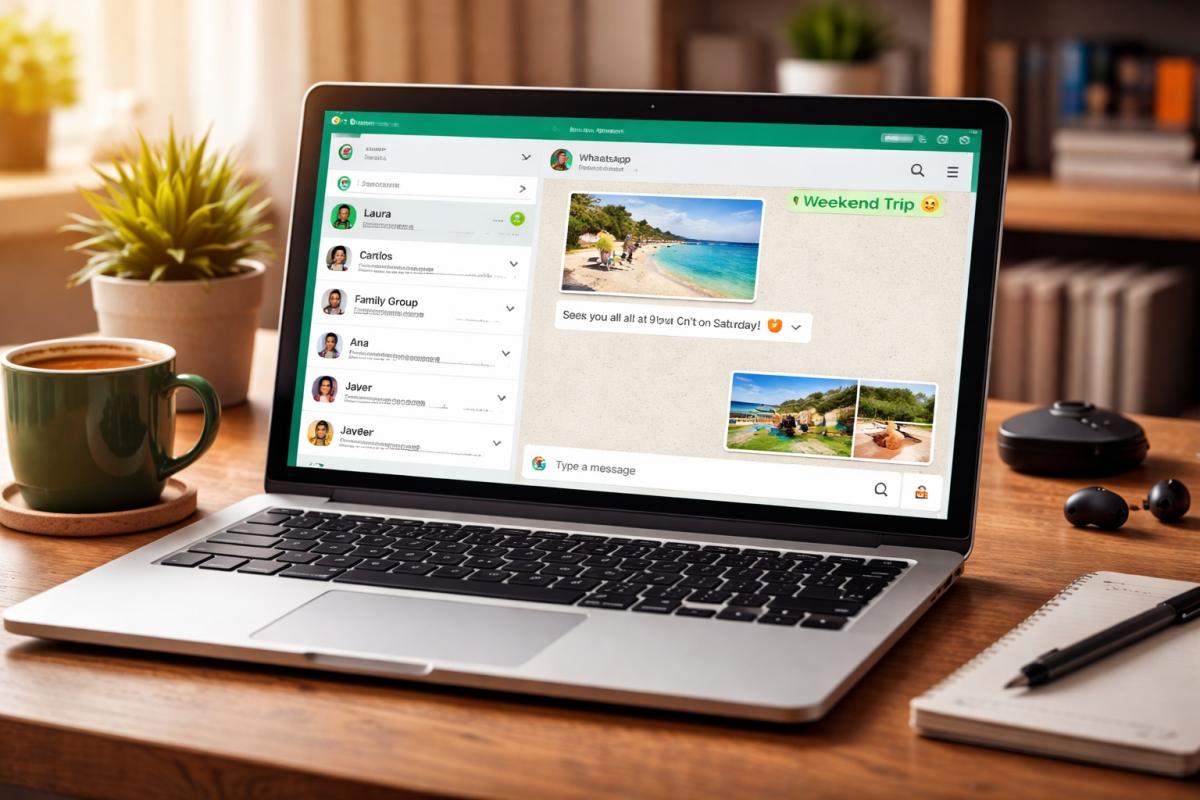
The functionality is designed to be familiar to anyone already using WhatsApp on their mobile phone or desktop app. Within each individual chat, two icons appear in the top bar: a phone icon and a camera icon . Clicking on either opens a panel that allows you to choose between a voice call or a video call, depending on your needs.
When a call is initiated from the browser, a specific window appears with basic controls : mute the microphone, turn the camera on or off, hang up, or, in the case of video calls, share the screen. This window can be docked or left floating so you can continue using the chat or check other messages while the conversation is ongoing.
The person receiving the call doesn't need to be on WhatsApp Web to answer. Calls work across versions: you can call someone from your browser who's using the Android, iOS, Windows, or Mac app, and vice versa . For the user on the other end, the notification arrives just like any other WhatsApp call, regardless of the device they're using.
The rollout relies on "native" support within the web client. It's not an external extension or a browser workaround, but rather a feature officially integrated into the WhatsApp Web interface . This ensures consistent behavior and allows privacy, audio, and video settings to be managed directly from the platform.
In practice, the experience allows for something as simple as answering a call with your laptop's headset while working, without having to search for your mobile phone around the house or switch devices for a two-minute conversation.

End-to-end encryption and security also in the web version
One of the most common concerns when discussing calls from a web browser is security. In this case, WhatsApp maintains its usual approach: voice and video calls on WhatsApp Web are protected with end-to-end encryption , using the Signal protocol, the same one used in the mobile app and other official clients.
In practical terms, this means that the call content can only be heard or seen on the participants' devices . Neither WhatsApp, nor Meta, nor any third parties intercepting the traffic can access the audio or video without the key, which resides only on the devices involved in the conversation.
This security approach aims to dispel the notion that the web is a kind of "cut-down" version in terms of privacy. The company emphasizes that the level of protection is the same whether the call is made from Android, iPhone, Windows, Mac, or a browser like Chrome, Firefox, Edge, or Safari . For users in Europe, where data protection regulations are particularly strict, this point is significant.
Obviously, it's still important to consider the device you're using to make the call. If you're using a shared computer or an open work environment, you should check microphone and camera permissions , as well as what's displayed on the screen if you're using the sharing option. Ultimately, technical security comes down to using common sense.

Screen sharing: the other big feature coming to WhatsApp Web
Along with calls, WhatsApp Web now includes a feature that can make a real difference in everyday life: the ability to share your screen during a video call . This function was already available in the desktop apps and is now coming to the web browser.
It's easy to use: once the video call starts, a button appears to activate the "Share Screen" option . Clicking it prompts the browser to ask what you want to share (the entire screen, a specific window, or a particular tab). From then on, the other person sees in real time what's being displayed on your computer.
This tool is especially useful for showing documents, reviewing presentations, explaining an online procedure, or helping someone with a form or configuration , without having to send dozens of screenshots. It's a very similar approach to the most widely used videoconferencing platforms in work or educational settings, but integrated into an application that many people already use daily.
It's important to note that screen sharing is only available during video calls . Voice calls don't allow you to share your monitor's contents. Furthermore, before activating screen sharing, it's advisable to check which windows or tabs are open to avoid accidentally displaying information you didn't intend to share—a common precaution with any screen-sharing tool.
With this move, WhatsApp Web positions itself as a simple alternative for small meetings, quick tutorials, or consultations with colleagues , without the need to coordinate on another specific platform, which often saves time and intermediate steps.

Group calls, links, and scheduled calls: what comes next
While the most visible new feature today is individual voice and video calls on the web , Meta already has its sights set on the next phase of features. Various references found in the code and beta versions suggest that group calls will also arrive on WhatsApp Web once the initial testing phase is complete.
The plans include offering calls with up to 32 participants directly from the web browser , gradually bringing the experience in line with the mobile app and desktop clients. This capability would open the door to family gatherings, work groups, or online classes without abandoning the web version.
Furthermore, evidence of call links and scheduled calls has been detected . The former would allow generating a link to share with others, so they can join a specific call with a single click, something already common on professional videoconferencing platforms.
Scheduled calls, meanwhile, would make it easier to organize meetings in advance directly from WhatsApp , setting the date and time and sending a reminder to participants. Although these features are not yet available to the general public, their presence in the beta version suggests that the company wants the web version to be more than just a messaging add-on.
If all these options eventually arrive, WhatsApp Web will position itself as an intermediate point between classic messaging apps and more complete video conferencing tools , with the advantage of already being integrated into the regular communication flow of millions of people in Europe.

Impact on browser-dependent users
For many users, especially in office, education, or hybrid work environments, WhatsApp Web is the primary way to use the service throughout the day . Having the client open in a browser tab allows for quick replies, group management, and file sharing without constantly switching to the mobile screen.
Until now, this convenience had a clear limitation: as soon as a call was needed, it was necessary to switch devices or open the desktop app . With the addition of voice and video calls, this switch is no longer necessary, which greatly simplifies the workflow, especially for those who spend most of their time in front of a computer.
This new feature is also relevant for users of systems without an official desktop client, such as many Linux environments in Europe . In these cases, the web is the main gateway to the service, and the ability to call directly from the browser eliminates the need to constantly rely on a mobile phone for such a basic function as making calls.
For everyday use, having a laptop camera, a better quality microphone, or comfortable headphones, along with a large screen, makes long video calls and work conversations much more bearable . While WhatsApp isn't intended to replace all professional platforms, it does cover a good number of real-world situations without requiring the user to learn a new tool.

With all these changes, WhatsApp Web takes a leap many have been waiting for: it goes from being a stripped-down version designed for comfortable typing to becoming a complete tool with voice calls, video calls, end-to-end encryption, and screen sharing . Although the feature is being rolled out gradually and, for now, focuses on individual chats and beta users, Meta's plan is to extend it to the stable version, add group calls, and include advanced options such as links and scheduled meetings, thus bringing the browser experience closer to that of other WhatsApp platforms.