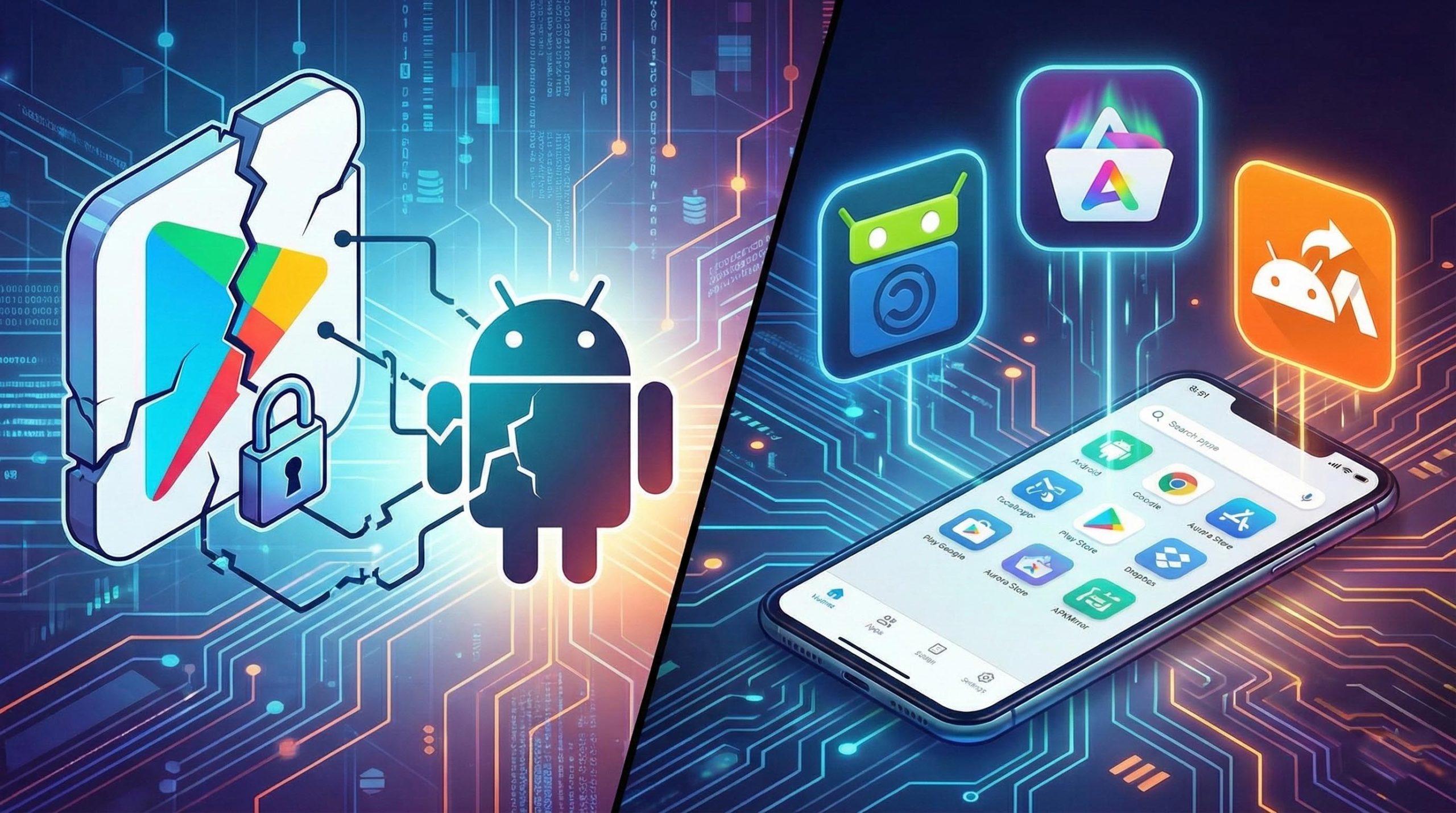
Owning an Android device is, essentially, synonymous with freedom. Unlike in the Apple ecosystem, here we aren't chained to a single source for our apps. Although the Google Play Store is the default option, the fact that it's a open operating system This allows us to explore alternative routes, either by installing APK files through the browser or by resorting to alternative stores on Android that offer a different catalog.
Many people are afraid to install things from unofficial sources, but the reality is that, if we know where to look, there are options. extremely safe and efficientWhether you use a Huawei phone without Google services, prefer a custom ROM like LineageOS, or simply want your battery to last longer by reducing your reliance on Google Play Services, leaving the Mountain View ecosystem is a very smart move.

Direct options and open-source clients
If you want to keep downloading the same apps, like Instagram or Spotify, but without Google knowing exactly who you are, Aurora Store is the only optionIt's not a new store, but an open-source client that connects to Google Play servers to download the original files, while acting as a protective screen for your identity.
The most powerful thing about Aurora is that it allows the anonymous loginThis prevents you from having to link your Gmail account. It also has a feature that... device spoofingThis means you can trick the store into thinking you have a Pixel 9 and download apps that would otherwise appear as incompatible with your older model.
Another gem is F-Droid, a paradise for those seeking absolute privacy. Here you'll find only free and open source software (FOSS)This ensures there are no hidden trackers or battery-draining processes. This repository features applications such as NewPipe, to enjoy YouTube without ads, or Termux, for lovers of the Linux terminal.

A tip for more demanding users is not to stick with the official F-Droid app, which has become a bit outdated visually. There are alternative clients such as Neo Store or Droid-ify which use the same catalog but offer a modern interface based on Material You, making the experience much smoother.
Web repositories and APK file downloads
Sometimes we don't need a whole store, but a specific file. For this, APKMirror is the ultimate resource. It's managed by Android Police and is responsible for... cryptographically verify the signatures of each application, ensuring that the file has been signed by the original developer and does not contain malware.
It's the ideal place to do a rollback If an update has broken your favorite app or if you want to try beta versions of WhatsApp before anyone else, just keep in mind that to install certain packages, you'll need the APK Mirror Installer on your device.

On the other hand, we have Uptodown, a platform born in Malaga with an impressive global reach. Unlike static repositories, Uptodown offers a native application that manages updates and scans all your files through VirusTotal to ensure they are virus-free.
Advanced tools and manufacturer stores
For users who are already at another level, Obtainium is a revolutionary tool. It's not a store in the traditional sense, but rather it allows you install apps directly from GitHub or GitLabYou simply paste the developer's repository link and the tool will notify you and update the app as soon as a new version is released, eliminating any intermediaries.
There are also options like Safehaven, which focuses on total transparency by linking apps to its repositories and scanning the software for trackers or intrusive ads, although it is still in the development phase.
As for manufacturers, Huawei AppGallery is a solid option that can be installed on any Android device. Although it lacks some very popular Western apps, it is the best alternative if you're looking for Asian software Or if you want the security of a well-known corporate provider. Similarly, the Amazon Appstore is ideal for those seeking a mainstream experience, allowing access to full versions of Amazon's book and music services.

We cannot forget Aptoide, one of the oldest stores with the widest catalog, which organizes its content into categories such as Games and Publishing, offering a browsing experience very similar to the official one.
Essential safety tips
To navigate this world safely, we must follow some basic rules. The first is avoid modded applicationsAny website that promises free Spotify Premium or cracked paid games is usually a gateway for data theft and malware, so it's advisable to apply [the appropriate security measures]. security improvements in Android.
It is vital to manage permissions well installation from unknown sourcesActivating them only for the store you're currently using and deactivating them afterward. Also, remember that if you try to update an app from the Play Store with a manual APK, both must be enabled. share the same digital signature or the system will give an installation error.
We have a huge range of options, from the minimalist and private approach of F-Droid and Aurora Store, through the versatility of Uptodown and APKMirror, to the power of Obtainium. The important thing is to choose the tool that best suits our privacy or functionality needs, always downloading the installers from their official websites to keep our digital security safe.