- Samsung Browser officially launches on Windows 10 and 11 after its beta phase
- Syncs reading history, bookmarks, and exact position between mobile and PC
- It integrates Perplexity's agentic AI to understand context, history, and videos.
- Advanced AI features are currently limited to South Korea and the US
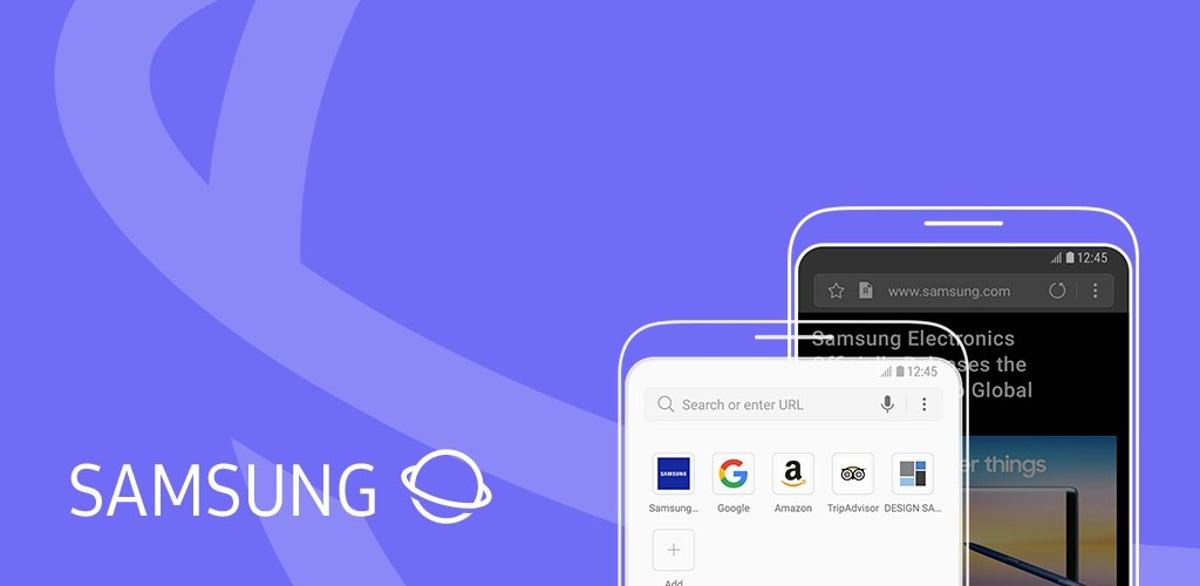
After more than a decade as reference browser on Android mobilesSamsung has decided to take things a step further and bring its web browsing software to the desktop. The company has officially launched Samsung Browser for WindowsThis is a strategy with which it seeks to compete with Chrome or Edge and, above all, to strengthen the continuity between Galaxy devices and the computer.
The move doesn't stop at a simple desktop version of its mobile app. Samsung combines deep synchronization between devices, a strong focus on privacy, and new agentic artificial intelligence features Developed in collaboration with Perplexity, the browser aims to become an integral part of the Galaxy ecosystem, particularly relevant for users in Europe and Spain who already use Galaxy phones daily.
A new browser for a saturated market
The arrival of Samsung Browser on PC comes in a context where the The desktop web browser market is more competitive than ever.Chrome maintains a very high usage share, Edge relies on its integration with Windows, and alternatives like Firefox resist losing ground, so entering this market is not exactly easy.
Even so, Samsung believes there is room for its own proposal that Take advantage of its huge Galaxy user baseThe company had already sounded out the desk with Public beta for some markets and trial versions in the Microsoft Store, but now it's making the leap to a stable global launch which aims to leave the experimental stage behind.
The philosophy is clear: to offer a desktop browser that is not simply "another" Chromium-based browser, but a tool integrated into the Samsung ecosystem, with specific functions for those who combine Galaxy mobile and Windows PC, and with a leading role for artificial intelligence.
In this sense, the company frames the launch as part of a broader strategy to Expand Galaxy AI and its services beyond the phonebringing to the PC functions that until now were almost entirely linked to the mobile environment.
Full integration between PC and mobile
One of the pillars of the proposal is the Real continuity between the mobile and computer browsersSamsung Browser allows you to not only share bookmarks and page history, but also preserve session state so that the user can continue browsing from the exact same point when switching devices.
This continuity goes beyond what is usual in other browsers: the scroll position on the page is maintainedSo, when you open the browser on the PC, you resume reading right on the same line where you left off on the Galaxy, without needing to search or scroll again.
To take advantage of this advanced synchronization layer, the user must Log in with your Samsung account across different devices. From there, the browser synchronizes bookmarks, open tabs, history, and the exact navigation point so that the switch between mobile and computer is virtually seamless.
In some scenarios, Samsung is even considering leveraging its hardware ecosystem, especially in devices like the Galaxy Bookwhere continuity features are better integrated with other brand services. Even so, the browser can also be installed on Windows computers from other manufacturers, although certain advanced continuity features may depend on the manufacturer's hardware.
For users in Spain and the rest of Europe who are already used to working with their mobile phone in hand, this approach allows move work sessions, shopping trips, or reading long articles from your phone to the big screen without resorting to third-party solutions or additional extensions.
Main functions and compatibility on Windows
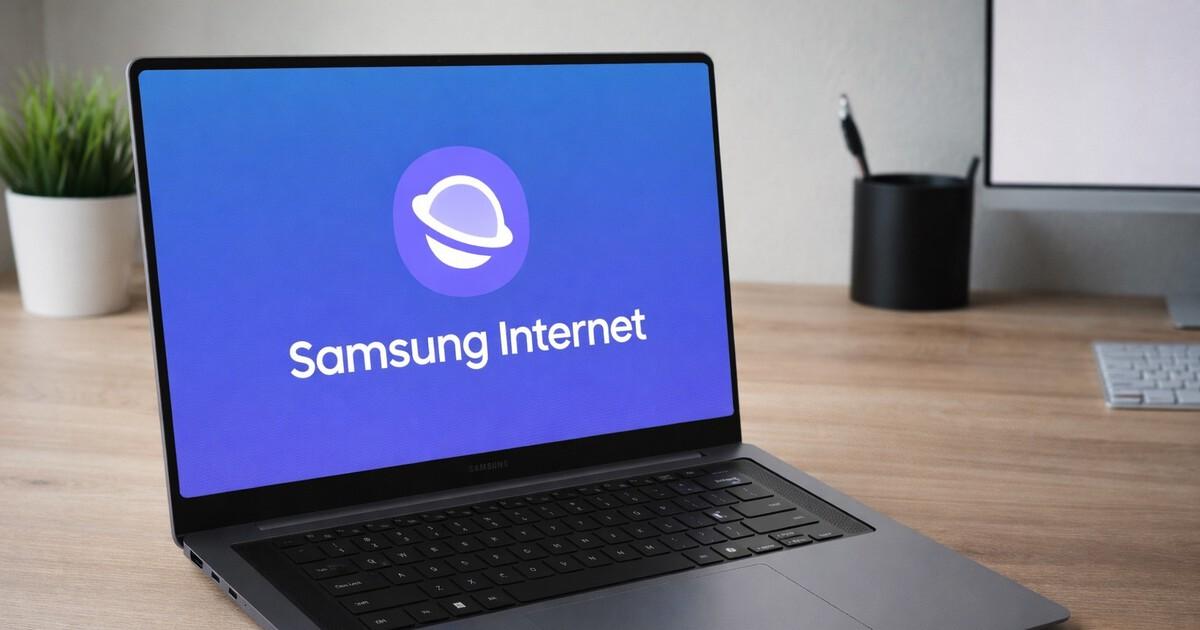
Samsung Browser for PC comes with the basic set of options you'd expect from any browser. modern desktop browser. It's compatible with Windows 10 (from version 1809 onwards) and Windows 11and can be downloaded for free from the official Samsung website, without fees or subscriptions to access its essential functions.
The interface focuses on a design Clean, customizable, and with a sidebar for managing tabs. in portrait orientation, which makes it easier to manage when working with many pages open. It also includes a mode for split window which allows you to view two websites in the same window, an increasingly common feature but one that is natively integrated here.
Among the standout capabilities are several privacy tools, such as Automatic tracker blocking and a reinforced private mode compared to what many competing browsers offer. From the first launch, the user can activate various protection options to reduce online tracking.
Samsung also emphasizes the multimedia experience: the browser includes a integrated video player with gesture controls and features such as background playback, in addition to a dark mode that is applied more broadly to pagesdesigned for those who spend many hours browsing.
The company makes no secret of the fact that its goal is for some users to consider abandon Chrome or other browsers in support of their proposal, relying on a mix of personalization, privacy, and closer integration with the rest of Samsung devices and services.
Samsung Pass and enhanced security
Another central feature of the browser is the integration of Samsung Pass as a password managerThis service allows you to store login credentials in encrypted form and autofill username and password on any device where you have logged in with your Samsung account.
In addition to passwords, Samsung Pass can store personal and payment data to speed up registration forms or online purchases. By moving this service to the computer, users who already have it set up on their mobile devices can access their credentials from their PC without needing to memorize passwords or use external managers.
The company presents this approach as a way to strengthen security without complicating daily use: The information is synchronized between the mobile phone and the computer in an encrypted manner.and access is linked to the Samsung account, which may be protected by two-step authentication and other common mechanisms.
In some markets, certain functions related to the synchronization of sensitive data have a more limited initial availabilityThis is something the brand intends to gradually expand to more regions as regulatory and infrastructure requirements are adjusted.
This enhanced privacy and credential management aligns with the strategy of positioning Samsung Browser as a viable alternative. special attention to the protection of personal data, an aspect that is increasingly valued both in Europe and in Spain.
New experience thanks to Perplexity's AI agent
The other major new feature of the browser is the addition of an integrated artificial intelligence agent, developed in conjunction with PerplexityUnlike classic question-and-answer-based assistants, this system is designed to actively understand what is happening in the browser and help the user perform complex tasks.
The agent is capable of interpret the context of the page being viewed and the open tabsThis opens the door for the user to request, for example, a travel itinerary based on an article about a specific destination, and receive a structured plan that can be adjusted according to their preferences, all without leaving the current tab.
Samsung places this agentive artificial intelligence at a similar level to other recent projects in the sector, where various assistants are beginning to perform actions on the browser and applicationsnot only to generate text. The company wants the user to be able to delegate certain processes of reading, searching, and organizing information to this agent.
To make it easier to use, the assistant is displayed in a side panel within the browserFrom this panel, you can submit queries, request summaries, or assign specific tasks. It functions similarly to Gemini in Chrome or other comparable solutions, but leverages Samsung Browser's unique integration layer.
All of this is part of the idea that the browser will evolve from a simple window to the Internet into something more. an active tool that accompanies the user in their daily workreducing repetitive steps and filtering information when the volume of open pages becomes difficult to manage.
Faster searches, better understood videos, and tab management
One of the areas where AI integration is most noticeable is in navigation and information retrieval. The browser allows search history using natural languageso you can use phrases like "find the smartwatch I was looking at last week" instead of remembering the exact URL or approximate date.
The agent also has the ability to Understanding the content of videos embedded in web pagesThis makes it possible to ask it to jump directly to a specific part of a presentation, review, or tutorial without having to manually advance to find the section you're interested in.
Another important point is the multi-tab management through simultaneous context understandingThe assistant can analyze multiple open pages at once to create unified summaries or comparisons, which is especially useful when looking at products, prices, or technical specifications on different sites.
In practice, this translates into the possibility of asking the browser to Compare the features of various mobile phones, televisions, or other devices that are open in different tabs, and receive an ordered list with the key points without having to keep switching between them.
The use of natural language to interact with the browser, combined with the ability to interpret pages, videos, and history, points to a type of experience in which The user focuses more on what they need and less on where to clickSomething that, if executed well, can significantly change the way you navigate.
Geographical limitations and planned expansion
At the moment, not all the announced features are available in all countries. Although the The browser for Windows has been launched globally And while it can be installed in most markets, agentic artificial intelligence capabilities have a more gradual rollout.
Samsung has confirmed that the Advanced AI features for Windows and Android are initially active in South Korea and the United StatesIn these regions, users can now take full advantage of contextual page understanding, advanced history search, and expanded capabilities for videos and multiple tabs.
In Europe and Spain, the browser already comes with the base of cross-device synchronization, enhanced privacy, and password managerHowever, some of the most powerful AI tools may take a little longer to become available. The company has indicated that it plans to expand these features to new markets as it refines its infrastructure and complies with the regulatory frameworks of each region.
Meanwhile, the global release of the stable version marks the end of a testing phase that had lasted for several months. The move from beta to final version means that the software It is no longer restricted to specific users or territories and establishes itself as a product ready for everyday use on any compatible PC.
The combination of general browser availability with a phased rollout of AI creates a scenario where, in the short term, The main reason for adopting Samsung Browser in Europe will be continuity with Galaxy mobiles.while the artificial intelligence layer will gain prominence as it is activated in more countries.
Overall, the arrival of Samsung Browser on Windows means that the Galaxy ecosystem It's finally leaving the mobile phone to occupy its own space on the desktop.The browser relies on deep synchronization between devices, security features like Samsung Pass, and AI that promises to understand both the content and context of browsing. Although the most advanced capabilities haven't been fully rolled out in Europe yet, for users in Spain who already use a Samsung mobile device, having a desktop browser that integrates seamlessly with their daily lives could become a very attractive option compared to the established giants in the sector.