- Update KB5062660 introduces AI-powered screenshot features in Windows 11, highlighting Recall and Copilot Vision.
- Recall stores periodic screenshots to facilitate searching and retrieval of information, sparking debate about privacy.
- Some browsers, such as Brave, block Windows 11 from taking screenshots of their content by default to enhance user security.
- New tools can be activated manually and are available based on device type and region.
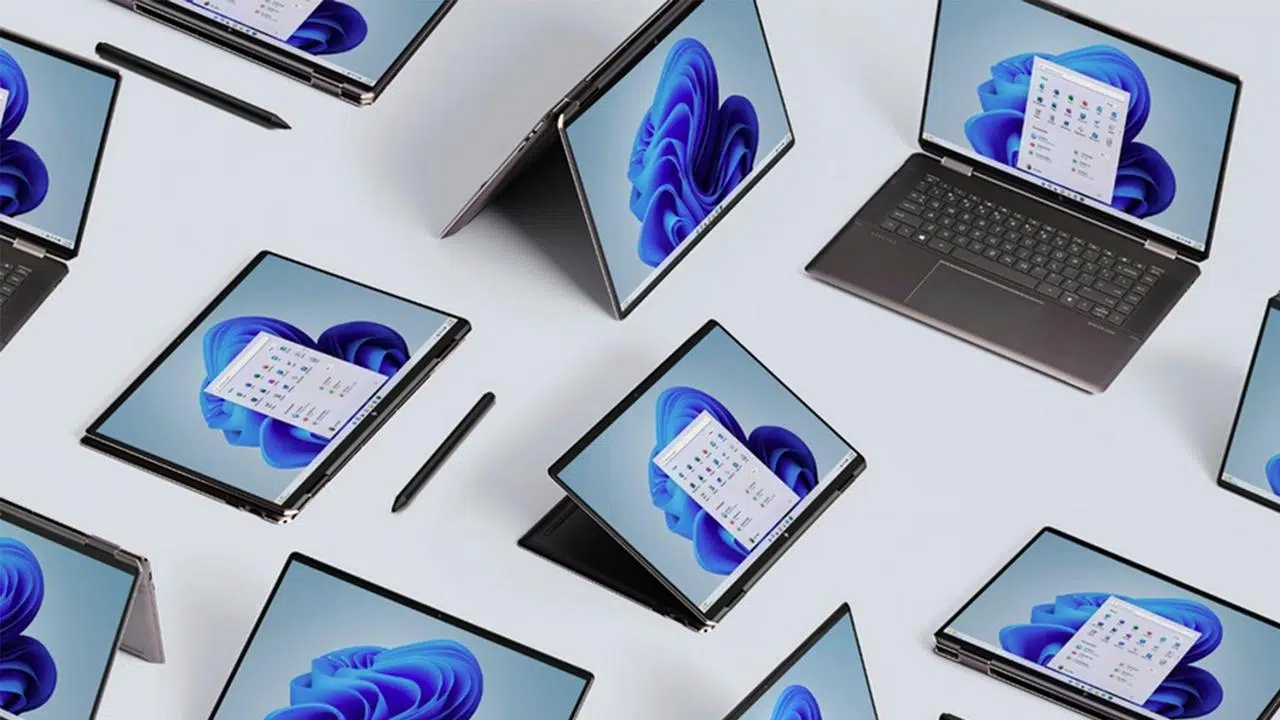
Windows 11 has incorporated a wide range of features focused on managing and analyzing screenshots thanks to the recent KB5062660 update. The arrival of tools like Recall and Copilot Vision has triggered both productivity improvements and privacy controversies, making it one of the system's most talked-about new features.
The system, using artificial intelligence, is capable of automatically capturing screenshots of the desktop and applications in use . These images are saved locally, allowing the user to review past activities, search for specific visual information, and receive contextual assistance.
However, the accumulation of screenshots and the potential exposure of sensitive data have sparked intense debate, especially among those who regularly use confidential information on their computers.
Recall: more memory, more controversy
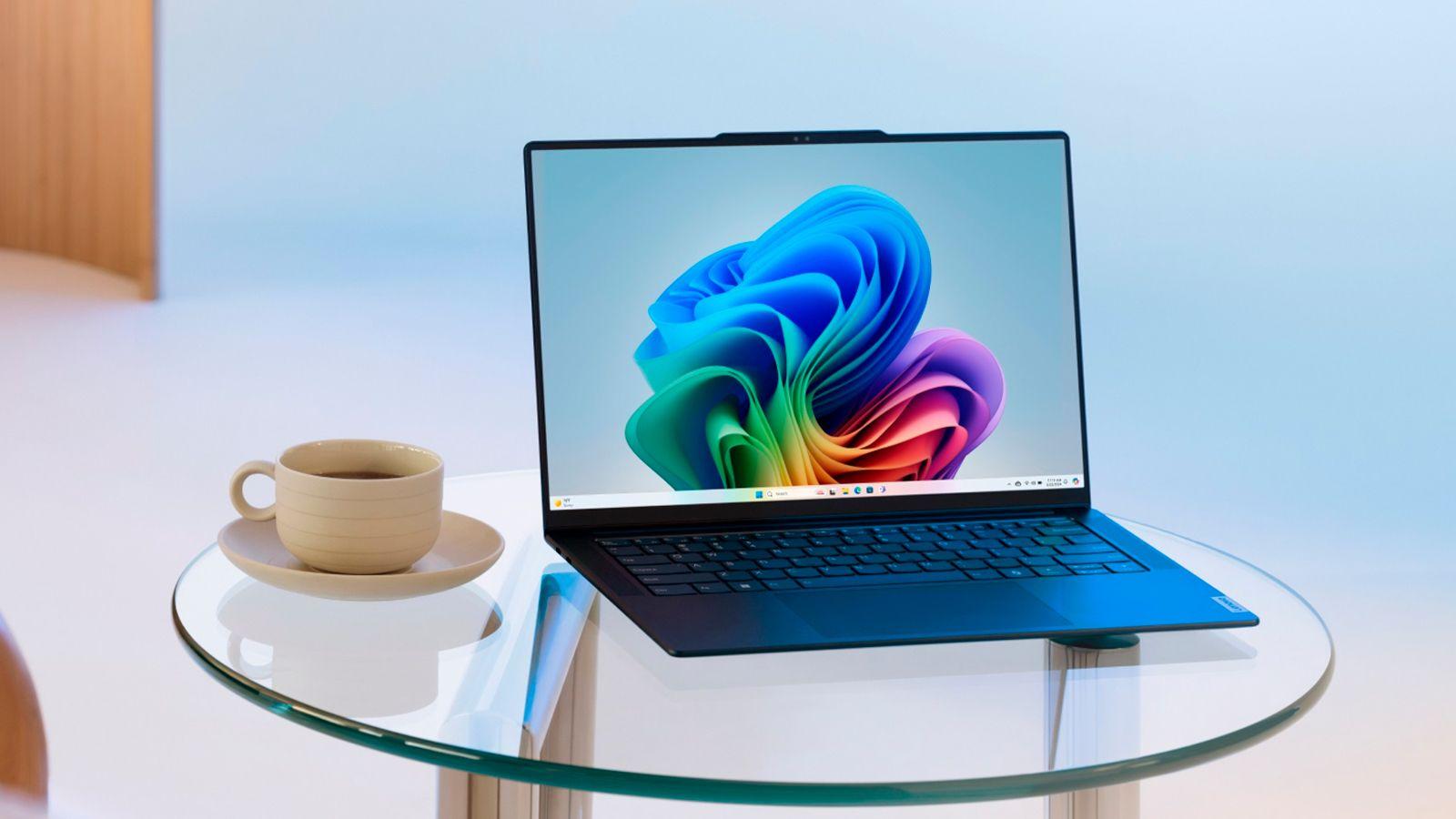
The Recall feature stands out for creating periodic screenshots of all activity on the computer , allowing users to return to specific moments and search for any previously viewed item. In this way, it becomes a kind of visual memory for the PC, making it easy to locate documents, images, emails, or text snippets that were on the screen.
However, this feature has raised concerns, as it could potentially collect sensitive data such as passwords, personal information, private messages, or medical records . Although the snapshots are stored on the device itself and not in the cloud, there is a risk that they could fall into the wrong hands in the event of a security breach or cyberattack, which is causing reluctance even among advanced users.
In response to this concern, Microsoft has implemented options for users to manage, through settings, which applications are allowed to be logged and how to delete the capture history accumulated by Recall. This control aims to minimize the impact on privacy, although the controversy remains.
Copilot Vision and AI integration

Along with Recall, Copilot Vision represents another advancement in leveraging screenshots . This tool uses artificial intelligence to analyze all visible screen content in real time. This allows users to request help, receive suggestions, or access information about any displayed element, whether in applications, on the desktop, or on web pages.
Copilot Vision can be activated manually from the system menu or from the Edge browser, allowing the AI to scan up to two windows at a time to provide contextual assistance. The feature is currently being rolled out within the Insider Program and is currently limited to select markets. However, unlike Recall, Copilot Vision works with a wider variety of devices and doesn't require specialized hardware.
Both tools, although similar in their approach to managing captures, have notable differences: Recall operates continuously and automatically, while Copilot Vision only acts on demand and needs to be expressly activated by the user.
Industry Response: Brave and Protection Against Unwanted Capture
The arrival of automatic screenshot features has prompted immediate responses from various software developers , who are seeking to strengthen the security and privacy of their users. One particularly noteworthy case is that of the Brave browser, which in version 1.81 announced the default blocking of screenshot collection by Windows Recall, even in normal windows (not just in incognito mode).
With this setting, all activity performed in Brave is excluded from the system's visual memory , thus protecting confidential data, credentials, or private information from accidental recording. This protection is based on privacy indicators that were traditionally only present in private sessions, and which Brave now extends to all tabs to shield content from Recall.
Other browsers, such as Signal, have also integrated similar tools to prevent chats or sensitive information from being captured, using digital rights management technologies already used on streaming platforms.
How to control and take advantage of the new capture features in Windows 11
Users who want to get the most out of the new screenshot capabilities should keep several considerations in mind:
- Enabling Recall and Copilot Vision varies by device, Windows 11 version, and country.
- En screenshot in windows 11, Recall is available after installing update KB5062660 and can be managed from the Privacy & Security menu.
- Copilot Vision, on the other hand, is enabled on demand and requires joining the Insider Program in supported regions.
- If you prefer to avoid activity logging in certain apps, browsers like Brave offer direct controls to block captures by default.