- Meta AI can't be completely removed from WhatsApp, but its visibility can be reduced.
- Concerns about privacy, inaccurate responses, and resource consumption fuel rejection among many users.
- There are simple steps to hide the Meta AI chat and restrict interaction with the artificial intelligence.
- Meta AI ensures confidentiality and data protection, although skepticism persists among some in the community.
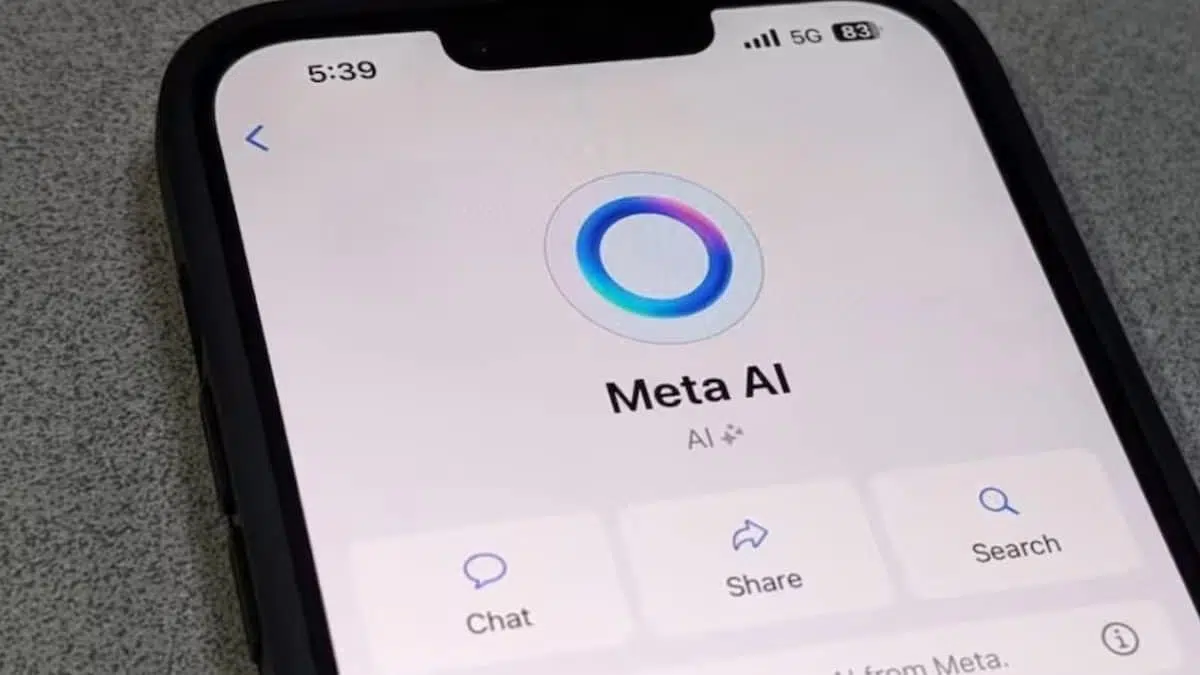
The integration of Meta AI into WhatsApp has sparked mixed reactions between those who see the automated responses as useful and those who perceive this addition as an unnecessary intrusion into the messaging experience. Most users who prefer a more traditional use of the app wonder if it's possible to completely remove the AI assistant —represented by the familiar blue circle—or at least minimize its presence in the interface.
Meta AI appears in WhatsApp as a pinned chat or quick access at the top of the conversation list, and despite its function, not all users are convinced by its inclusion. Concerns about data privacy , the accuracy of responses , and battery consumption are among the main issues that have led many to seek solutions to disable artificial intelligence within the app.
Why do some users prefer to disable Meta AI?

The reasons for minimizing or eliminating Meta AI in WhatsApp are varied. Privacy tops the list: unlike personal chats, which have end-to-end encryption, interactions with the assistant can be stored and analyzed by Meta to improve its AI models. This raises concerns for those who don't want their data used for training or algorithm development.
Furthermore, Meta AI can provide inaccurate answers or outdated data, which reduces its reliability for everyday use. The fact that the assistant is always visible and consuming resources has also led to complaints about decreased device performance and increased mobile data usage.
Many users defend the original simplicity of WhatsApp; they believe that the integration of AI adds unnecessary elements, complicating a platform that they highlight for its simplicity and effectiveness.
How to Hide or Minimize Meta AI: Simple Steps
Although there is no official option to completely remove Meta AI from the system, it is possible to hide the chat and limit its interaction by following a few simple steps on any device:
- Open the conversation with Meta AI within WhatsApp.
- On Android, long-press the chat; on iOS, swipe left.
- Access the menu by tapping the three vertical dots or clicking on the corresponding option.
- Select “Delete chat” or “Delete conversation” and confirm your decision.
After performing this procedure, the window will no longer appear on the main screen, although the feature will still be available. If you search for "Meta AI" in the search bar at any time, you'll be able to access the virtual assistant again.
Another option is to archive the conversation to keep the chat out of the main view without losing the history, or use the command “/reset-ai” within the chat to delete the interactions stored by the assistant.

What about privacy and security?
Meta insists that interactions with its assistant are protected by multiple layers of security. According to the platform itself, conversations with Meta AI are not shared with third parties, are not permanently stored, and are encrypted during transmission. Furthermore, the assistant only has access to messages where it is mentioned or that the user explicitly shares—it cannot read other chats or access the device's audio.
However, the company acknowledges that messages may be reviewed or analyzed temporarily to improve the system, which does not fully convince those who value maximum confidentiality.
Alternatives for those seeking an AI-free experience
Users who want to avoid Meta AI but need AI assistance can use other applications such as ChatGPT, Google Gemini, or Claude . These tools operate outside of WhatsApp, providing more control over shared information and allowing users to decide when and why to use AI.
Another alternative is to use WhatsApp Business , as it doesn't yet include Meta AI integration in some regions. Similarly, reverting to older versions of WhatsApp might be tempting, but this practice puts your device's security at risk , as it exposes it to unpatched bugs and vulnerabilities.

How does the removal of Meta AI affect WhatsApp usage?
Hiding or deleting the Meta AI chat doesn't affect WhatsApp's core functionality . You'll still be able to send messages, make calls, share files, and use all the app's usual features. The only difference is that the assistant no longer occupies space on the main screen, making for a simpler and more personalized experience.
The core functions remain intact, ensuring that the app's usefulness is not affected by the presence of the virtual assistant.