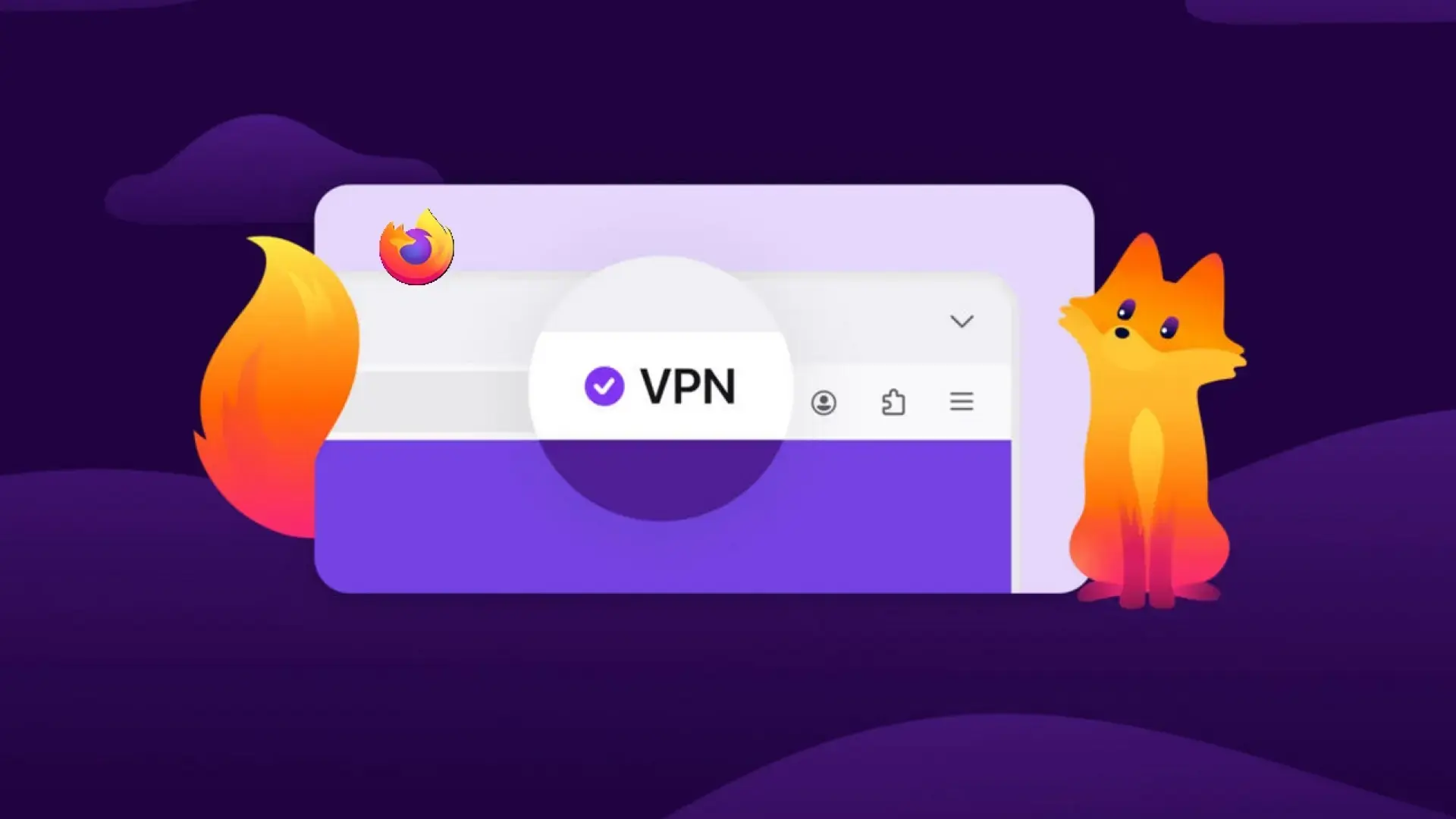
- Firefox integrates a free proxy-based VPN starting with version 149 with a 50GB monthly limit.
- This native tool prioritizes privacy by not storing logs or selling personal data.
- There are alternatives such as Proton VPN, VeePN, and 1VPN that offer different levels of encryption and global reach.
Today, browsing the internet has become a minefield where constant tracking and digital spying are commonplace. Therefore, any tool that allows us to regain a little privacy is welcomed with open arms by the user community.
Mozilla has decided to take a step forward, and the Firefox browser is preparing to launch a highly anticipated feature: a free, integrated VPN. While it has its nuances and some limitations, it promises to be a quick and secure solution for those who want to avoid technical complications when trying to hide their online activity.

All about Firefox's new built-in VPN
The big news comes with the Firefox 149 update, which begins rolling out on March 24. It's not just about the VPN; this package of improvements includes tools like split-screen for managing two websites simultaneously, notes linked to tabs, and a master button to disable any AI features that bother you.
Unlike many free options flooding the extensions store, where the price is often your own data usage, Firefox VPN presents itself as an ethical choice. The company assures users that it will not sell their information or keep activity logs, eliminating the constant fear that the service is actually spying on them.

Technically, let's be clear: it's not a full-system VPN, but a proxy that encrypts your browser connection and hides your IP address. This means that any program you use outside of Firefox will still expose your real identity, as the protection is strictly limited to internal web traffic.
Limitations you should know about
To prevent the free version from stealing customers from Mozilla VPN (their paid service), they've implemented certain restrictions. The most notable is the data limit, which only allows 50 GB of data per month . This is more than enough for browsing forums or reading news, but if you binge-watch TV series in high definition, you'll likely run out of space.
Another point to consider is server management. In the free version, you can't choose the country you want to browse from; the system will automatically assign you the fastest and closest server . This means that if you're looking for a Japanese IP address to unlock specific content, you might not have much luck.
Furthermore, the initial rollout is limited. For now, only residents of the United States, France, Germany, and the United Kingdom will be able to enjoy this feature. Those of us in Spain will have to be patient and wait for Mozilla to expand availability in the coming months.

Other recommended alternatives and extensions
If you don't want to wait or need more advanced features, there are some very capable extensions available. For example, Proton VPN allows you to easily install its add-on in Firefox and is compatible with derivatives like Waterfox and LibreWolf. It's a robust option that integrates seamlessly into the toolbar for quick access.
On the other hand, VeePN positions itself as a solution for those seeking unrestricted access to streaming services. It offers a global network with thousands of servers in over one hundred locations, allowing users to avoid tracking by advertising agencies and government agencies through the assignment of anonymous IP addresses.
If you're looking for something even simpler, 1VPN is a lightweight extension that doesn't require any registration. It implements SSL (TLS) encryption and overrides WebRTC to prevent your real IP address from being leaked , making it ideal for bypassing regional censorship or browsing on public Wi-Fi networks without fear of session theft.
Security tips when choosing a VPN
When deciding to install an add-on like this, it's crucial to always do so through official sources and stores . Downloading extensions from third-party sites is like playing Russian roulette, as many of these files are manipulated to capture confidential data or introduce malware into the system.
It's important to differentiate between a browser proxy and an app VPN. While a proxy is great for quick IP changes and basic privacy, an app installed on your computer protects all device traffic, including email and messaging apps, offering a much tighter shield.
The arrival of these free tools democratizes digital security. Whether using Mozilla's native feature or external extensions, the key is to maintain control over our identity and not let advertising companies track every click we make online.
We now have a variety of options ranging from the native integration of Firefox 149 with its 50 GB of free storage and focus on privacy, to extensions such as Proton, VeePN or 1VPN that provide global networks and greater location flexibility, allowing us to browse anonymously and securely according to our specific needs.