- Fundamental difference between lightweight code editors and Integrated Development Environments (IDEs) based on functionality and resource consumption.
- Analysis of the best current tools, from the versatility of Visual Studio Code to the specialization of the JetBrains suite.
- Selection criteria based on programming language, available hardware, and developer experience level.
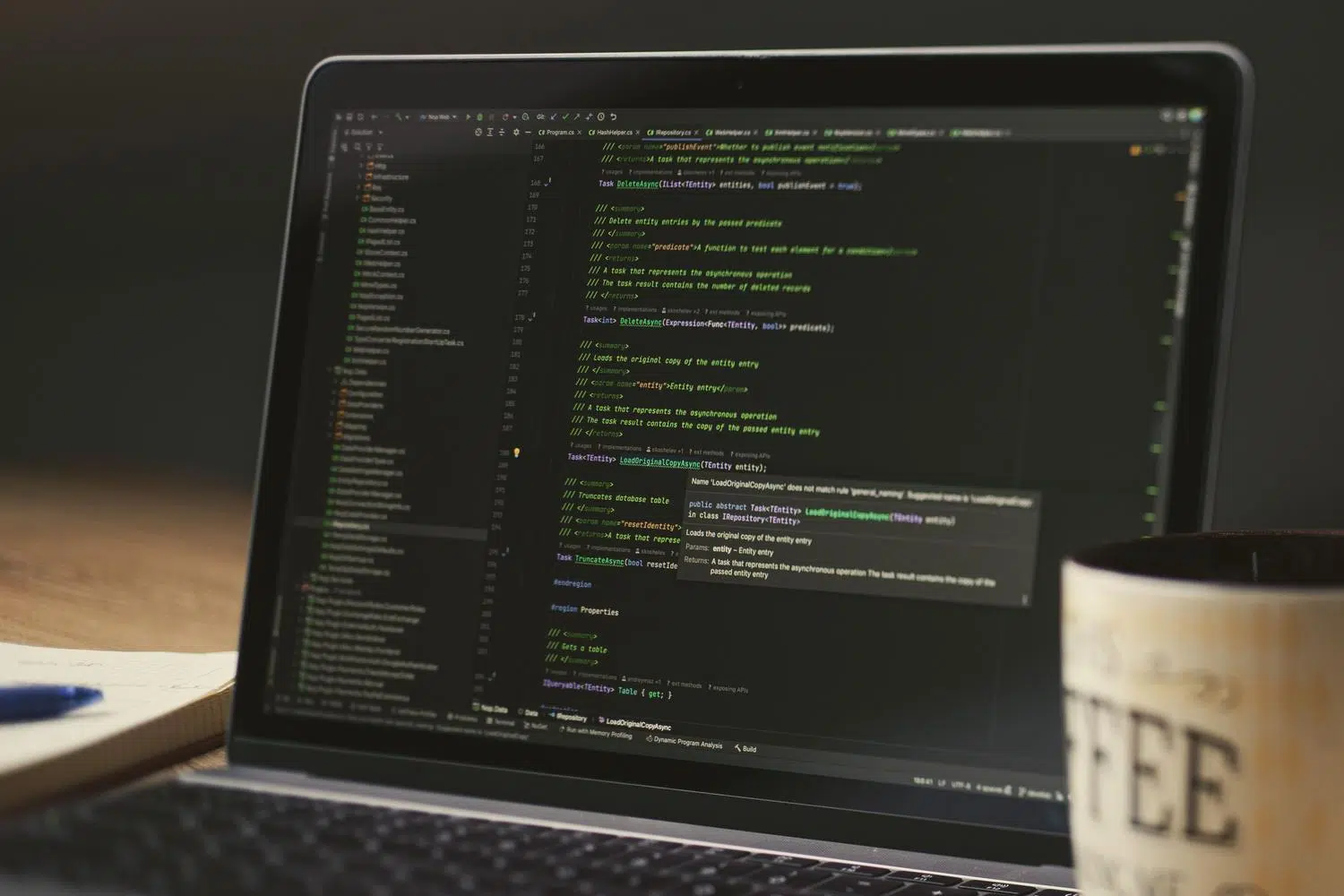
If you're just starting out in the world of programming or have been coding for a while, you know that choosing where to write your command lines is almost as important as the language you choose. Sometimes we feel overwhelmed by the sheer number of tools out there, ranging from simple editors that resemble a souped-up notepad to veritable behemoths of software that look like an airplane cockpit, capable of managing colossal projects with ease.
The key is understanding that there's no single perfect tool for everyone, but rather the right tool for your current workflow . Whether you're designing a simple website with HTML or developing a complex infrastructure in Java or Python, knowing the difference between a text editor and an integrated development environment (IDE) will save you a lot of headaches and, above all, many hours of frustration in front of the screen.
What is the difference between a code editor and an IDE?
To avoid confusion, let's first clarify the concepts. A code editor is basically a lightweight tool designed for writing and modifying plain text. Although they are fast and consume few resources, their functions are usually basic, such as syntax highlighting so you don't see all the code in the same color, or simple autocomplete. They are ideal for quick scripts, front-end web development, or when you don't want your computer to start sounding like a jet engine.
On the other hand, an IDE (Integrated Development Environment) is a complete package. Imagine it as a code editor that comes with a compiler, a debugger, and automation tools already integrated into a single interface. This means you don't have to jump between three different programs to write, test, and debug your code. However, in exchange for so much power, they tend to be larger, require more RAM, and have a steeper learning curve.
The most prominent code editors
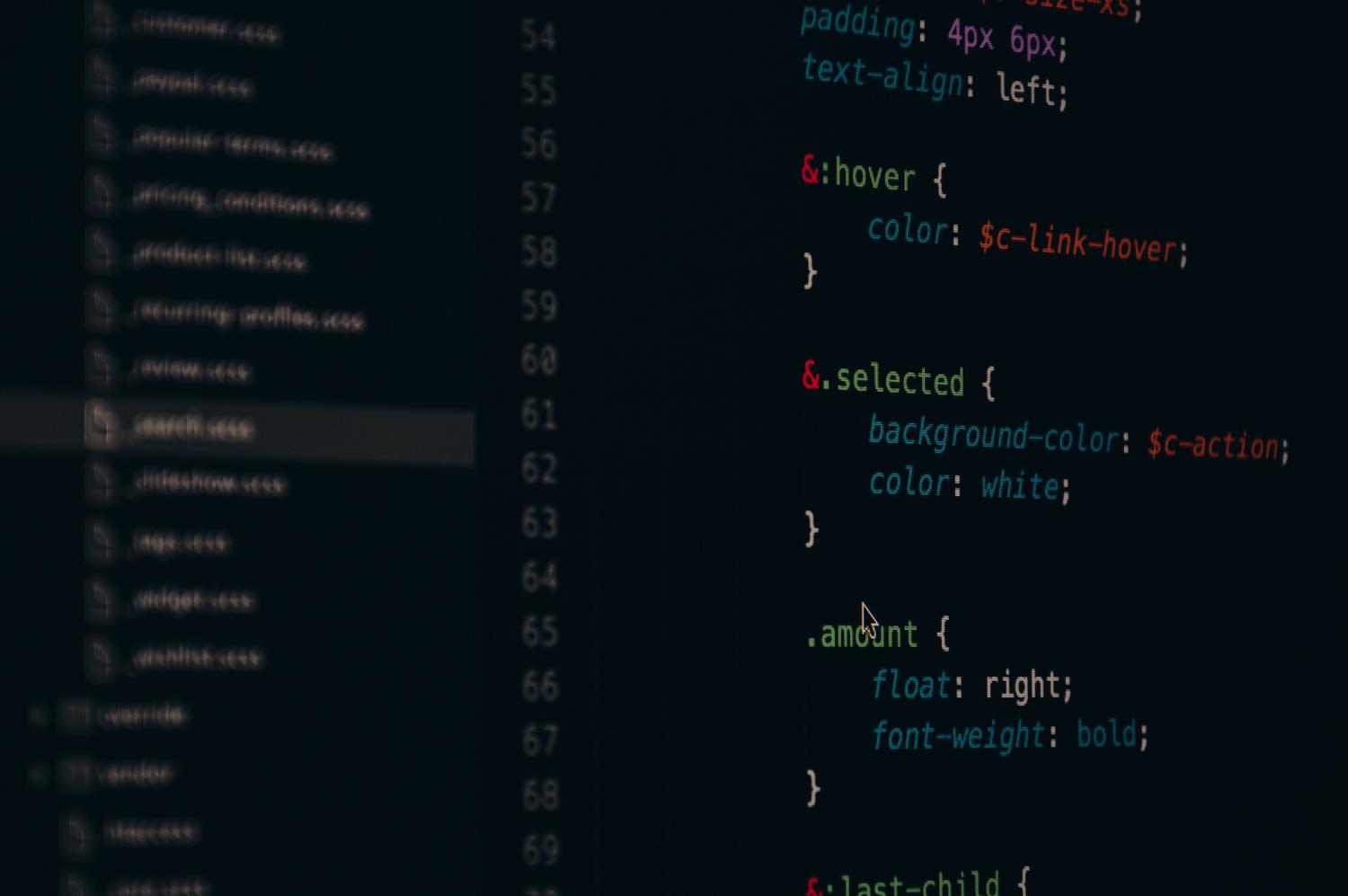
- Visual StudioCode: It's the undisputed king for many. The best part is that it's free, open source, and works on any operating system. Its greatest strength is its ecosystem of extensions; you can turn it into almost anything you need. Furthermore, it has IntelliSensewhich makes autocomplete surprisingly accurate.
- Sublime text: If you're looking for pure speed, this is the site for you. It's famous for being incredibly smooth, even with massive files. It allows the multi-line editingThis allows you to change ten words at once in different parts of the document, boosting your productivity. Although it has a paid license, you can use it for free for a limited time.
- Atom: Created by the people at GitHub, it stood out for being highly customizable and integrated with Git. However, it's important to keep in mind that The project has been discontinued.Therefore, it will not receive any more updates, although there are still those who refuse to let it go.
- Notepad++: A classic for Windows users. It's extremely lightweight and opens anything instantly. It's the logical evolution of Notepad, ideal for quick editing tasks without complications.
- Brackets: This one is very focused on web design. Its crown jewel is the Live Preview, which allows you to see in the browser the changes you make to the code in real time, without having to constantly refresh the page.

Professional Integrated Development Environments (IDEs)
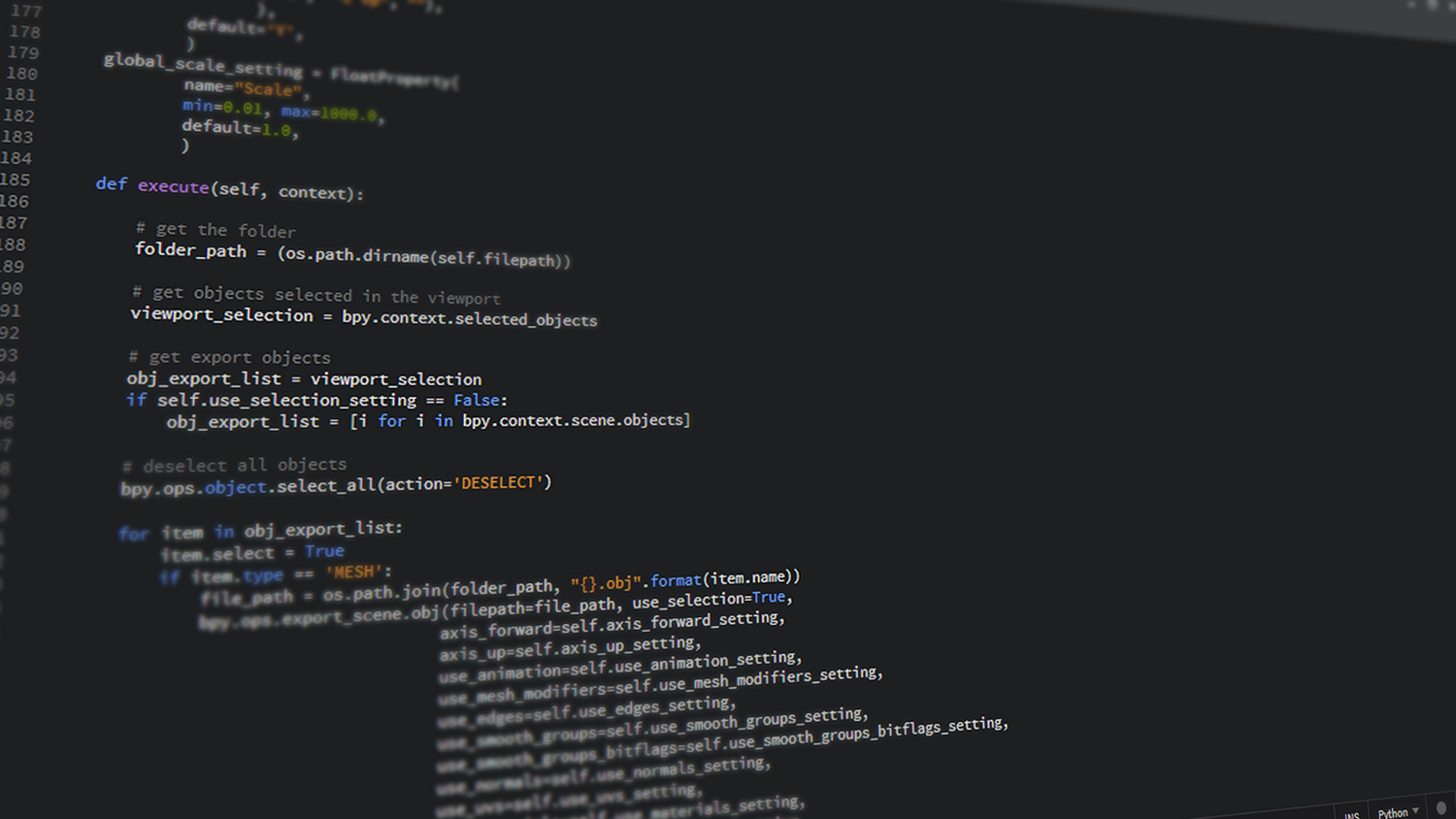
As projects grow, we need heavy artillery. This is where specialized IDEs come in, and JetBrains dominates much of the field with tools designed for specific languages.
- IntelliJ IDEA: It's the reference for Java and Kotlin. Its ability to intelligent code analysis It's amazing, suggesting improvements and detecting errors even before you try to run the program. It has a free Community version and a paid Ultimate version.
- PyCharm: Every Python developer's dream. It manages virtual environments, integrates with Docker, and offers powerful debugging. It's the ideal tool for data science and backend development with frameworks like Django or Flask.
- PhpStorm: Specifically created for PHP and highly recommended if you work with CMS platforms like WordPress or Drupal. It allows you to do safe refactorings, changing variable names throughout the project without breaking anything.
- CLion: For those who struggle with C and C++. It offers a quick documentation review and analysis tools that make such complex languages easier to understand. a little more digestible.
Other versatile and free options
Not everything is paid software or JetBrains software. There are very robust open-source alternatives like Eclipse and NetBeans . Both are pillars in the Java world, although through plugins they can be adapted to almost any language. Eclipse is extremely extensible, although some users feel its interface is a bit outdated. NetBeans, on the other hand, offers very convenient window management and a very intuitive visual debugger.
There are also options like Android Studio , which is the absolute standard for creating mobile apps on Android thanks to its full integration with Google's SDK and emulators. For purists or those looking for something very lightweight, there are Vim and Emacs , editors that are primarily keyboard-based and, although intimidating at first, allow for stratospheric editing speeds once mastered.

How to choose the ideal tool for you
To avoid mistakes, first consider the programming language you'll be using. If you're creating a simple website, an editor like VS Code or Brackets is more than enough. But if you're building a complex enterprise application, an IDE will save you time in debugging and troubleshooting . Also, consider your hardware; if your computer doesn't have much memory, avoid heavy IDEs and opt for lightweight editors or even cloud-based solutions , which allow you to program without overloading your machine's processor.
Another key point is budget and collaboration. Many professional IDEs are paid, but they offer teamwork and access management features that can be worthwhile in corporate environments. If you're a beginner, it's wisest to start with something versatile and free so you don't get overwhelmed with complex configurations from day one.
The final choice depends on whether you prioritize the speed and simplicity of a text editor or the power and automation of an IDE. While the former are perfect for scripts and frontend development, the latter are indispensable for backend projects and complex software, allowing you to manage compilation, testing, and debugging in one place to maximize the quality of the final code.