- Password managers act as digital safes that encrypt your credentials under a single master key.
- There are various options, from open source and local storage to cloud-based solutions with full synchronization.
- Security is enhanced through AES-256 encryption, the zero-knowledge principle, and two-factor authentication.
Let's be realistic, these days it's practically impossible to keep track of all the passwords we use. Between email, banking, social media, and that subscription you signed up for three years ago, we end up managing dozens of accounts. The most common, and also the most dangerous, mistake is to end up using the same password for everything or writing them down on a piece of paper that anyone could find. Keeping this manual record is a risk we shouldn't take in such an aggressive digital environment.
To solve this headache, there are password managers, tools designed so you only have to memorize one password. These applications not only store your data but also protect your confidential information with advanced encryption processes, allowing you to browse the web with the peace of mind that your identity is protected against potential hacks or massive data breaches.
What exactly is a password manager and how does it work?
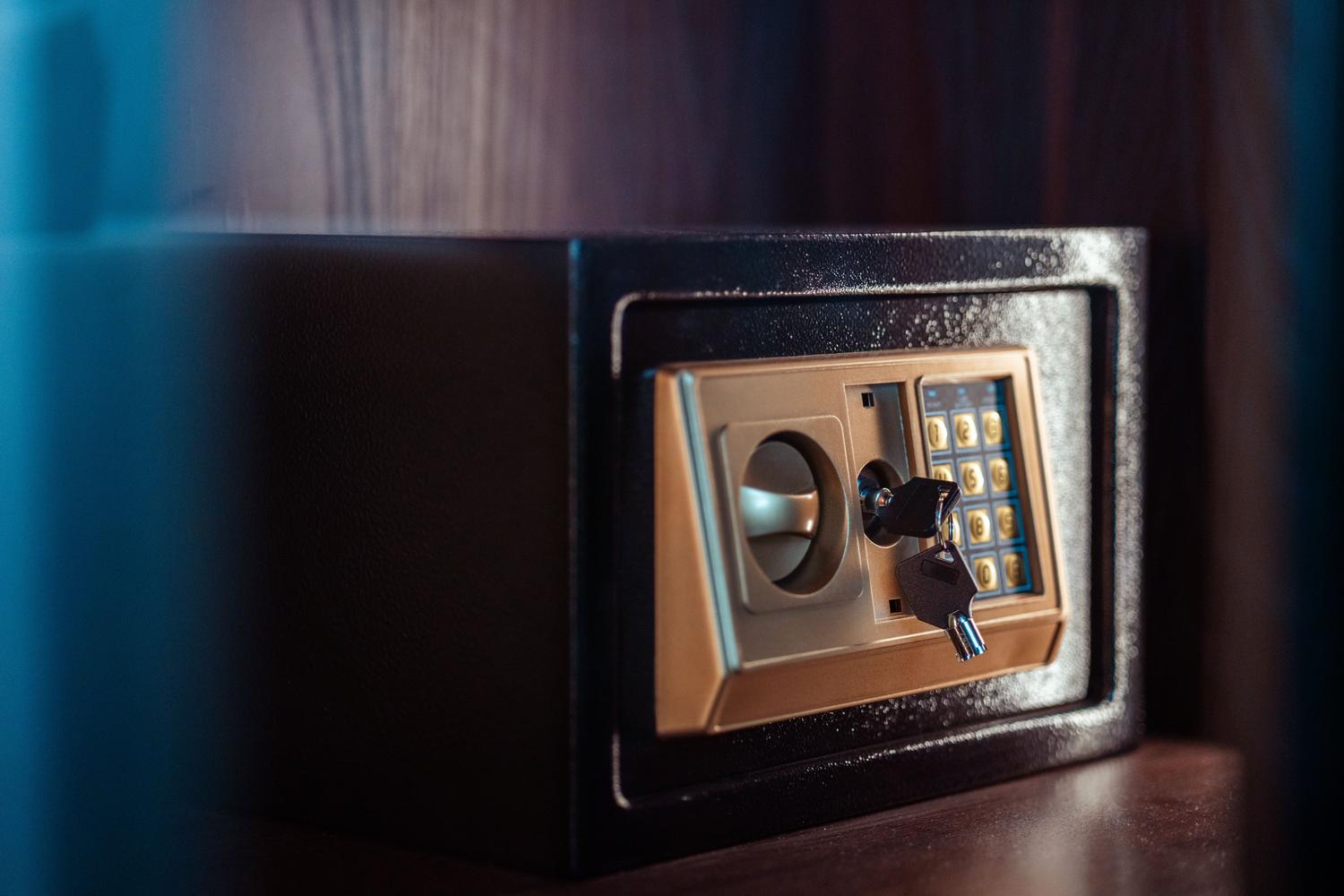
Imagine it's a kind of digital vault where you store all your credentials. Instead of remembering twenty different passwords, you only need one master password , which is the unique key to unlock the vault. Once inside, the program takes care of the rest. When you visit a website, the manager recognizes the site and automatically fills in the fields , saving you time and preventing typos.
In addition to storing passwords, these tools can create passwords from scratch. Forget about using your birthdate or your dog's name; the manager generates robust, random combinations of letters, numbers, and symbols that would be nearly impossible for an attacker to guess. Many of them also monitor the network to alert you if any of your passwords have been exposed in a security breach, allowing you to change your password before it's too late.
Security analysis: Can we trust them?
It's normal to feel apprehensive at first and think that putting all your eggs in one basket is dangerous. However, the reality is that using a password manager is much safer than reusing simple keys. Most of these applications use the AES-256 encryption standard , known as military-grade encryption, which makes decrypting the data without the master key virtually impossible.
A key concept here is zero-knowledge . This means that the company developing the software has no access to your master password or your encrypted data; only you possess the key. To add an extra layer of security, it's recommended to enable two-factor authentication (2FA) , which requires an additional code sent to your mobile phone or a physical key like a YubiKey to gain access, preventing unauthorized entry even if someone has stolen your master password.

Comparison of the best available tools
The market is vast, and your choice depends on whether you're looking for something free, professional, or with complete control. Below, we detail the most prominent options:
- Bitwarden: It's the crown jewel for those seeking transparency, as it's open source. Its free version is surprisingly generous and allows... synchronization between multiple devices for free.
- 1Password: Much loved by Apple users for its elegance and fluidity. It stands out for its travel mode, which hides sensitive data when crossing borders, and security based on an additional secret key.
- KeePassXC: The ideal option for privacy purists. It doesn't use the cloud; it stores everything on a... local encrypted file on your own computer, eliminating any risk of leakage on external servers.
- LastPass: An industry veteran that offers highly effective autofill and vault health analysis, although it has restricted synchronization in its free plan.
- dashlane: It stands out by offering very useful extras, such as a Integrated VPN and a control panel that tells you exactly which keys you urgently need to renew.
- NordPass: From the creators of NordVPN, it uses XChaCha20 encryption, which is more modern and powerful than traditional AES, and offers email aliases for Avoid spam and tracking.
- Keeper: Highly focused on the business environment and the handling of highly sensitive data, with an extremely rigid security architecture.
- Enter: It offers unique flexibility, as you decide where to store your database (Google Drive, iCloud, Dropbox) instead of relying on the provider's servers.
- RoboForm: Specialist in the auto-completion of complex forms, being one of the fastest and simplest options on the market.
- Sticky Password: It allows local synchronization and offers a portable USB version, ideal for those who don't want to leave a trace on the computer they use.
Browser-integrated managers versus specialized software
You probably use the default password manager that comes with Chrome or Safari. For a basic user, this might be sufficient because it's convenient and already installed. However, these managers fall short in terms of advanced security. They often don't offer encryption as robust as dedicated programs and are entirely dependent on the browser ecosystem. If you switch from Chrome to Firefox, recovering passwords from different browsers can be a hassle.
Specialized password managers, on the other hand, work in any browser and application. They also allow you to manage secure notes, bank cards, and encrypted documents —something browsers cannot do. Their ability to generate strong keys and support for physical keys make them the preferred option for those who take their personal cybersecurity seriously.
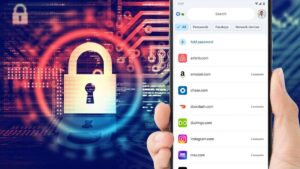
Guide to getting the most out of your password manager
Simply installing the app isn't enough; you need to know how to configure it to make it truly effective. The first step is to create an unbreakable master password : use a long phrase with symbols and numbers that only you remember, because if you lose it, in most cases there's no way to recover your data for security reasons.
Once configured, it's ideal to perform a general cleanup. Import your current passwords and use the security analysis to identify weak or duplicate passwords. From then on, get into the habit of using the password generator every time you register on a new site. Finally, make sure to keep the software updated and avoid entering your master password on public Wi-Fi networks or other people's devices to prevent interception attacks.
Having control of our digital credentials is fundamental to preventing identity theft and financial fraud. Whether opting for a free, open-source solution or investing in a premium subscription with extras like a VPN, the key is to abandon the habit of using simple passwords. Integrating a password manager into our daily routine not only takes the burden off our shoulders by eliminating the need to remember anything, but also elevates our protection to the highest level , allowing us to enjoy the internet with complete security.