If you have an Android Auto-compatible car that requires a wired connection, you know how tedious it is to repeat that ritual every time you get in the car. Taking out your phone, finding the cable, plugging it in, and making sure it's securely in place. In newer models, this has been solved with wireless connectivity, but in thousands of older cars, like a 2019 Toyota Corolla, things are different. The solution involves a small adapter that plugs into the car's USB port and allows you to connect Android Auto wirelessly . And here, the Motorola Drive MA2 has become the star, as it's the only one officially endorsed by Google.
But Android Auto isn't just about adapters. Google's platform continues to evolve with updates that fix bugs, improve stability, and pave the way for major new features. In recent weeks, users have seen version 17.4 resolve the annoying connection drops that appeared with 17.1, while version 17.5 is now rolling out in a stable form, promising a significant aesthetic overhaul and the integration of Gemini AI. Furthermore, third-party apps like Fermata continue to expand the system's multimedia capabilities, allowing users to watch YouTube or Plex on the car's screen, as long as the vehicle is parked.
The Motorola Drive MA2, the adapter that Google endorses
The Motorola Drive MA2 is a small device with a short USB cable (available in USB-C and USB-A versions) that connects to your car and allows any vehicle compatible with wired Android Auto to switch to wireless operation. The key advantage of this adapter is its Google certification , which guarantees a stable connection and minimal latency, virtually identical to a wired connection. In our tests, the experience was seamless: no additional apps need to be installed; simply pair your phone via Bluetooth, and the device handles the rest using a 5 GHz Wi-Fi connection.
One of the most outstanding advantages of the MA2 is its multipoint capability. It allows you to connect two phones simultaneously , which is very useful if you share a car with your partner or another person, as each person retains their own Android Auto profile, playlists, and preferences. With a simple click of the central Motorola "M" button, you can switch between phones without having to reconfigure anything. Furthermore, the device enters low-power mode if it's not used for a few minutes, and it has a physical power button to prevent any residual power consumption.
The only downside to the MA2 is the initial connection time. From the moment you turn on the car until Android Auto appears on the screen, almost 30 seconds pass , while with the cable the wait is barely five seconds. It's not a serious problem, but if you're someone who wants instant connectivity, it can be a little frustrating. Even so, once connected, the stability is excellent, and it doesn't overheat or have connection problems, something that can't be said of other cheaper adapters on the market.
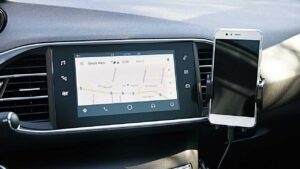
Google fixes connection issues with Android Auto 17.4
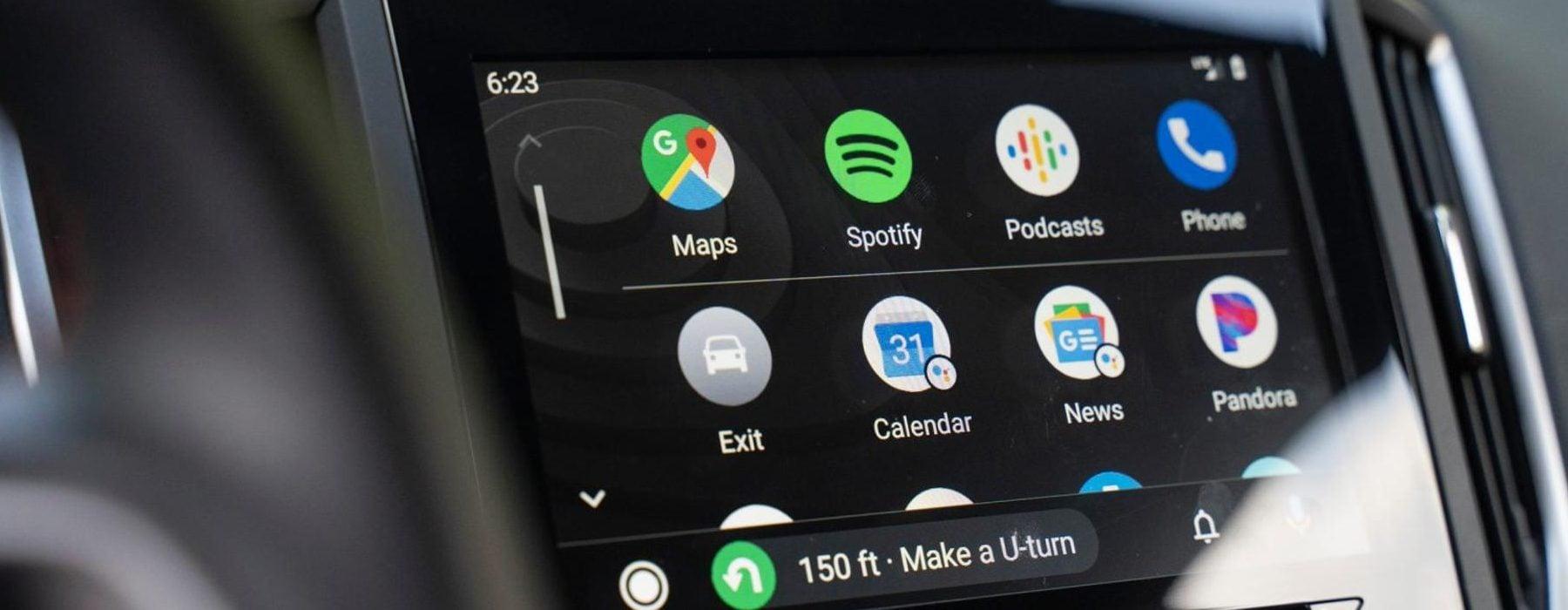
Over the past few weeks, many Android Auto users have experienced a rather annoying problem: the connection would freeze or drop randomly after just a few minutes of use. The bug appeared with version 17.1 and affected both wired and wireless connections , regardless of the phone or vehicle. Those affected tried changing cables, phones, and even multimedia units, but nothing worked. Versions 17.2 and 17.3 also failed to fix the problem.
Google has confirmed on its official forums that the fix is now included in Android Auto 17.4 and later versions. The update is being rolled out gradually through Google Play , so some users may have to wait a few days to receive it. If you're still experiencing connection drops, the first thing you should do is check that you have the latest version installed. If it's not available in the Play Store, you can always use sites like APKMirror to install the APK manually.
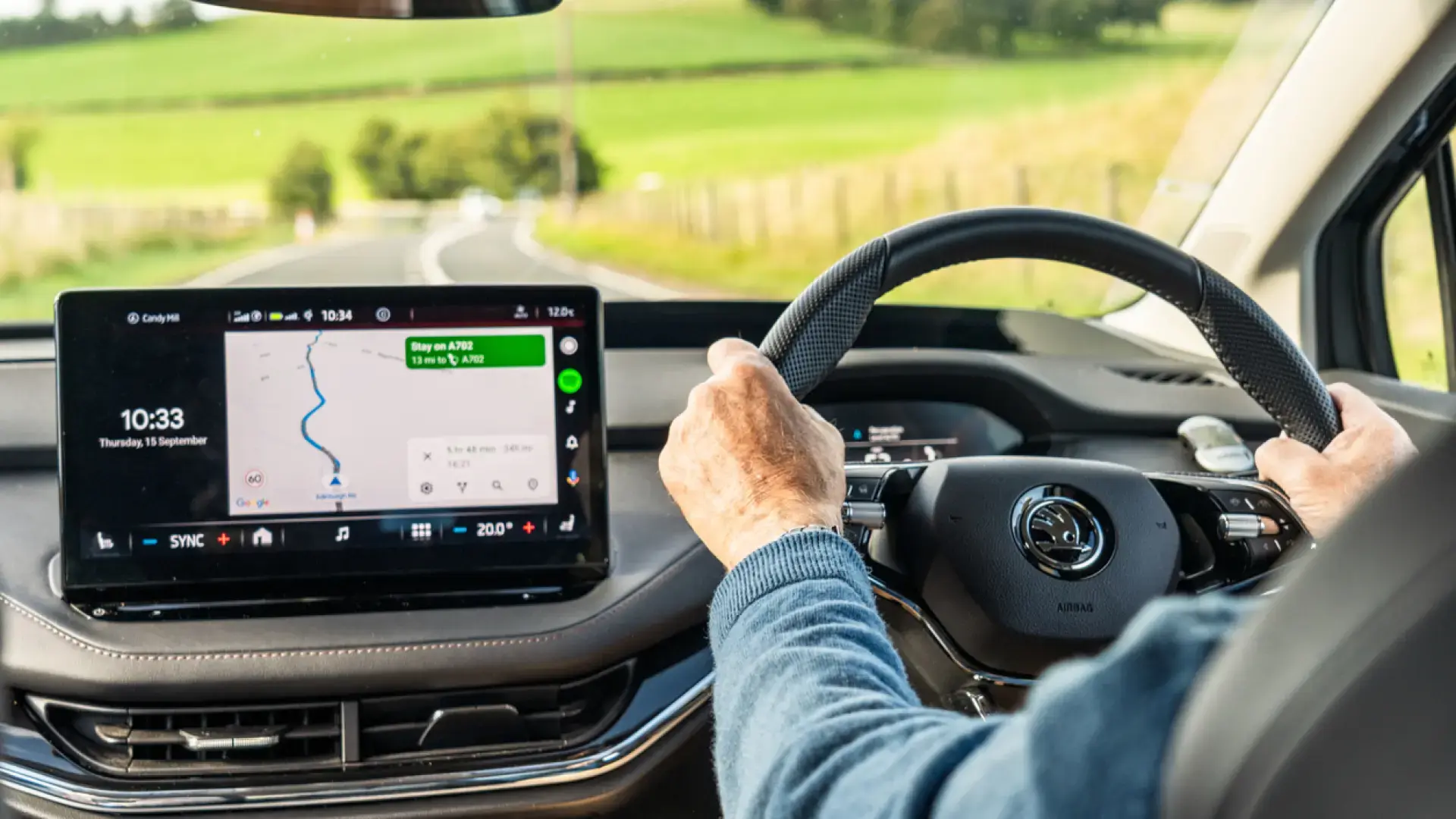
But updating the app isn't the only solution. There's a second problem affecting Pixel 10 phones connected to Volkswagen, SEAT, and Skoda vehicles . In this case, Google has determined that the issue isn't with the phone or the app, but with the vehicle's multimedia unit, which is rejecting the connection. The solution involves contacting the dealership or service center to have them install the latest version of the multimedia software. Updating Android Auto on the phone won't help; the update must be done in the car.
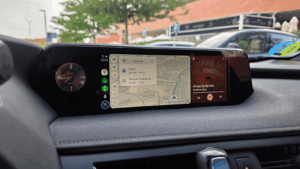
Fermata, the app that brings YouTube to Android Auto
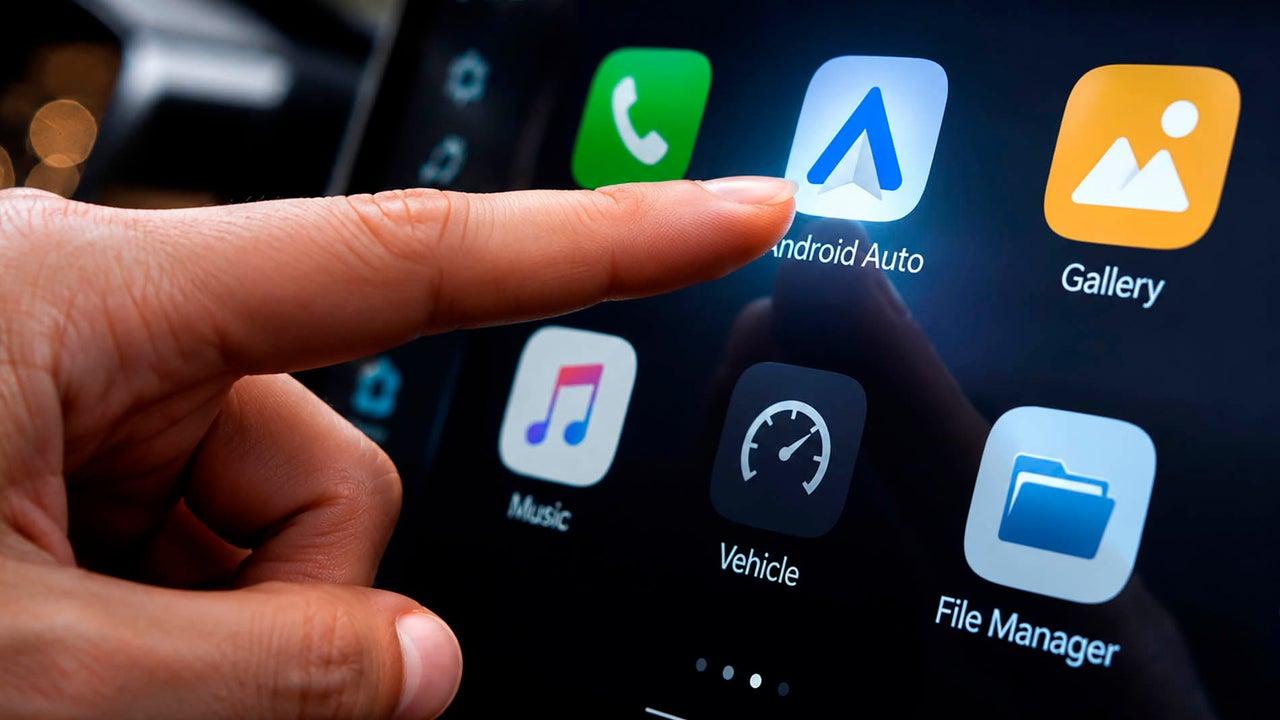
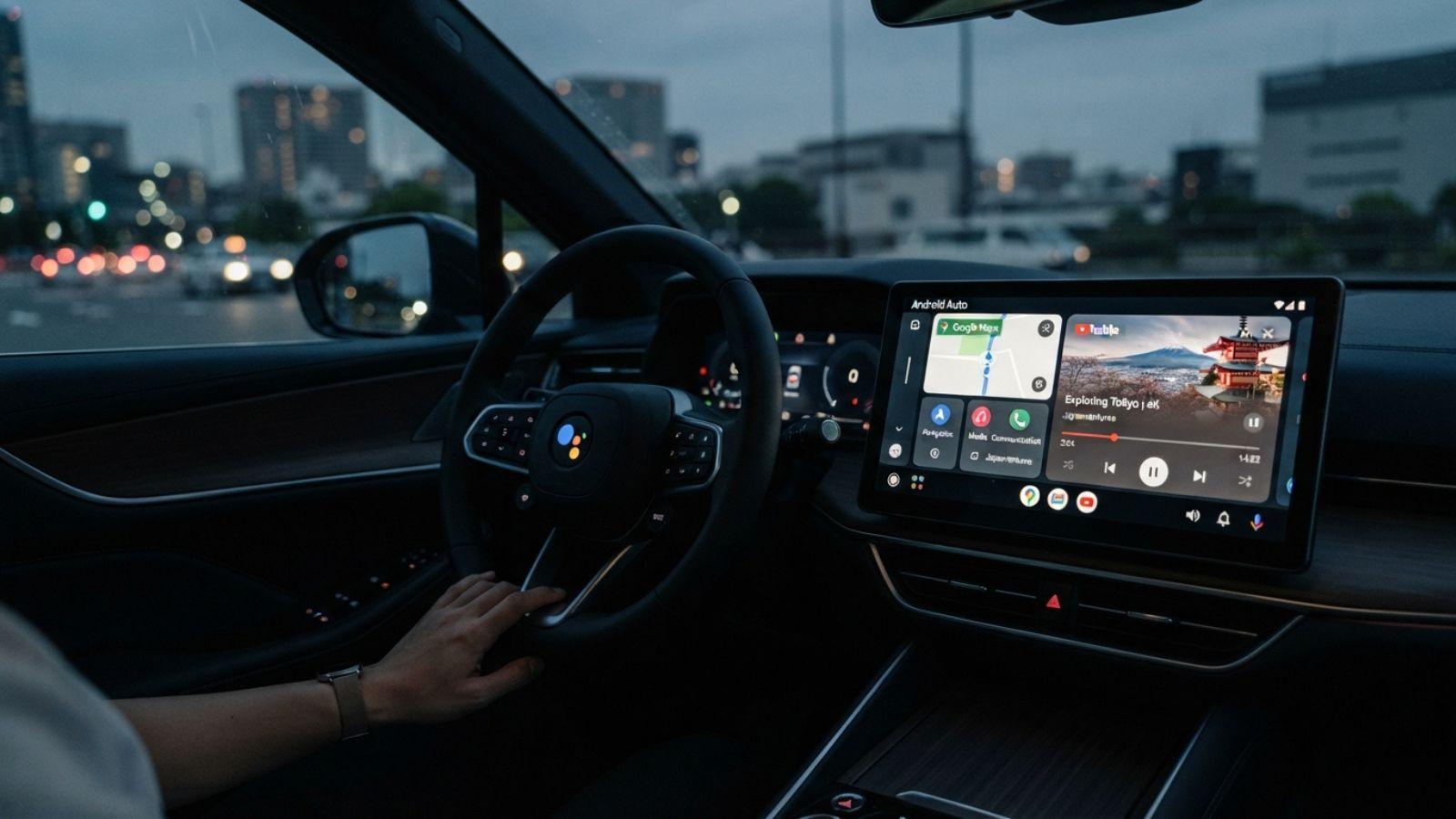
Android Auto doesn't offer native support for YouTube, one of its most criticized limitations. But third-party developers have found a way around this restriction. Fermata is an app that allows you to watch YouTube on Android Auto , Stremio, Plex, and other multimedia platforms directly on your car's screen . However, this only works when the vehicle is completely stationary, as the Highway Code prohibits watching videos while driving, even in a traffic jam or while waiting at a traffic light.
The latest update to Fermata brings a new, much more organized and cleaner design that matches the look of the rest of Android Auto. The new look is activated from the app's settings menu , so you can choose between the classic and updated designs and switch between them as often as you like. In addition, the developer has fixed several bugs that affected the tool's functionality, although they haven't specified exactly which ones were fixed.
Installing Fermata is simple: just download the latest version from GitHub and install it on your Android device. The app is free and doesn't require any special permissions , although it's important to remember that its use should be limited to times when the car is stopped. If you're one of those people who wait in the car for the kids to get out of school or for someone to come downstairs, Fermata makes that waiting time much more enjoyable.

Android Auto 17.5, the future with Gemini and Material 3 Expressive
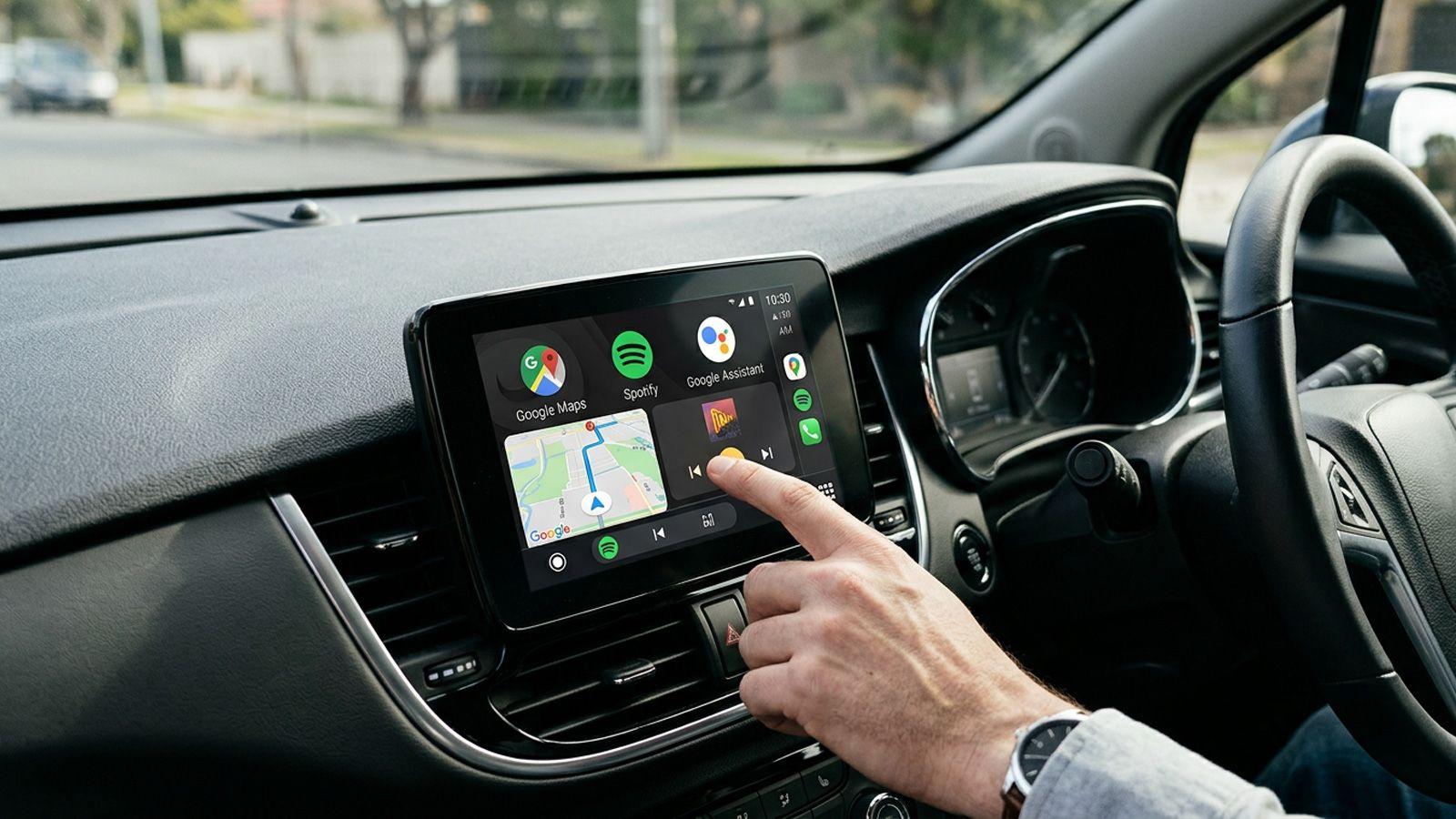
Google has begun rolling out the stable version of Android Auto 17.5, an update that doesn't include any visible changes in the new features log, but paves the way for an aesthetic and functional revolution. Version 17.5 comes with mature code that will allow new features to be activated remotely in the coming months, without needing to update the app again.
Among the most anticipated new features is the integration of Gemini, Google's AI assistant, which will definitively replace Google Assistant. Also expected is the arrival of Material 3 Expressive, a new design language that will completely change the Android Auto interface , making it more modern and user-friendly. Custom widgets are also on the way, allowing each user to personalize their home screen with their most frequently used apps.
Another highly anticipated feature is 3D navigation with Google Maps, which will offer hyper-realistic, three-dimensional elements of the urban environment. YouTube will also be natively available on Android Auto, although it can only be used when the car is parked , to watch videos while waiting. All these new features will be rolled out gradually, so don't worry if you don't see them immediately after updating to version 17.5.
Quick controls and other tricks for Android Auto
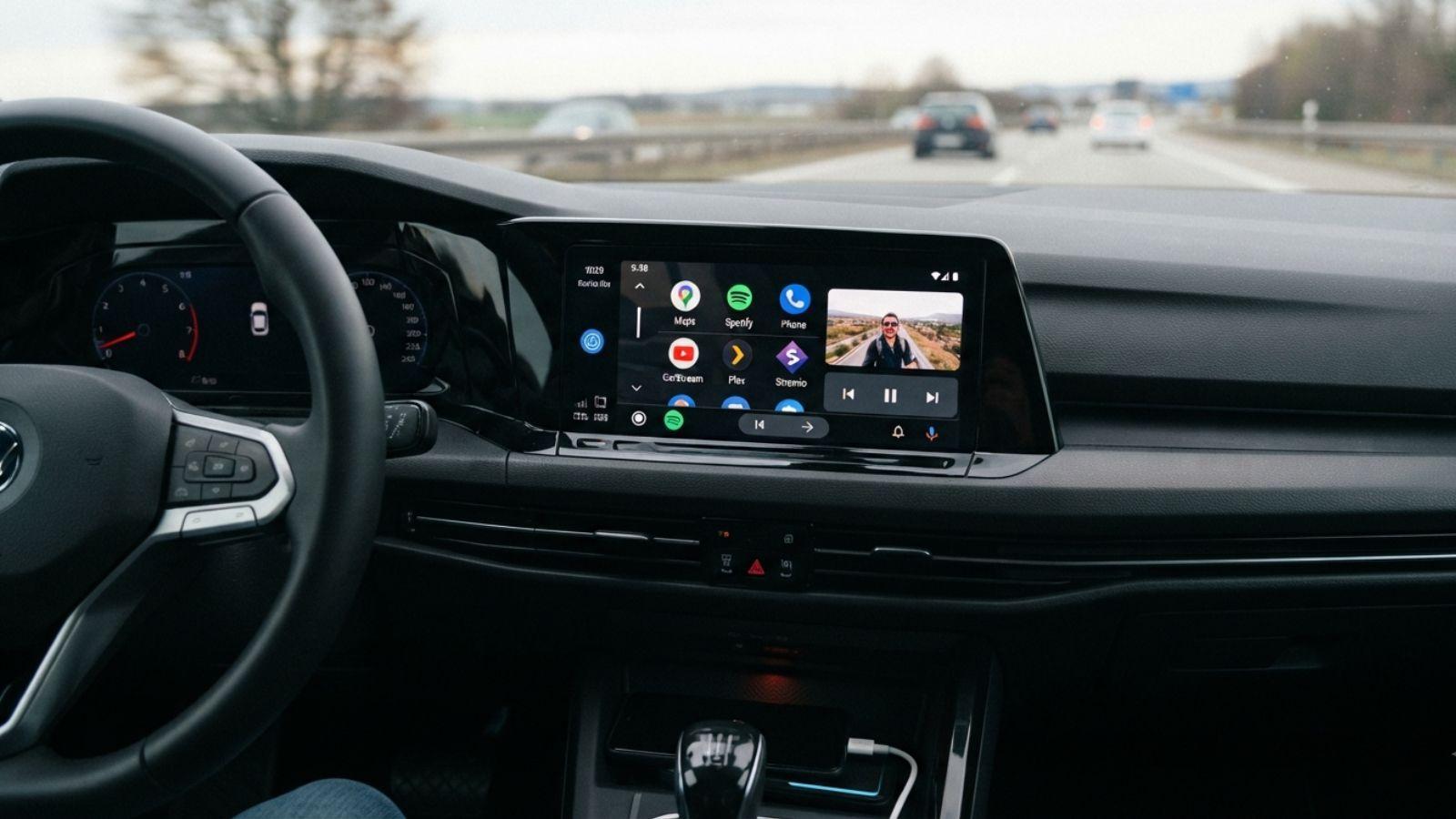
In addition to its major new features, Android Auto hides little tricks that improve the everyday experience. One of the most useful is the ability to add quick playback controls to the taskbar. With this feature, you can pause, resume, or skip tracks without having to open the music app , even if you're using Google Maps or Waze. To activate it, simply go to Settings within Android Auto and look for the option "Show quick controls for apps" or "Taskbar widgets."
This trick is compatible with most multimedia apps, such as Spotify on Android Auto or YouTube Music, and works both on the car's touchscreen and via the steering wheel controls. It's a simple way to keep playback controls readily available without losing sight of navigation . If your version of Android Auto doesn't show this option, make sure you have the latest update installed, as Google has been rolling it out gradually.
In short, Android Auto remains a constantly evolving platform with solutions for everyone. The Motorola Drive MA2 is the most reliable option for those who want to go wireless , while version 17.4 fixes connection issues and version 17.5 prepares for the future with Gemini and Material 3 Expressive. And if you're looking to get the most out of multimedia capabilities, Fermata remains the best alternative for watching YouTube in the car, as long as the vehicle is parked. With all these options, Android Auto solidifies its position as the most complete infotainment system on the market.